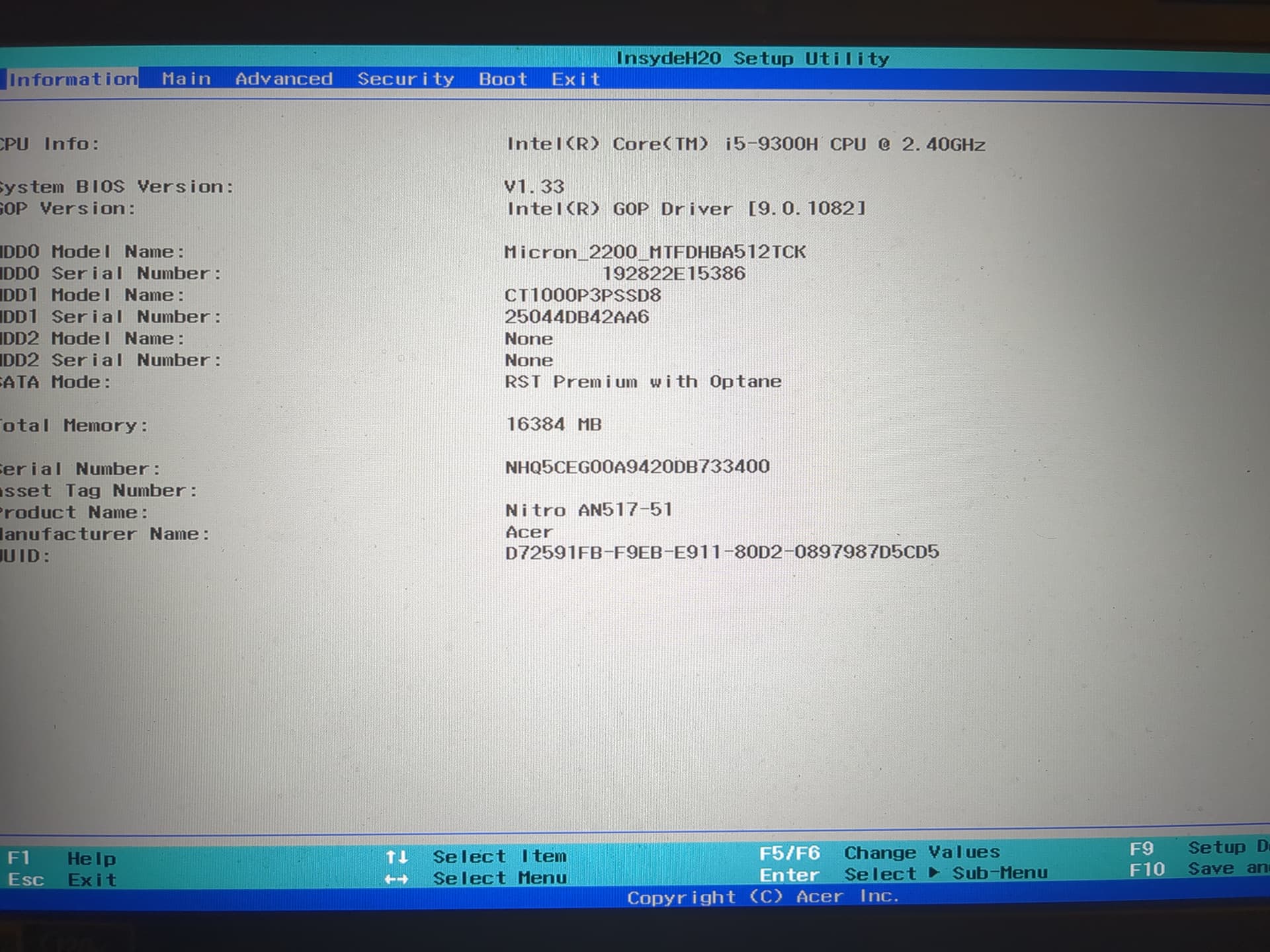
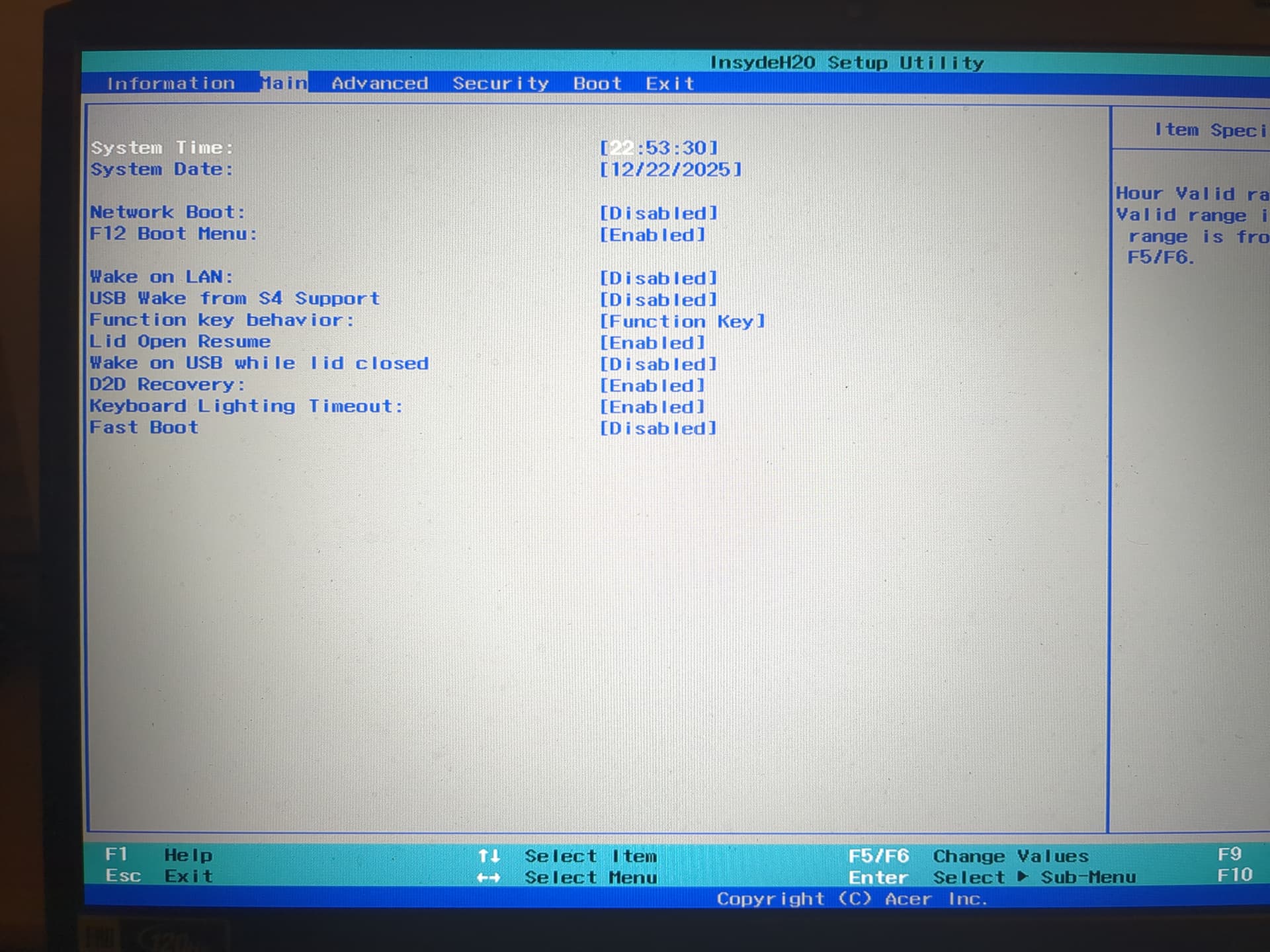
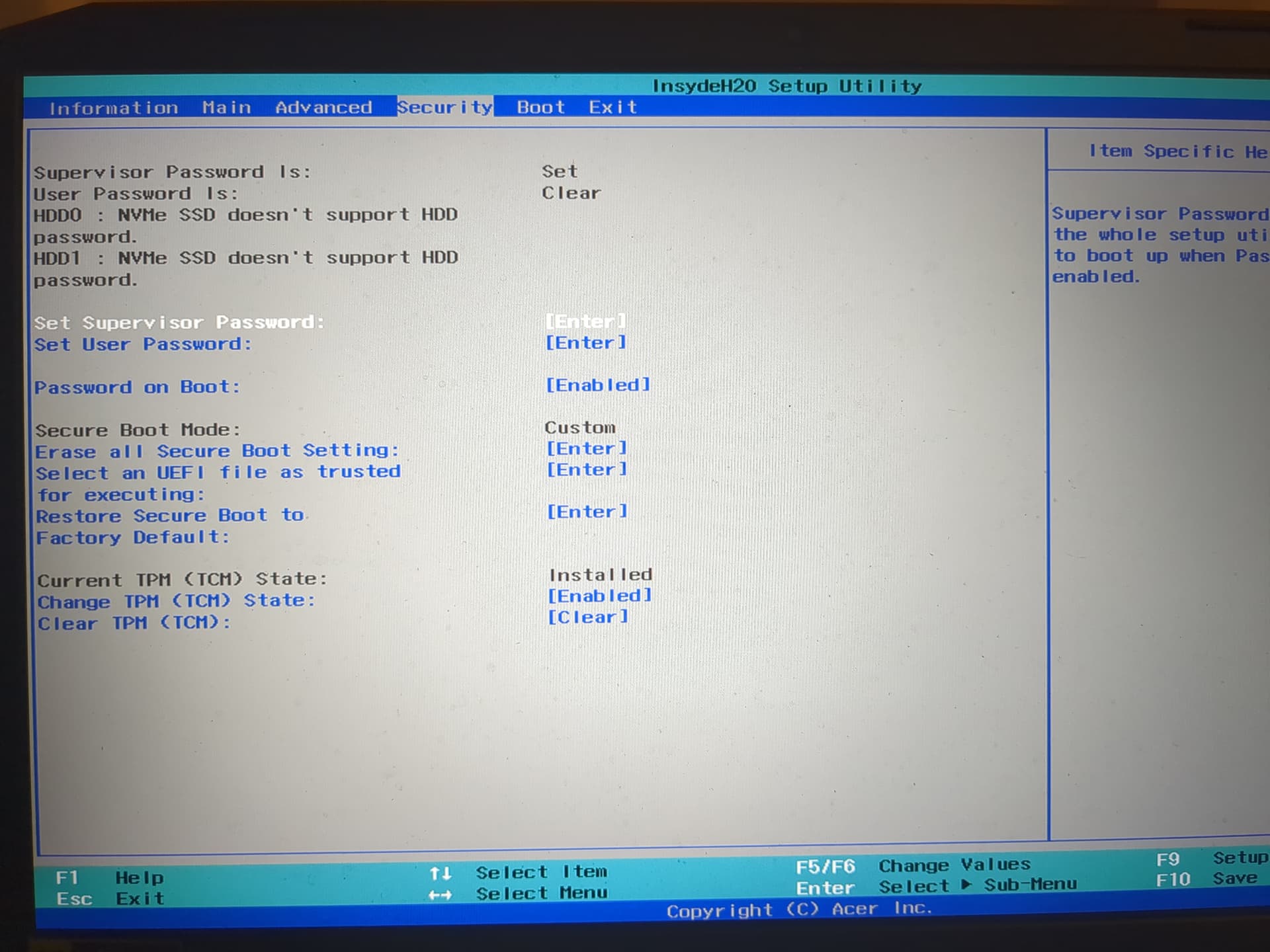
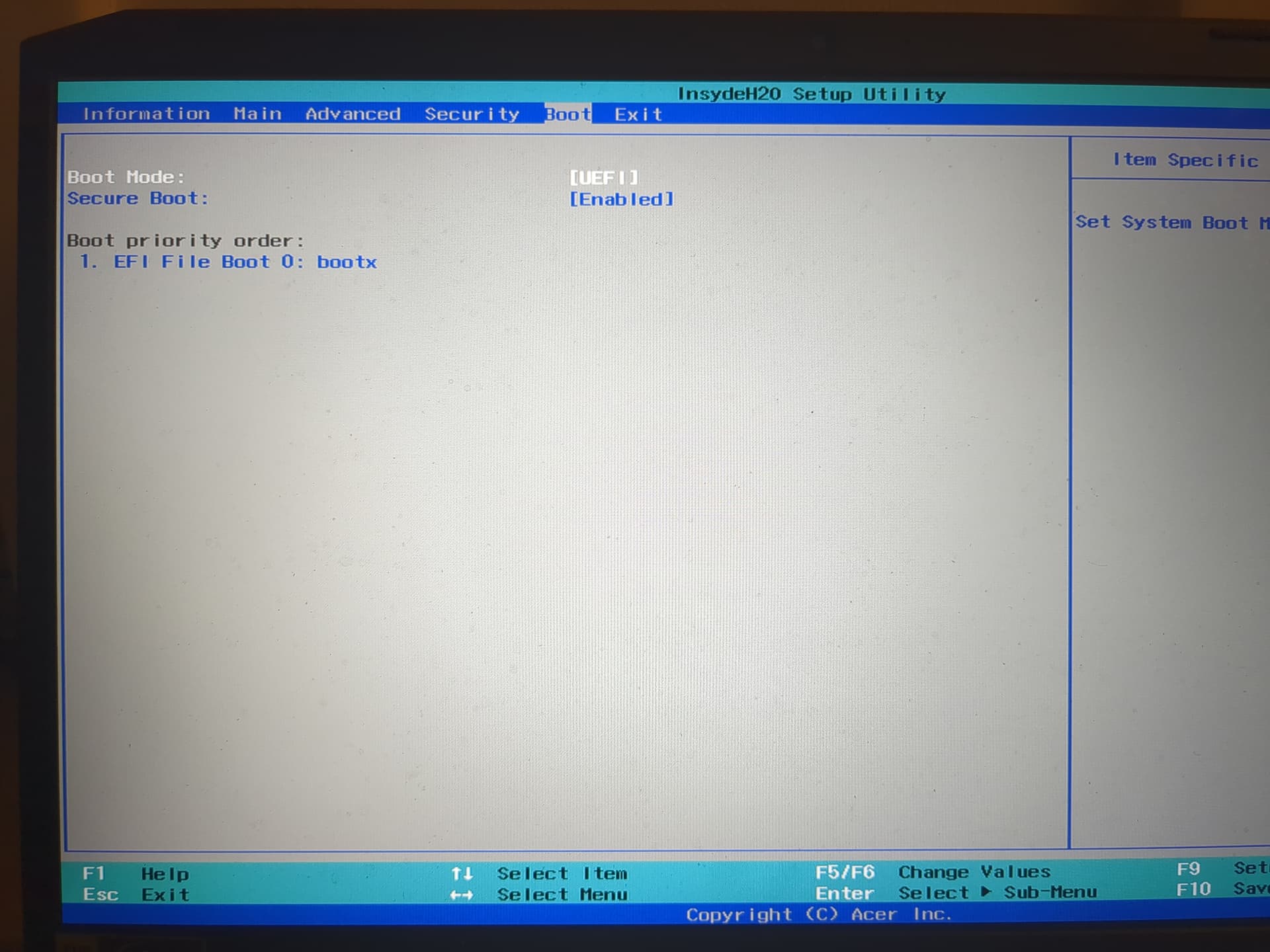
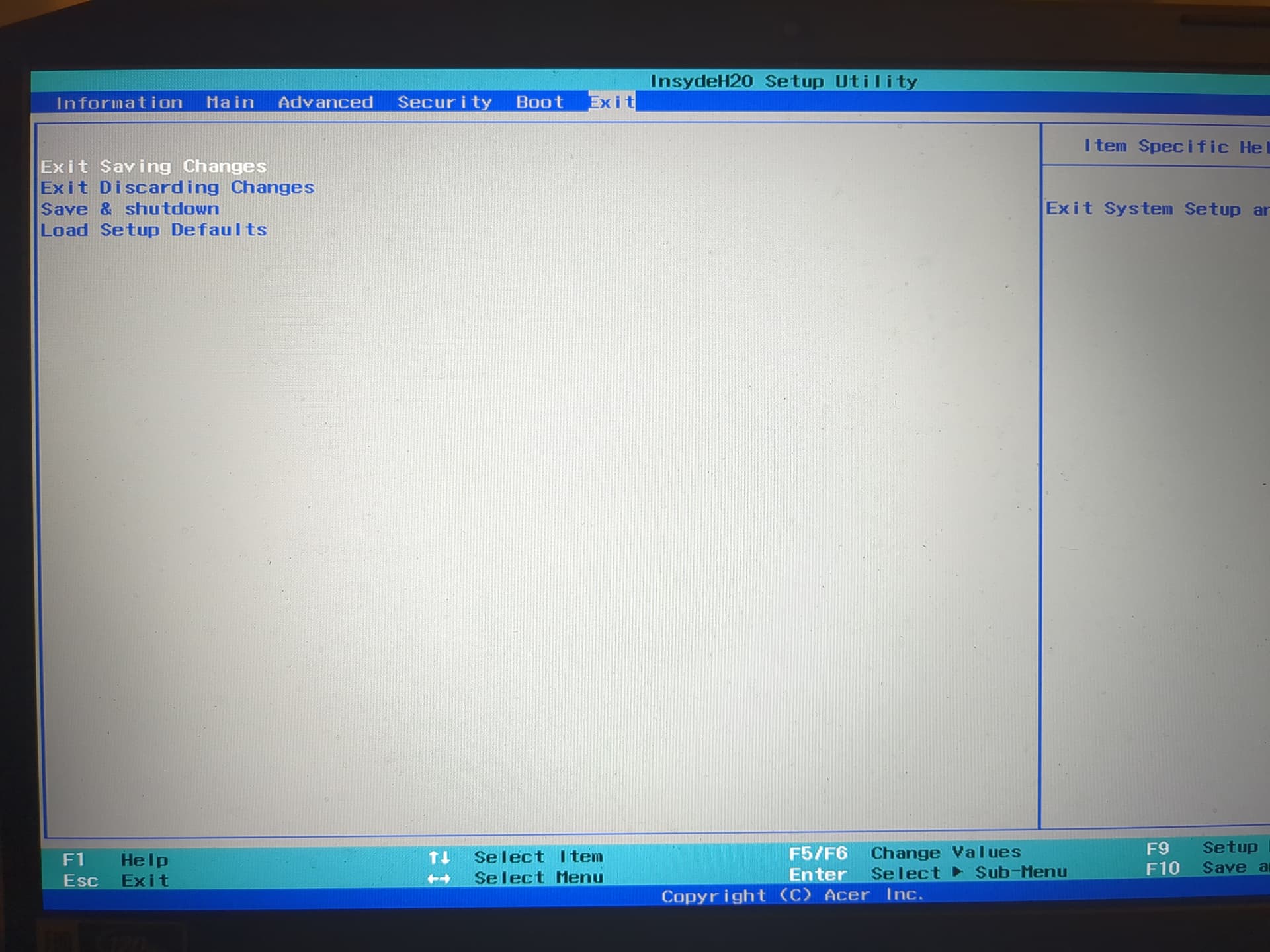
You are not showing an Ubuntu entry in UEFI, just linpus lite. You need an Ubuntu entry. In addition, all Acer systems require “trust” on an “unknown” uefi entry. It changes the default ubuntu entry to unknown until you set trust and rename entry.
Several similar threads.
Acer Aspire F5-522. Trust setting - shows some details
I enabled ACHI and now the drives get recognized in the live session.
Now I was able to reinstall, however it still doesn’t boot and says no bootable device
i now noticed that before it shows that error, it shows another in the top left reading
“Error: file ‘/boot/’ not found.”
I tried to trust the EFI file in the BIOS, but it only shows options from the live USB
Should be the latest windows 10 build as of 2 weeks ago.
Can you elaborate?
Tried, does not work. Windows is also not shown in the boot priority settings in the BIOS.
Not sure what you mean? Both are storage drives, one come with the laptop, one I installed later.
I remember way back reading something in windows about Intel optane being enabled?
Optane was a small SSD 16 or 32GB just for Windows hibernation. Windows was slow booting so wanted vendors to have faster boot. Some with Optane module just uninstall it and install a larger NVMe drive. Intel has discontinued Optane.
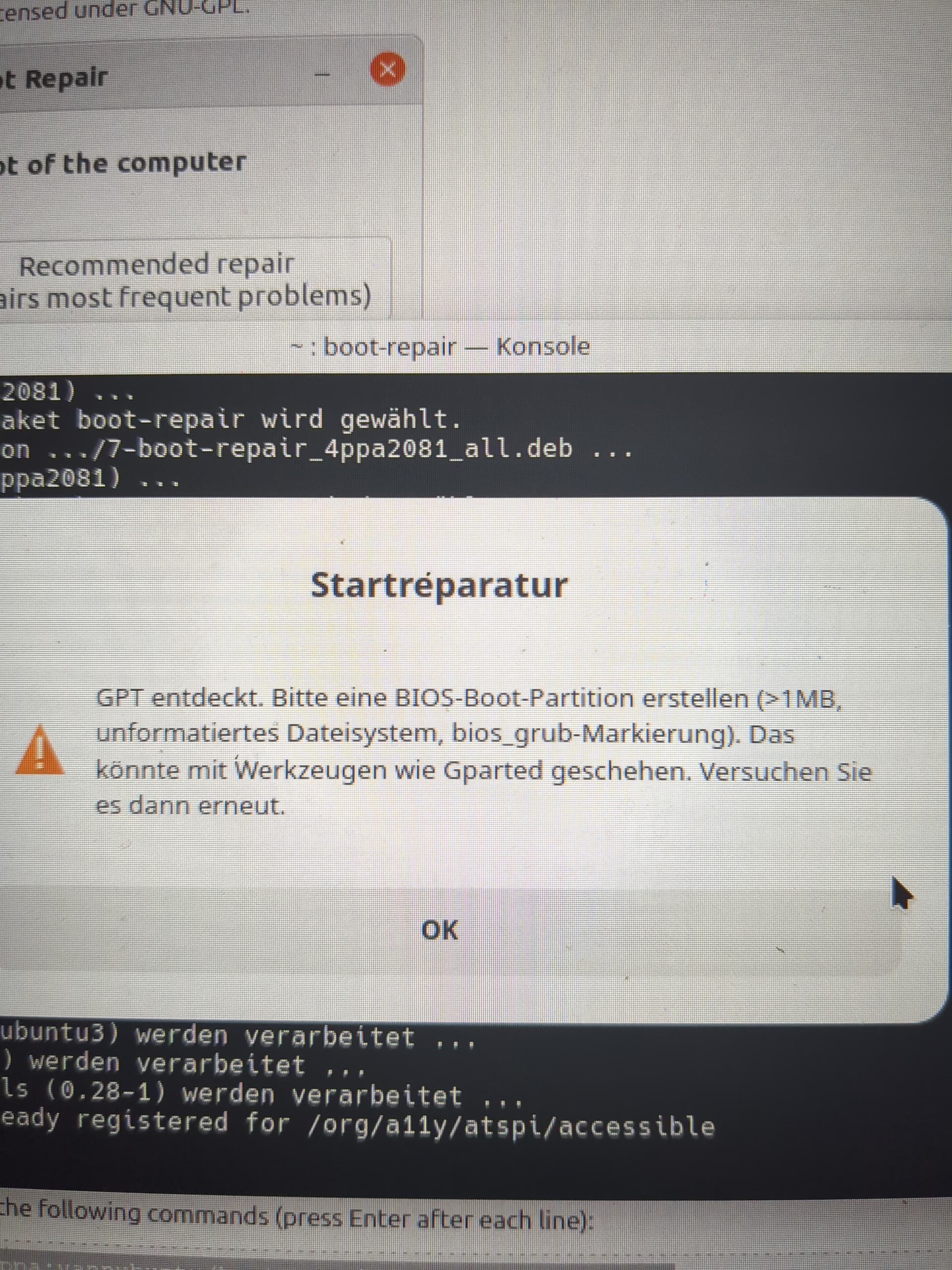
For non-German speakers, in the OP’s post above, the text in the pop-up says (in American English idiom):
“GPT detected. Please create a BIOS boot partition (>1 MB, unformatted, with bios-GRUB flag). This can be done with tools like Gparted. Then try again.”
Microsoft requires gpt with UEFI boot. And uses only MBR with old BIOS boot.
Conversion from MBR (msdos) to gpt totally erases entire hard drive. So be sure to have good backups.
Users could install Windows in old BIOS/MBR mode, but that really was only for older hardware, prior to 2012 when Microsoft required vendors to install in UEFI boot mode to gpt partitioned drives. Newer laptops since about 2020 are UEFI only, even if it says BIOS. My Dell says BIOS, but once in “BIOS” it says UEFI boot only.
Did your system originally come with Windows? Vendor installs put Windows Product key (license)_ into UEFI, so reinstall can use it.
At some point you (or someone else) reinstalled Windows, right?
And did it in the “wrong” mode (Legacy/CSM/“BIOS”) as noticed above. There’s no way any factory installed Windows 8 or newer was done in Legacy mode. So, a great part of your current predicament is your own fault
I’d have to agree the most likely scenarios is pointed out above by celticwarrior.
Both disks are gpt and as pointed out by others, microsoft requires EFI installs on GPT disks for windows to function. You don’t have an EFI install of windows, not even an EFI partition.
You have windows boot code in the mbr of the first disk but it is a gpt disk so it is useless. Was this converted by someone from dos partition table?
You can’t boot kubuntu because you don’t have any linux boot loader installed such as grub in the mbr of the drive nor do you have a bios-boot partition to boot a legacy install of grub on a gpt drive nor do you have an efi partition on either drive so that an EFI boot would be possible.
You have at least 1 windows/ntfs partition on each drive and the 2nd drive appears to be the windows system.
Lines 72 and 73 of boot repair show ubuntu on one drive and windows on the other drive
The simplest solution would be as suggested, to reinstall both in EFI mode after backing up your personal data. You indicate you are using windows 10 but support for it ended on October 14th so there have been no builds since then and unless you obtained their extended support, you can’t even get security updates for it.
 Please check if similar issues have already been reported and resolved.
 See the “Start here” guide:
 In BIOS, set storage/SATA mode to AHCI (disable RST/VMD)