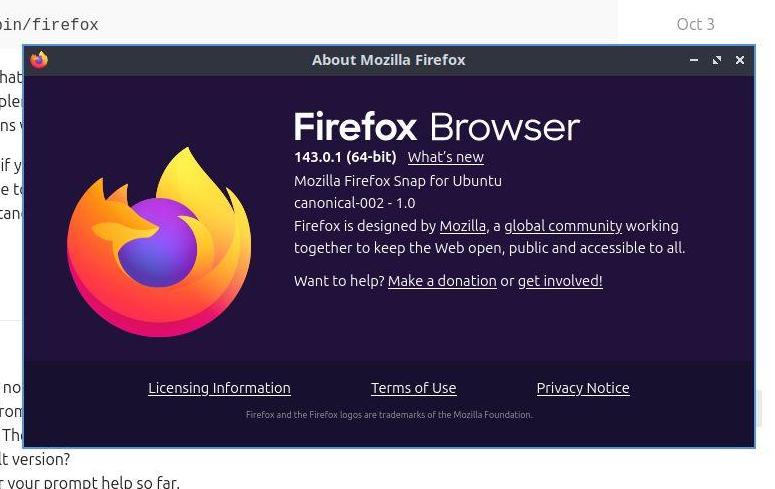
Please note that firefox is installed and set as the default browser at system install time …
…shows that you seem to have replaced the default browser with a third party version … since there are plenty ways of installing firefox and also plenty of places to get it from in various incarnations we can not really support this here …
That said, if you make such a support request giving as much detail as you can, like what method did you use to install it, where did you get it from etc will help the people that want to help you to understand your potential issue better and enable them to give better support too …
Oh. I have no idea where it came from other than as part of the recent installation. I was running Lubuntu from a USB stick for a couple of weeks to try things out as part of a move from Windows. There was no dual boot so I doubt if it came from there. Is there no way of restoring the default version?
Thanks for your prompt help so far.
Alan
Sorry !! I just noticed that the firefox deb that installs the snap actually puts a wrapper script into /usr/bin/firefox (which then runs /snap/bin/firefox which I expected as return command for which firefox)
So I was wrong about that third party install … mea culpa !
One of the reasons the firefox .deb package still exists in the archives is also to provide x-www-browser so that it becomes the first browser installed by the system, and, therefore, made the default. The snap package is unable to do this on its own.
A sudo apt install --reinstall firefox might take care of that.
Also, for what it’s worth, .desktop files for snaps are kept at /var/lib/snapd/desktop/applications.