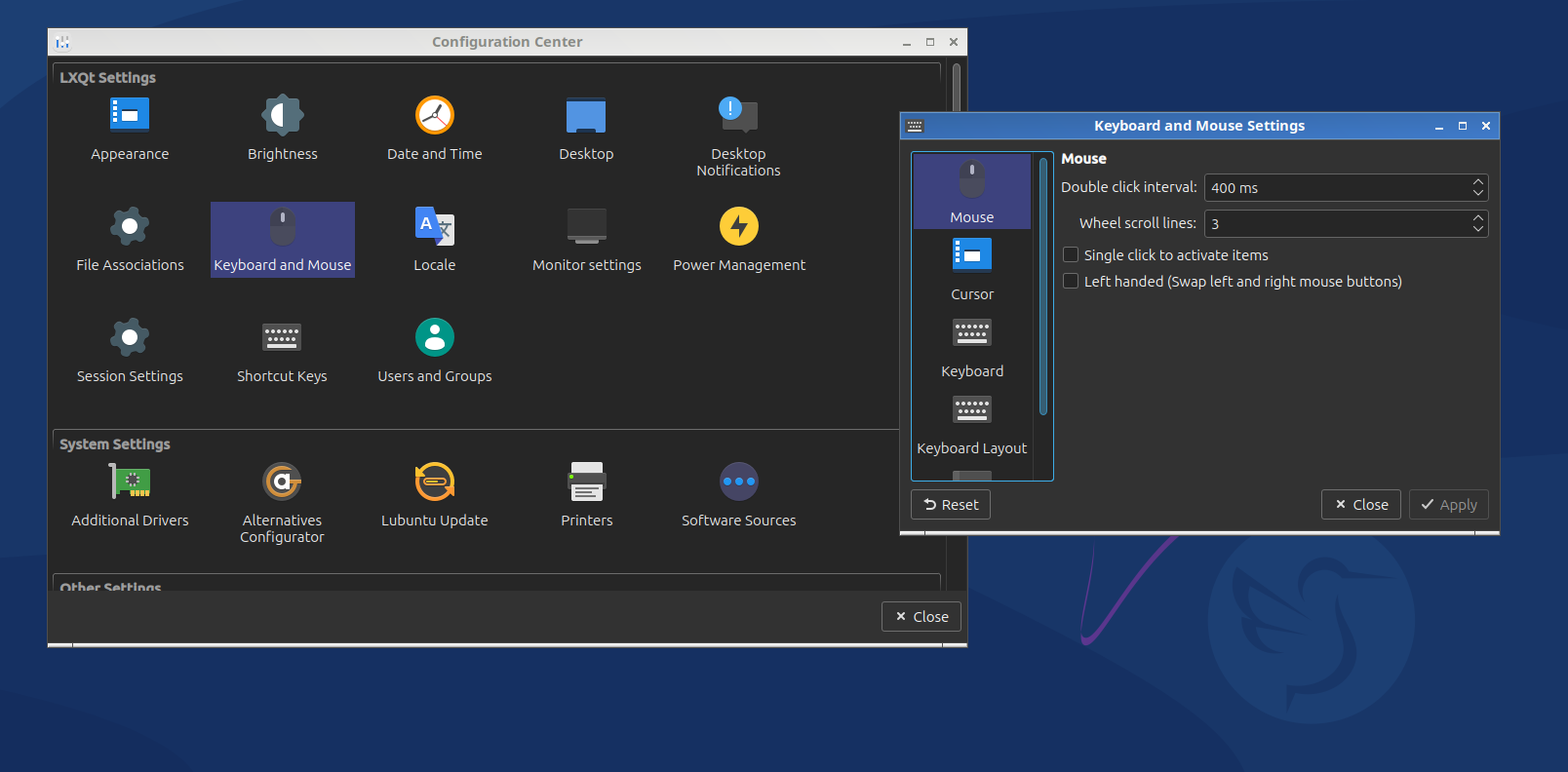
The touchpad on my laptop isn’t working for me. It was working fine with the GNOME, KDE, and XFCE interfaces, but when I installed Lubuntu, it stopped working. What is the solution?
It would help to know a bit more about your hardware — especially your laptop model and the output of:
xinput list
and
sudo dmesg | grep -i touch
In many cases, touchpad issues on Lubuntu are related to the driver backend (libinput) or missing modules. You can also try enabling it manually:
sudo modprobe i2c_hid
or checking whether the touchpad is disabled in LXQt settings.
Share the details above and we can help you troubleshoot further.
1 Like
⎡ Virtual core pointer                          id=2    [master pointer  (3)]
⎜   ↳ Virtual core XTEST pointer                id=4    [slave  pointer  (2)]
⎜   ↳ ETPS/2 Elantech Touchpad                  id=11   [slave  pointer  (2)]
⎣ Virtual core keyboard                         id=3    [master keyboard (2)]
    ↳ Virtual core XTEST keyboard               id=5    [slave  keyboard (3)]
    ↳ Power Button                              id=6    [slave  keyboard (3)]
    ↳ Video Bus                                 id=7    [slave  keyboard (3)]
    ↳ Ideapad extra buttons                     id=9    [slave  keyboard (3)]
    ↳ AT Translated Set 2 keyboard              id=10   [slave  keyboard (3)]
[ 1.366559] input: ETPS/2 Elantech Touchpad as /devices/platform/i8042/serio1/input/input4
Thanks for the output — it’s helpful.
Your system detects the Elantech touchpad correctly, which means the hardware is working, but Lubuntu (LXQt) may not be loading the right configuration.
Here are a few things you can try:
Check if the touchpad is disabled in LXQt
Open:
Preferences → LXQt Settings → Mouse and Touchpad
Make sure the touchpad is enabled, and try toggling “Tap to click”.
Show touchpad properties
This will help confirm if all features are loaded:
xinput list-props "ETPS/2 Elantech Touchpad"
If you can share the output, we can pinpoint the missing feature or driver.
Specifics matter, but you provided few.
Ubuntu and flavors share the same base, however there are some different defaults between them, but you’re without any release or kernel stack defaults.
GNOME is used by Ubuntu Desktop; it has different kernel stack defaults to the flavors for LTS point release media (initial & .1), but all flavors have the same defaults; did you install using different release media?? You can change defaults via package changes as per Ubuntu HWE kernel documentation… assuming that’s your issue, but you gave no comparison.
Both Kubuntu and Lubuntu use the calamares installer for 24.04 & newer releases, which differ to Xubuntu & Ubuntu Desktop - but again no release detail was provided; the difference here is minimal, with Ubuntu Desktop offering OEM kernel stack options that Lubuntu media & calamares does not offer.
Moved to support and help so you can get the support you need.
1 Like