Ubuntu 24.04.3 LTS GNOME
After installing a fresh install certain apps that I have used previously will not open such as VLC
You’re without many specifics.
If I wanted to explore a problem with a program starting, I’d likely jump to terminal (CtrlAltT) and start it there, eg.
guiverc@d7050-next:~$   vlc
VLC media player 3.0.22 Vetinari (revision 3.0.22-0-gf9020c4df0)
[000059072e79e590] main libvlc: Running vlc with the default interface. Use 'cvlc' to use vlc without interface.
QFont::fromString: Invalid description 'Ubuntu,11,-1,5,400,0,0,0,0,0,0,0,0,0,0,1'
[000059072e83b6a0] main playlist: playlist is empty
at which point a window opened giving me the VLC window as expected.
You don’t give any details of what package type your apps are; eg. my vlc is the default Ubuntu package (ie. apt policy vlc will tell you its from Ubuntu repositories for my resolute release) and thus has apparmor config setup for it, but some other package formats may not have apparmor setup for your Ubuntu system (being more generic package types that run on many distros) thus you setup permissions yourself. Error messages for that, if not obvious from the terminal output I’d expect to see in dmesg type queries (ie. system logs; but I’d possibly explore further too such as journalctrl etc)
Do note that running GUI apps at terminal will show many warnings & messages that can be ‘scary’, but don’t represent problems; eg. the output I saw & thus copied into my response here can be ignored… but its where I look for the clues on actual problems too.
2 Likes
when I went to the terminal and tried to open it from there after typing vlc and hitting return the terminal just sat there with no further output.
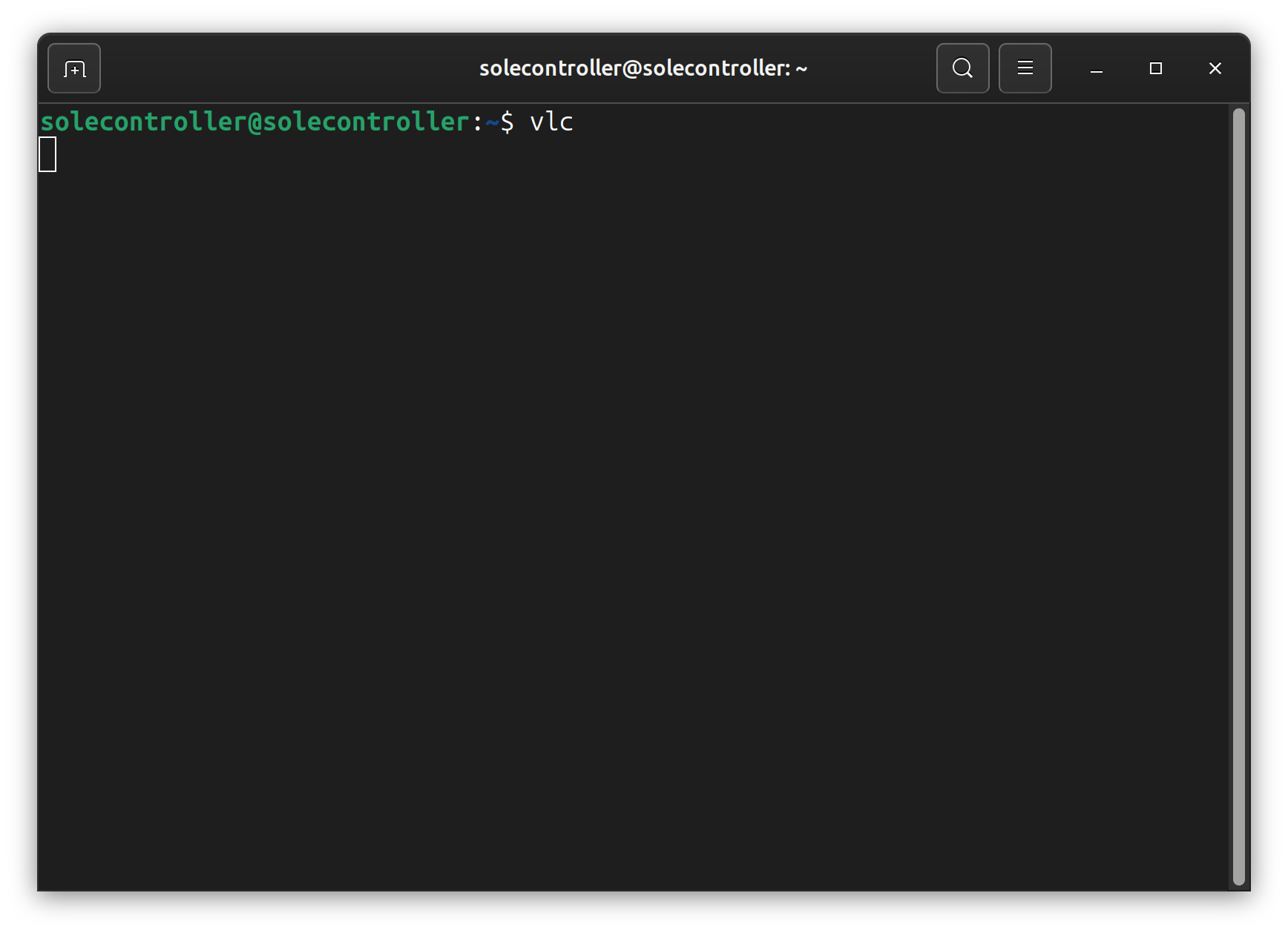
Yet when I went to close the terminal window it said that there was an opperation running and that if I closed the window it would end the process. this happened over and over without the application loading.
@solecontroller Welcome to Ubuntu Discourse 
Open a terminal and run this command:
whereis vlc
What does it show?
it said vlc: /snap/bin/vlc
What happens if you try from the terminal like this?
snap run vlc
Any error messages, does it start at all?
On my Ubuntu 24.04.3 LTS with Gnome desktop environment and a Wayland compositor, both suggested commands open a VLC window.
When we install VLC from Ubuntu Software we get a snap packaged version of VLC. Of course, if we remove snapd (as some people do) then snap packaged applications will not run. Have you followed advice that some people give to remove snapd?
Everything happens for a reason.
Regards
VLC snap is using an outdated base and is known not to launch on some devices. This is what fixes it for me:
sudo rm /var/cache/fontconfig/*

rm ~/.cache/fontconfig/*

fc-cache -r
1 Like
What is the output of
echo $PATH
Thanks
That didnt work for me thank you though.
the output of echo $PATH is /usr/local/sbin:/usr/local/bin:/usr/sbin:/usr/bin:/sbin:/bin:/usr/games:/usr/local/games:/snap/bin:/snap/bin
If I use snap run vlc the same thing happens.
What does this show?
echo $XDG_SESSION_TYPE
The output from echo $XDG_SESSION_TYPE is wayland
Just as a test (no permanent change is made), try this from the terminal and let us know if VLC launches:
env GDK_BACKEND=x11 vlc