On a dual monitor setup, my browsers want to wander all over the place, after falling asleep, but then when I wake it up, it does not look like what I was working on. But now it is starting to do this even during a session. I keep hopeing the next release will fix it, but it never does.
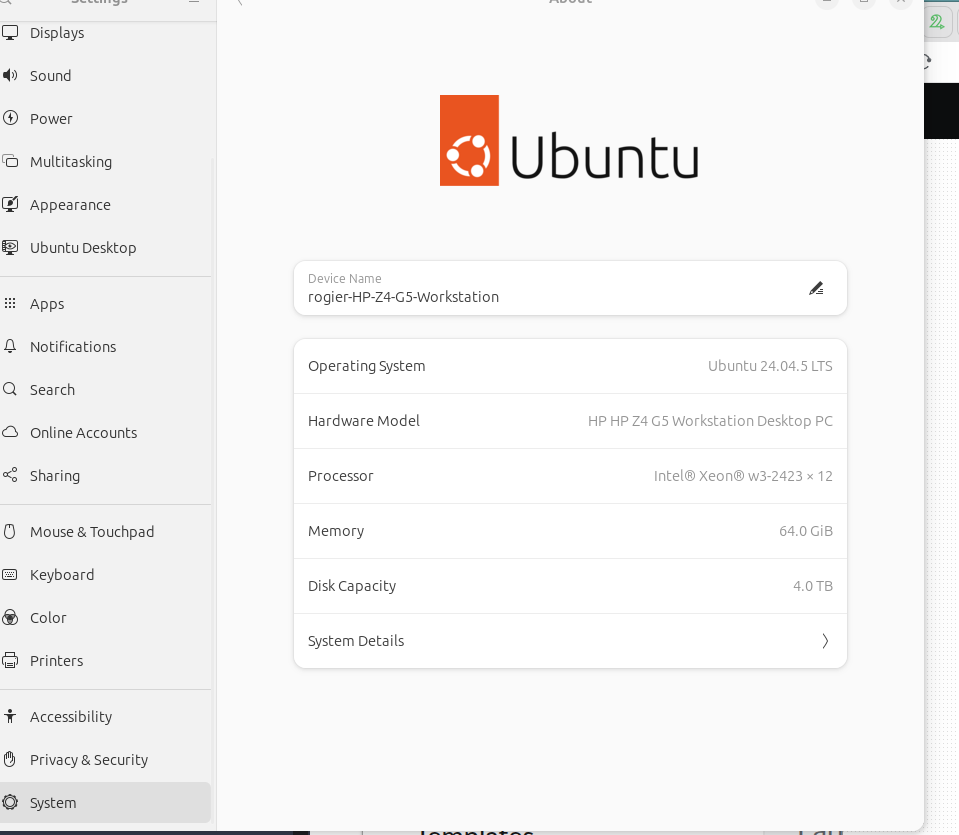
Relevant System Information
HP HP Z4 G5 Workstation Desktop PC
Intel® Xeon® w3-2423 × 12
In my case it was even worse. I have TV connected over HDMI which I use only for movies, never for normal desktop. All windows are on the internal panel. After suspend/resume with TV connected all windows are resized. Some windows may have been moved to another screen, but empirically I found that if I manually position windows (even as much as simply move it a couple of pixels) they remain in place. But still resized.
Since your BIOS is already current, I’d check whether one monitor is briefly dropping its connection, because that is a common reason GNOME shoves windows onto the remaining screen. To test it, open a terminal, run udevadm monitor --subsystem-match=drm and leave it running; if a “change” event prints right when the windows jump, the link to that monitor is flapping rather than GNOME misplacing things. If so, try a different cable or port for that monitor, and look in the monitor’s own on-screen menu for a deep sleep, power saving or automatic input switching option and turn it off. As another quick test, set Settings > Power > Screen Blank to Never for a day and see whether the problem only shows up after the displays go to sleep. If nothing prints in udevadm at all, it would help to post the output of echo $XDG_SESSION_TYPE and lspci -k | grep -A3 VGA so people can see which session and graphics driver you’re on.