I had Desktop Sharing enabled and I was able to use that OK from another Ubuntu Resolute PC using Remmina. However, when I enabled Remote Control as well that then worked but Desktop Sharing stopped working even though I had both ports 3389 & 3390 open. Remmina just flashed a screen the usual size for connecting which I didn’t have time to see any of it.
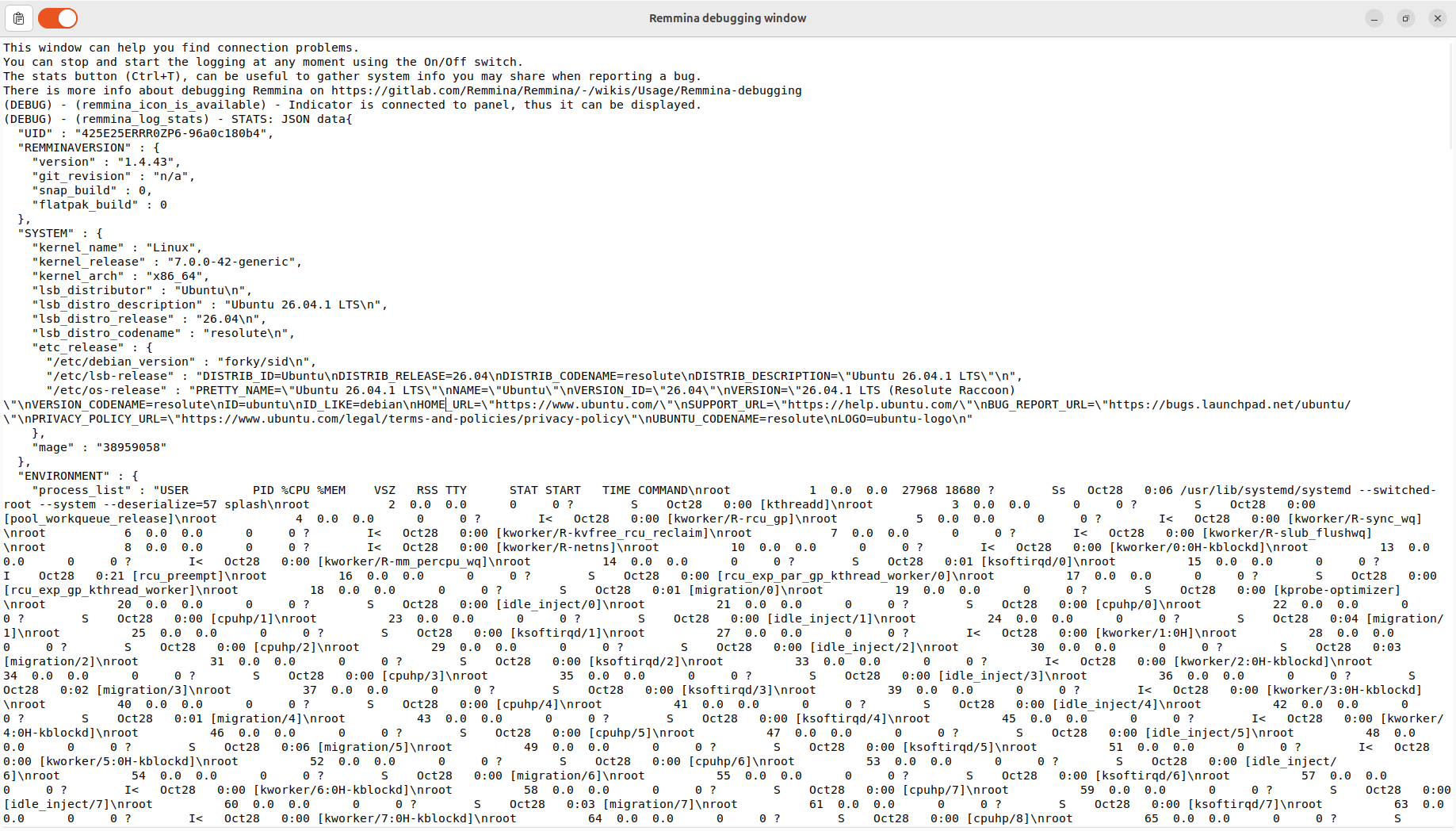
Not able to paste Debugging window here as I can’t get it onto Clipboard: I don’t know why as Clipboard History has a max of 10MB. So I’ve uploaded a screenshot of the start of it.
Do you mean the “Remote Control” switch within Desktop Sharing, or the separate “Remote Login” feature? Ubuntu’s desktop-sharing help says enabling Remote Login assigns it port 3389 and moves Desktop Sharing to another port. Check the port shown under Desktop Sharing’s “How to Connect” section and make sure your Remmina profile uses that exact port. Having both ports open does not tell us which service the profile is connecting to.
Under the Desktop Sharing tab, I have both Desktop Sharing & Remote Control set with appropriate Username & Password. Under the Remote Login tab, I have the Remote Login set with both Username & Password set to same as under the Desktop Sharing tab. I’m using port 3390 for Desktop Sharing and port 3389 for Remote Login. As I said before Remmina now doesn’t work for Desktop Sharing (i.e. using port 3390) but works OK for Remote Login (i.e. port 3389): both PCs using my LAN.
To add to avb66’s question: GNOME documents Desktop Sharing as access to an already active desktop session, while Remote Login uses the display manager to let you log in remotely. If nobody has a desktop session open on the other PC, Desktop Sharing has no existing desktop to share. Try logging in locally on that PC, then connecting again with your Remmina profile for port 3390. That would test the session requirement before changing anything else.
I understand now why accessing to Desktop Sharing doesn’t work if the Laptop I’m trying to access only shows the Ubuntu login screen when I ‘wake’ it up whilst using it.
I presume that I can Remote Login a PC on port 3389 when I’m away from home using another PC as I have a fixed ip address for my home’s router and have the router Port Forward 3389 traffic to it. Is that correct?