Upgrade Procedure for Ubuntu MATE 26.10
For Ubuntu MATE 26.10 release, it is recommended to do a fresh install. Skipping 26.04 release makes upgrade little tricky but not impossible.
The process is generally the same whether you are upgrading from UM 24.04 LTS or 25.10. It is two-step, where you first upgrade to UM 26.04.1 and then to UM 26.10.
Preparation:
- Make sure you have a working backup of your (important) data before you start the upgrade process. We cannot stress this enough.
- Make sure the current system is up-to-date.
- Via GUI: Run ‘Software Updater’, or
- Via CLI: Run,
sudo apt update && sudo apt full-upgrade.
- Disable PPAs or any third party sources. If possible, also uninstall any custom compiled software. This step probably is not a must, but a best practice suggestion based on feedback.
- There are no offline upgrades for Ubuntu. So make sure you have a stable internet connection, preferably not metered, as there will be a lot to download.
Upgrade to UM 26.04.1
Procedure:
- Via GUI:
- Click on ‘Software Updater’. It should inform you that a new release is available.
- Click OK and follow the instructions to upgrade.
- Via CLI: Run
sudo do-release-upgrade. - Reboot the system when upgrade is completed.
Notes:
- You may have to disable screensaver during upgrade. I got the following message on both upgrades.
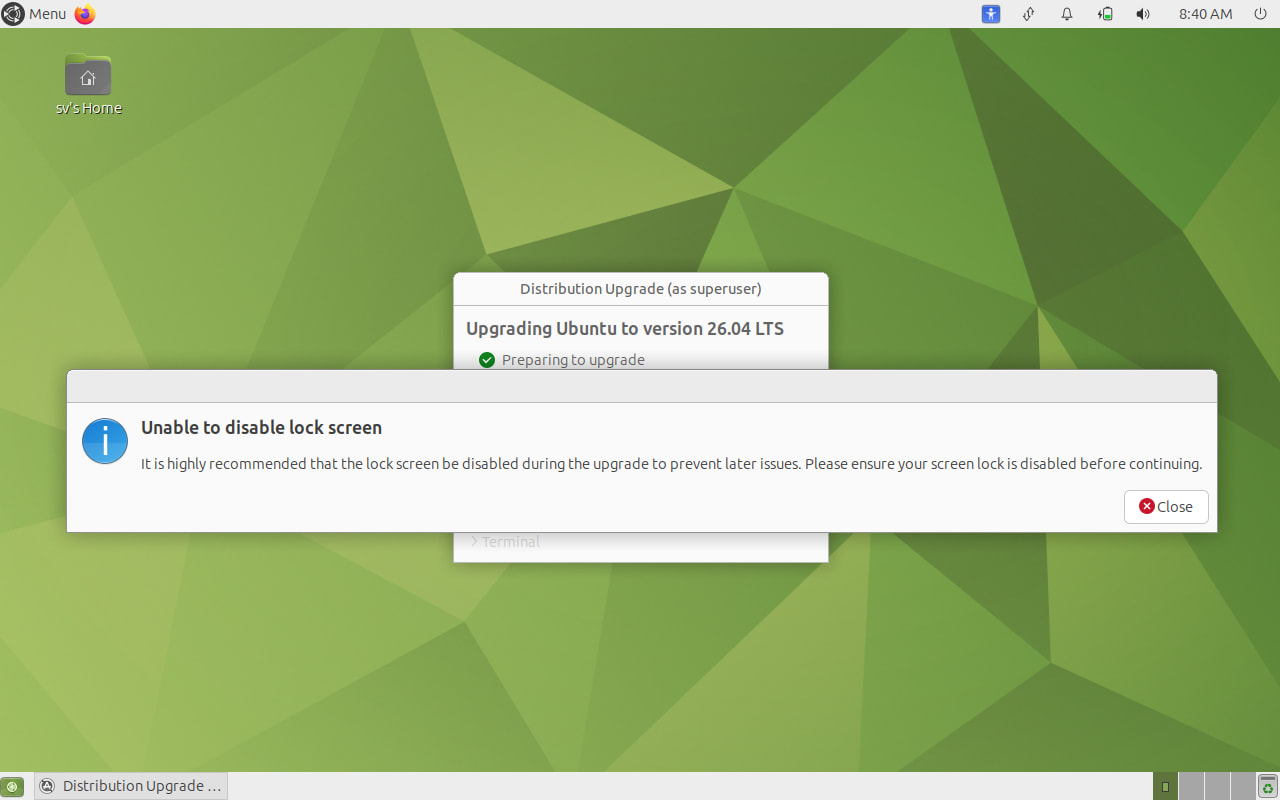
To do so, run killall mate-screensaver
- Post upgrade from 24.04.5 to 26.04.1, the login screen will have wrong wallpaper and icons.
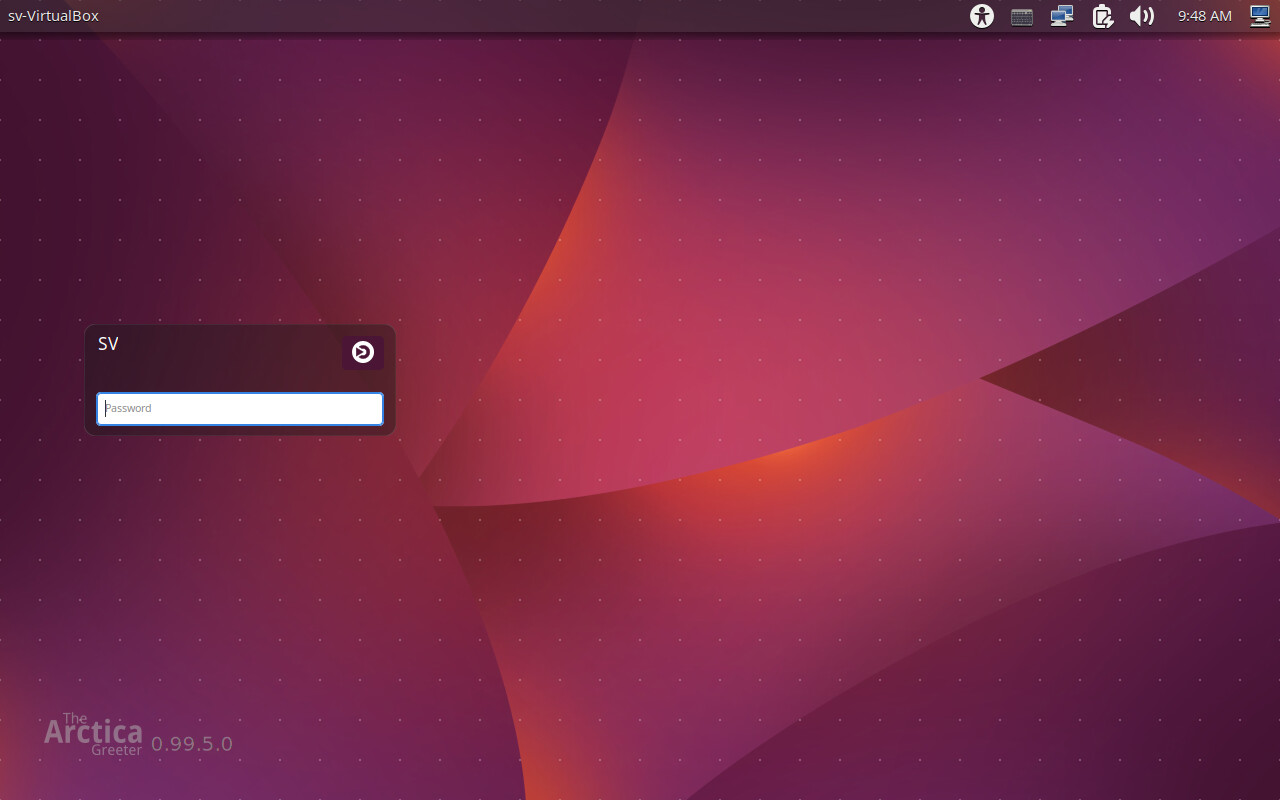
This is because the display manager’s greeter was changed from arctica-greeter to slick-greeter. You could,
- Edit /etc/lightdm/lightdm.conf file and add/edit the line greeter-session=slick-greeter, or
- Uninstall ‘arctica-greeter’ with, sudo apt remove --purge arctica-greeter.
Note: The --purge option is required; otherwise old configuration that sets ‘arctica-greeter’ as the preferred greeter stays and we end up on console login instead of desktop login upon reboot.
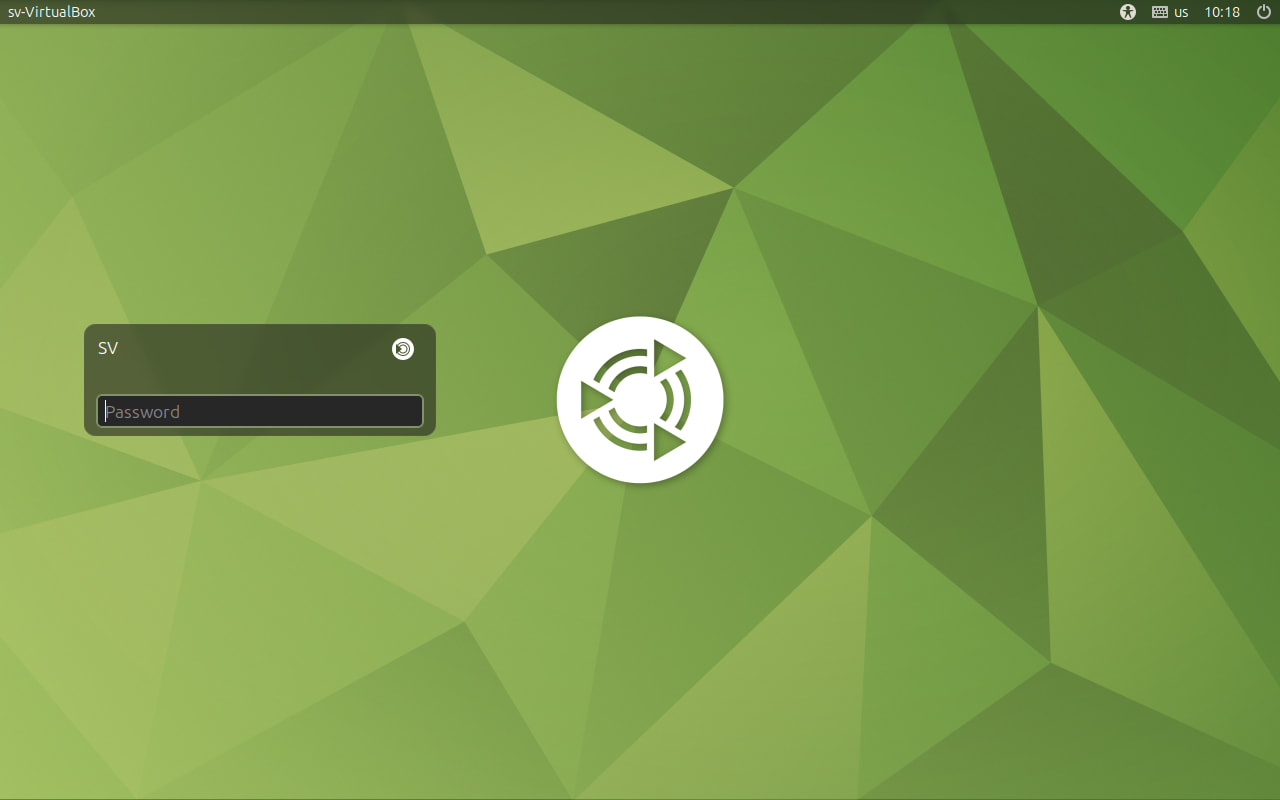
Once done, reboot the system and the familiar greeter should greet you.
Upgrade from UM 26.04.1 to UM 26.10
To upgrade from UM 26.04.1 to UM 26.10, you will have make a change to software preferences. Generally dist-upgrades are allowed between LTS-to-LTS or interim-to-any. To allow upgrade from LTS-to-interim:
- Open Software & Updates.
- Go to the Updates tab.
- Set “Notify me of a new Ubuntu version” to For any new version. If it is “For long-term support versions”, we will not be notified of 26.10 relesae.
- When you change the value, it will as to Authenticate. Enter you password and click on ‘Authenticate’.
- If you are a CLI ninja, open
/etc/update-manager/release-upgradesand make sure it containsPrompt=normal. A value ofPrompt=ltsmeans no upgrade will be offered from 26.04 LTS. - Start ‘Software Updater’ and we should see availability of UM 26.10.
- Repeat the procedure above to upgrade.
Note: As a policy, there may be a gap of few days before the upgrade option is available after a fresh interim release. This prompt may happen automatically, or when checking for new updates.
The upgrade process should go smooth. The author did not face any issue (other than reported above) with upgrades as tested a few times. However, if you still encounter an issue, please report it (as a separate topic).
Welcome to the deep waters…
Thank you @eeickmeyer, for the pointer to change software properties to allow upgrade from LTS to interim and the associated procedure.
Thank you @Norm24 for feedback on arctica-greeter issue and upgrade availability.