Hi.
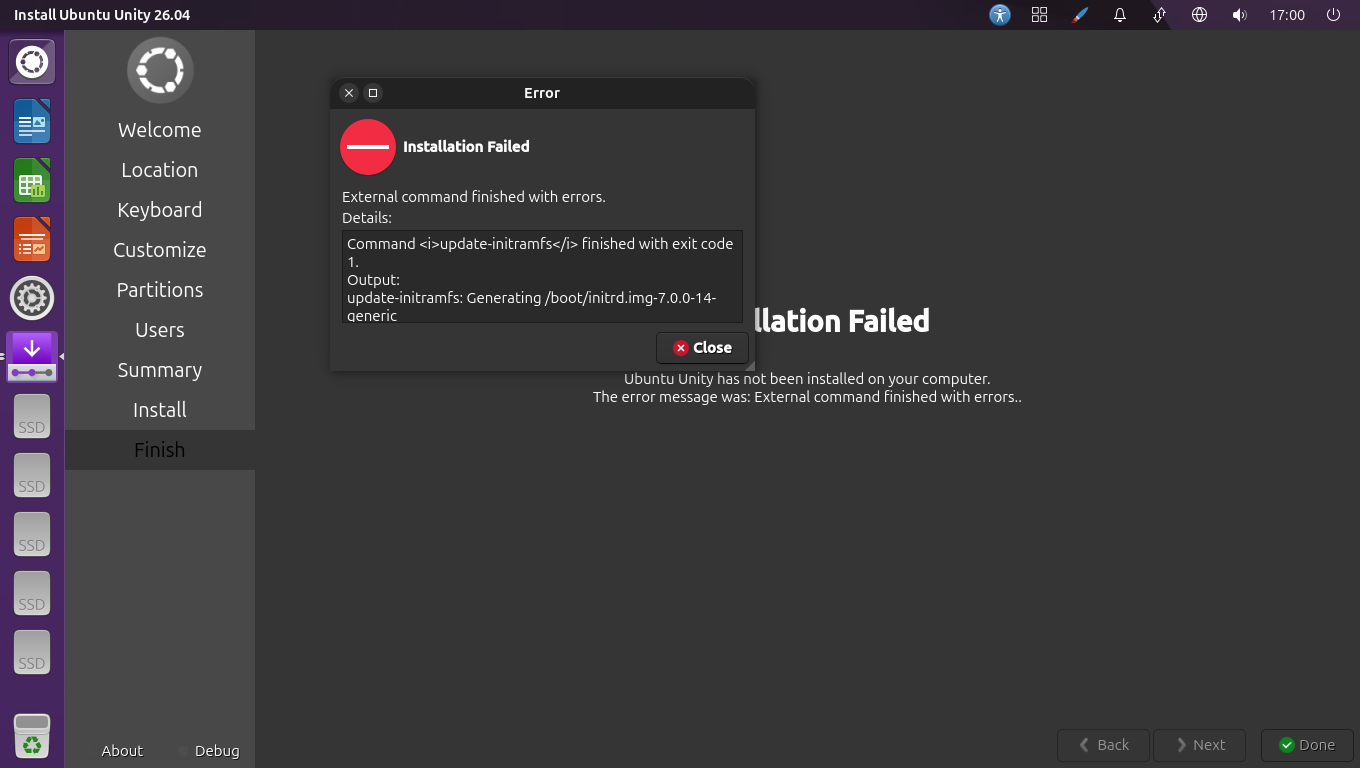
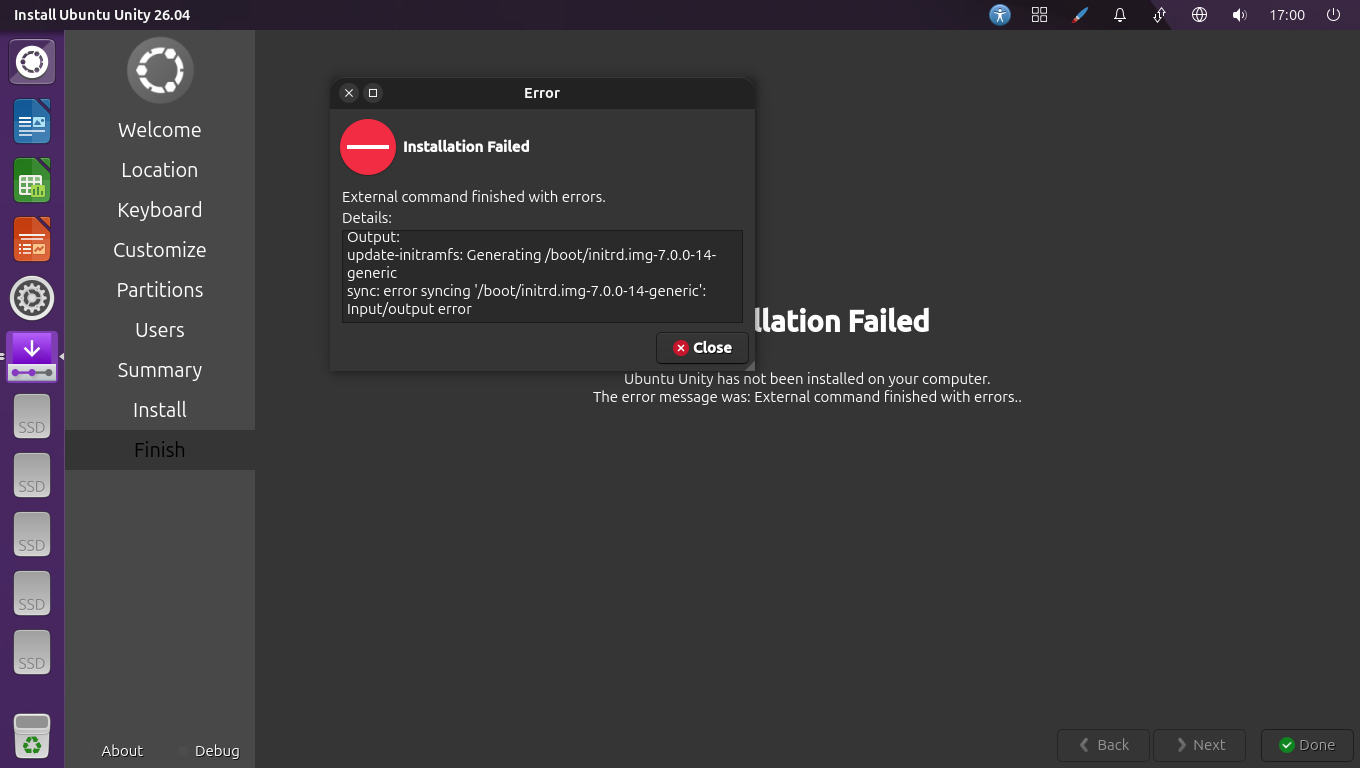
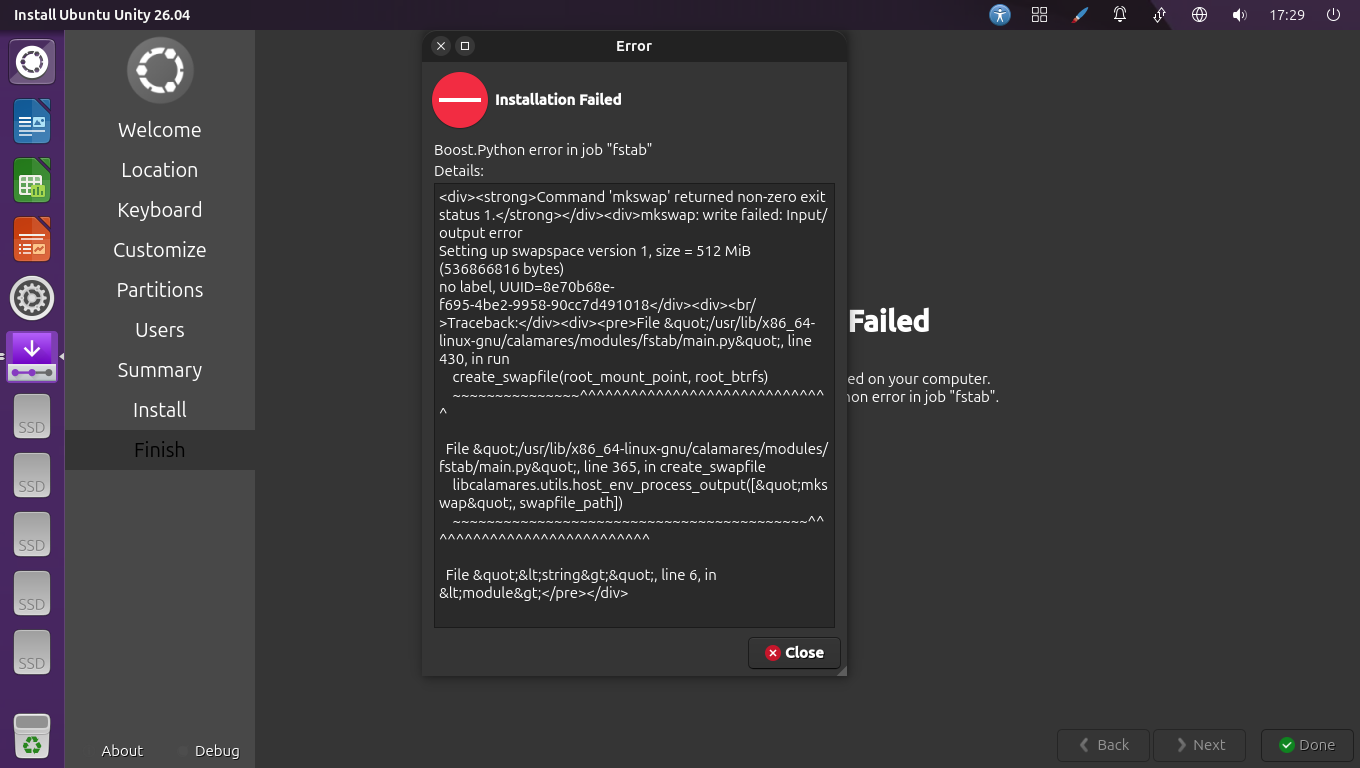
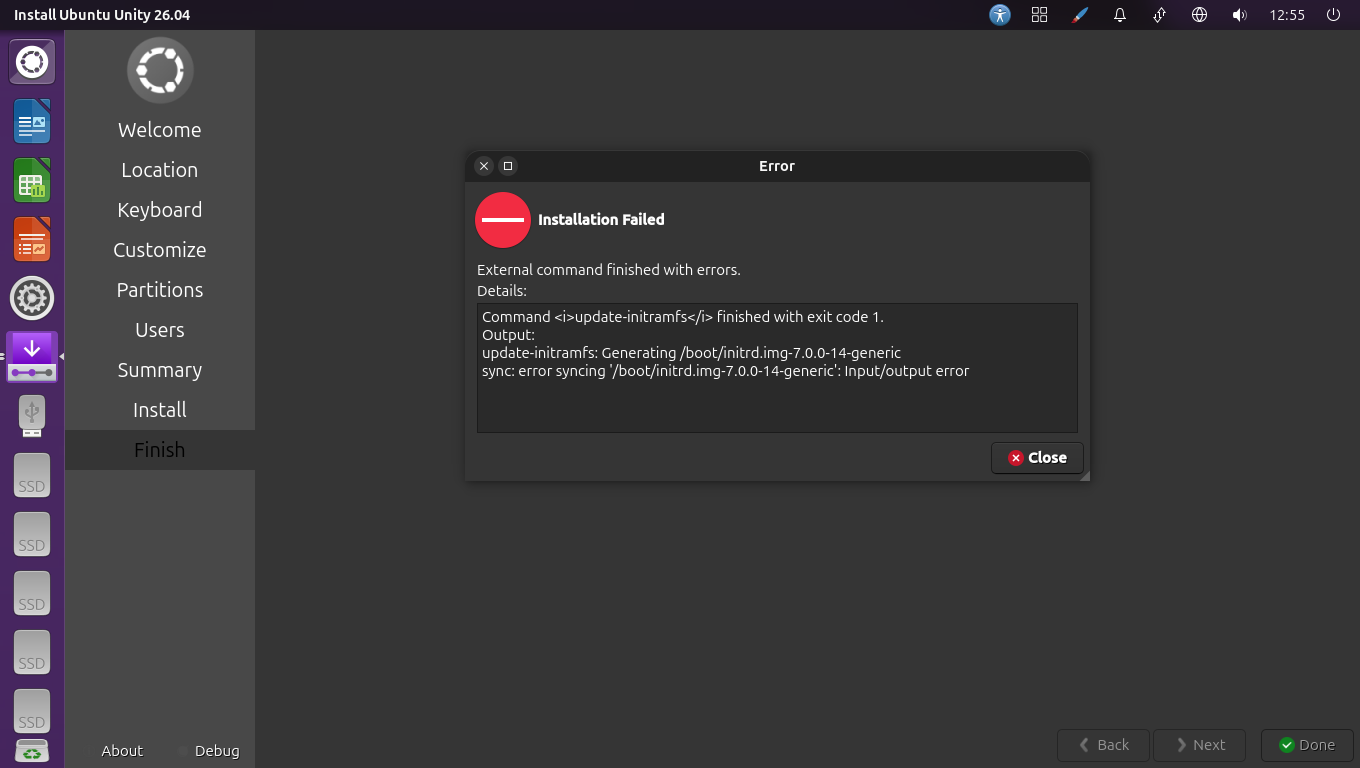
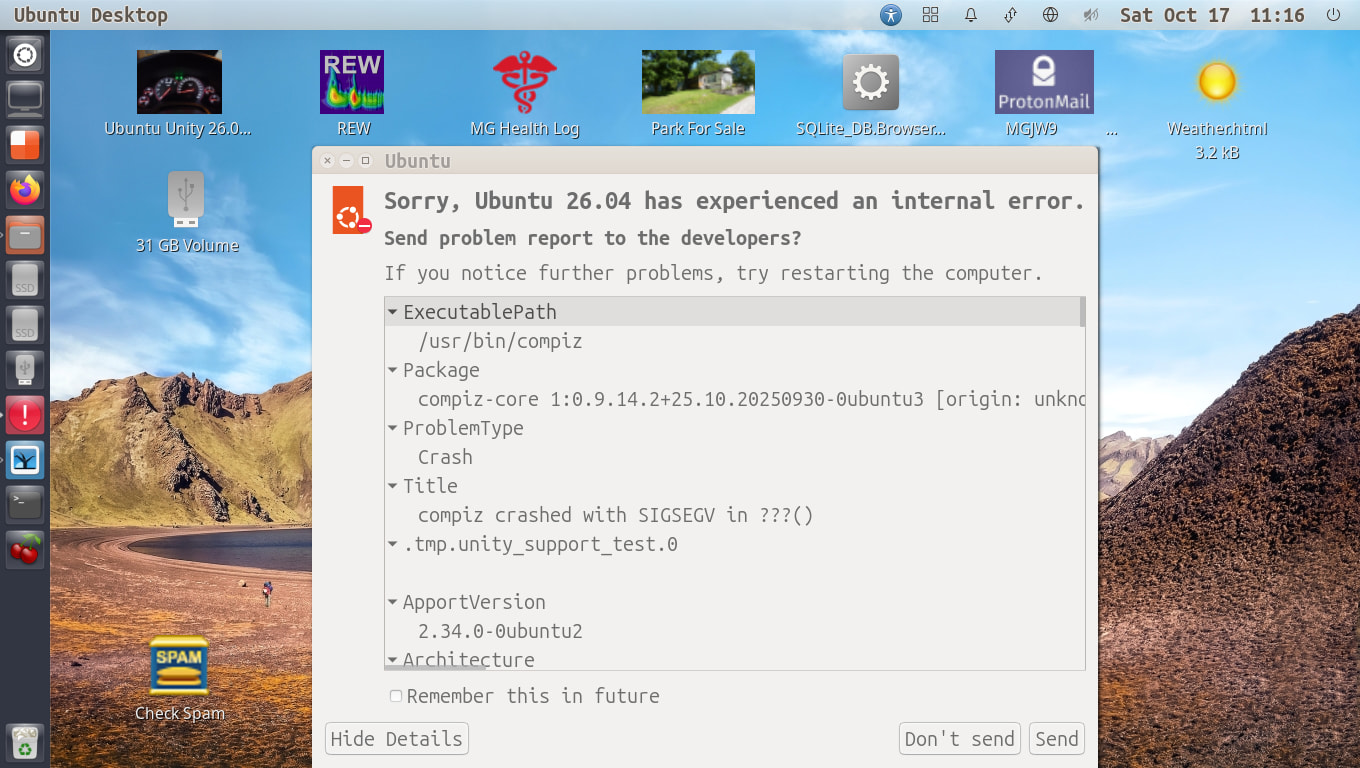
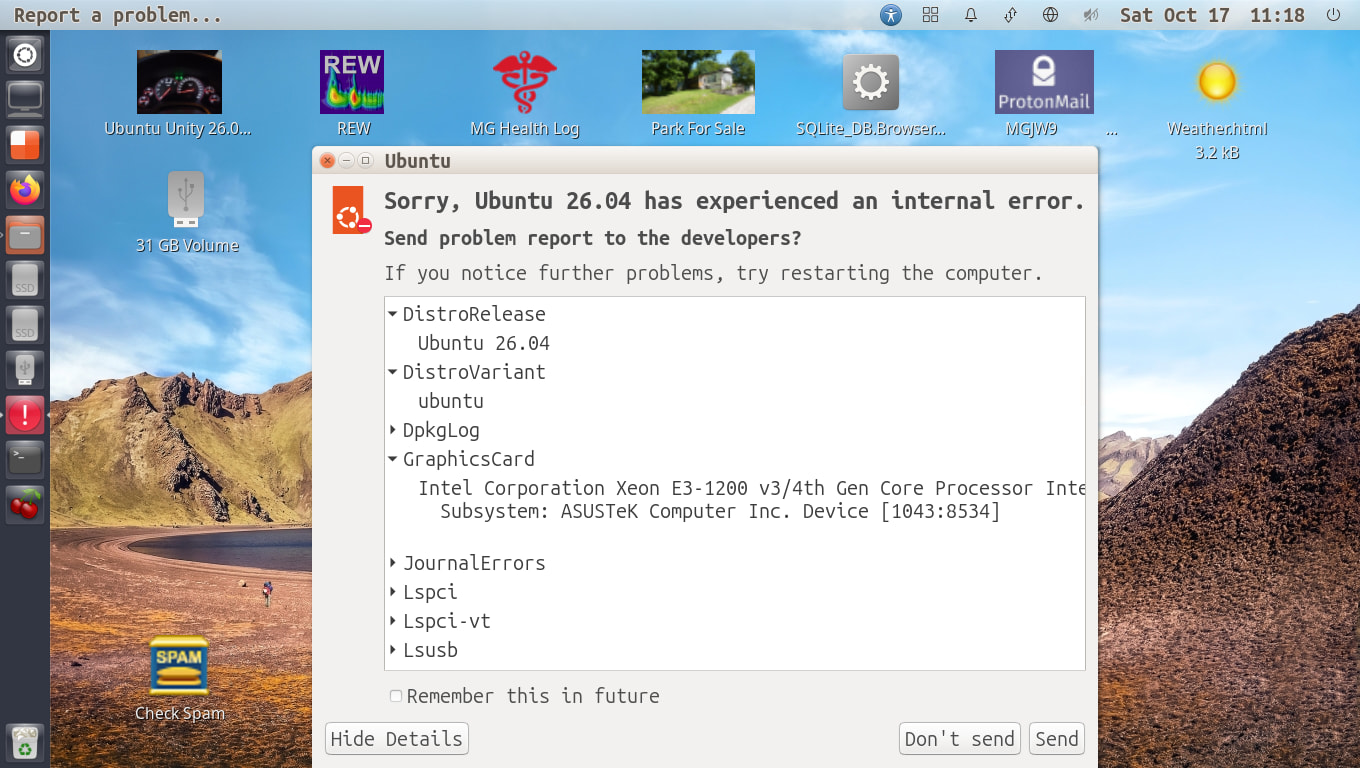
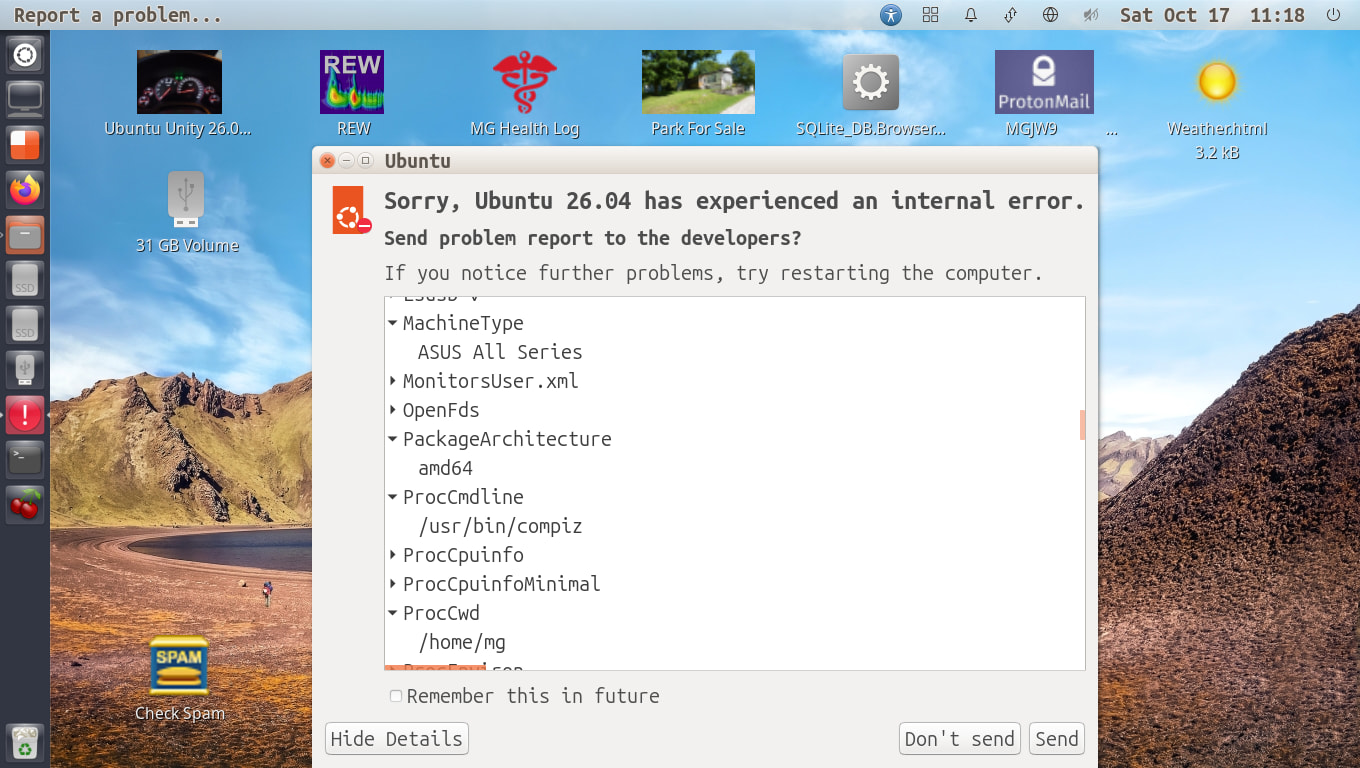
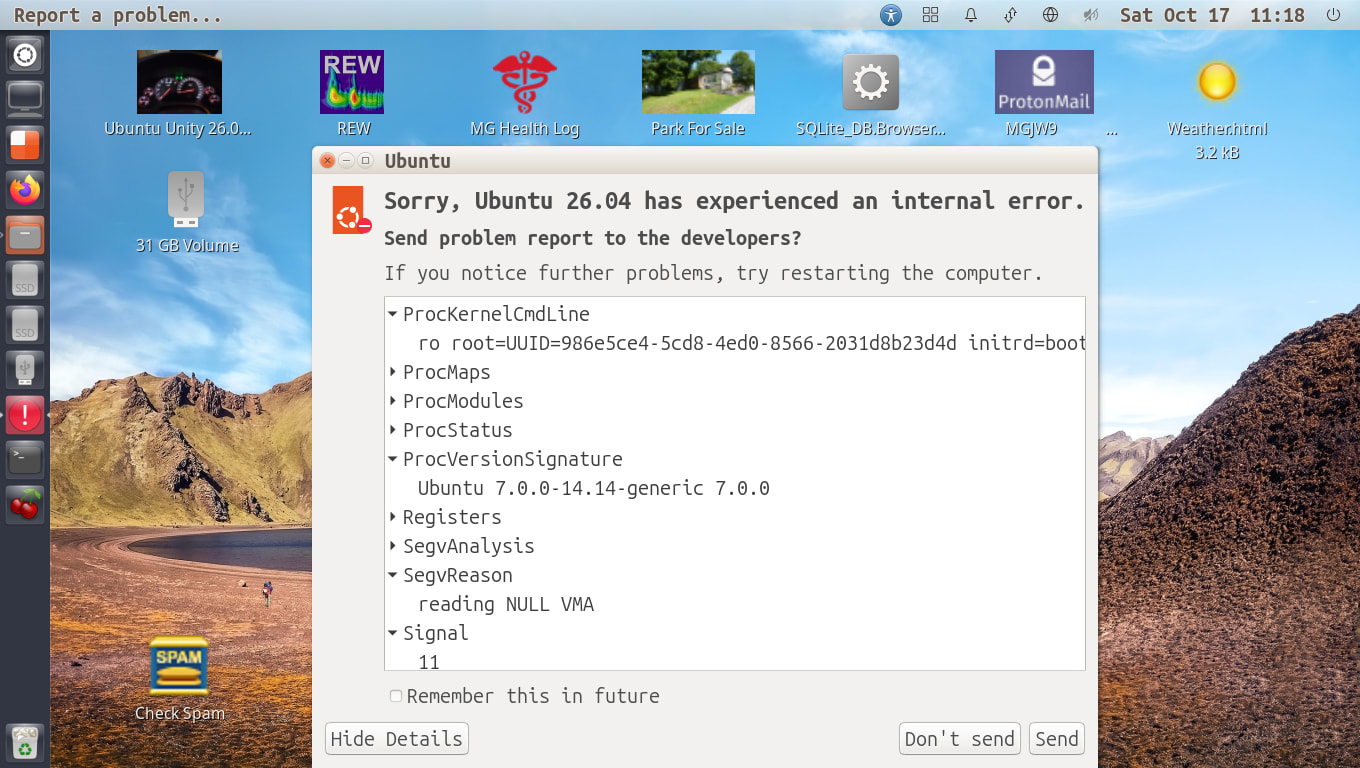
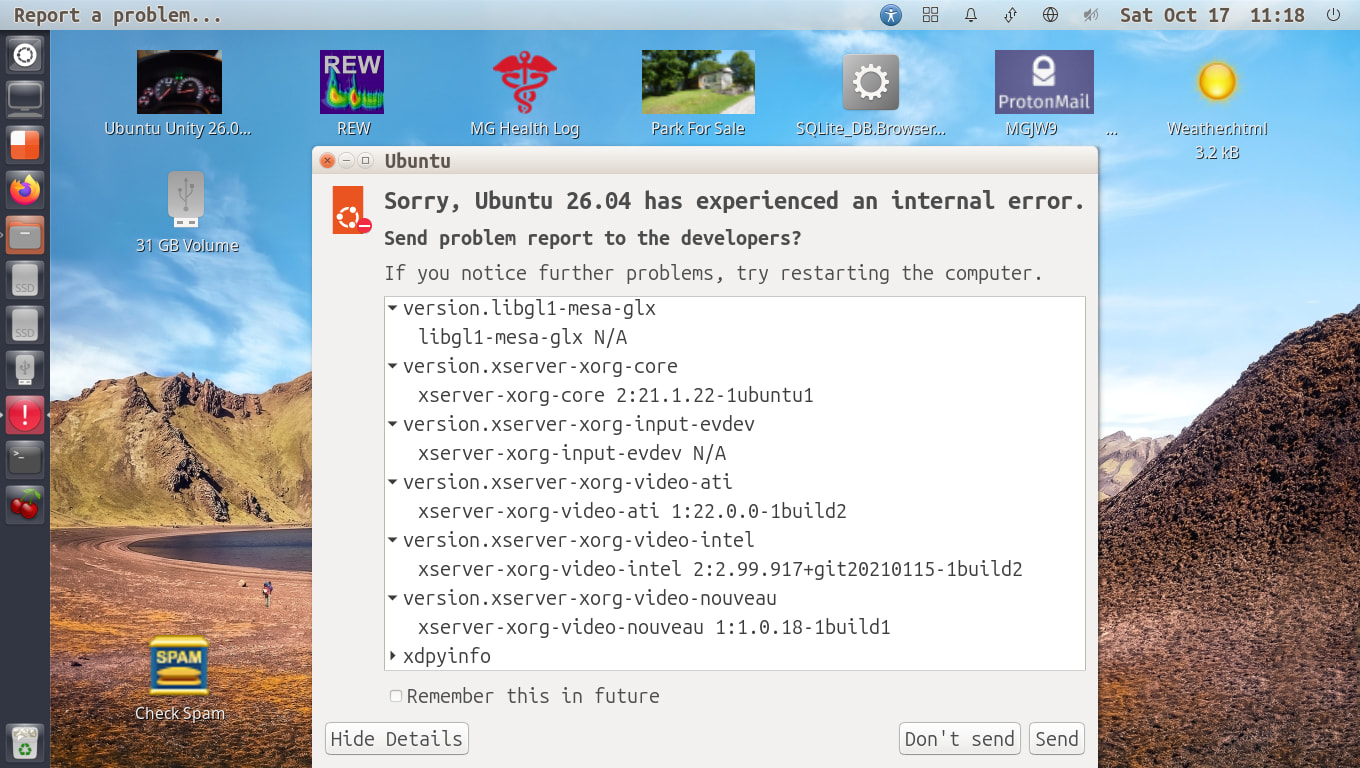
I got an installation error while trying to ISO install Ubuntu Unity 26.04.
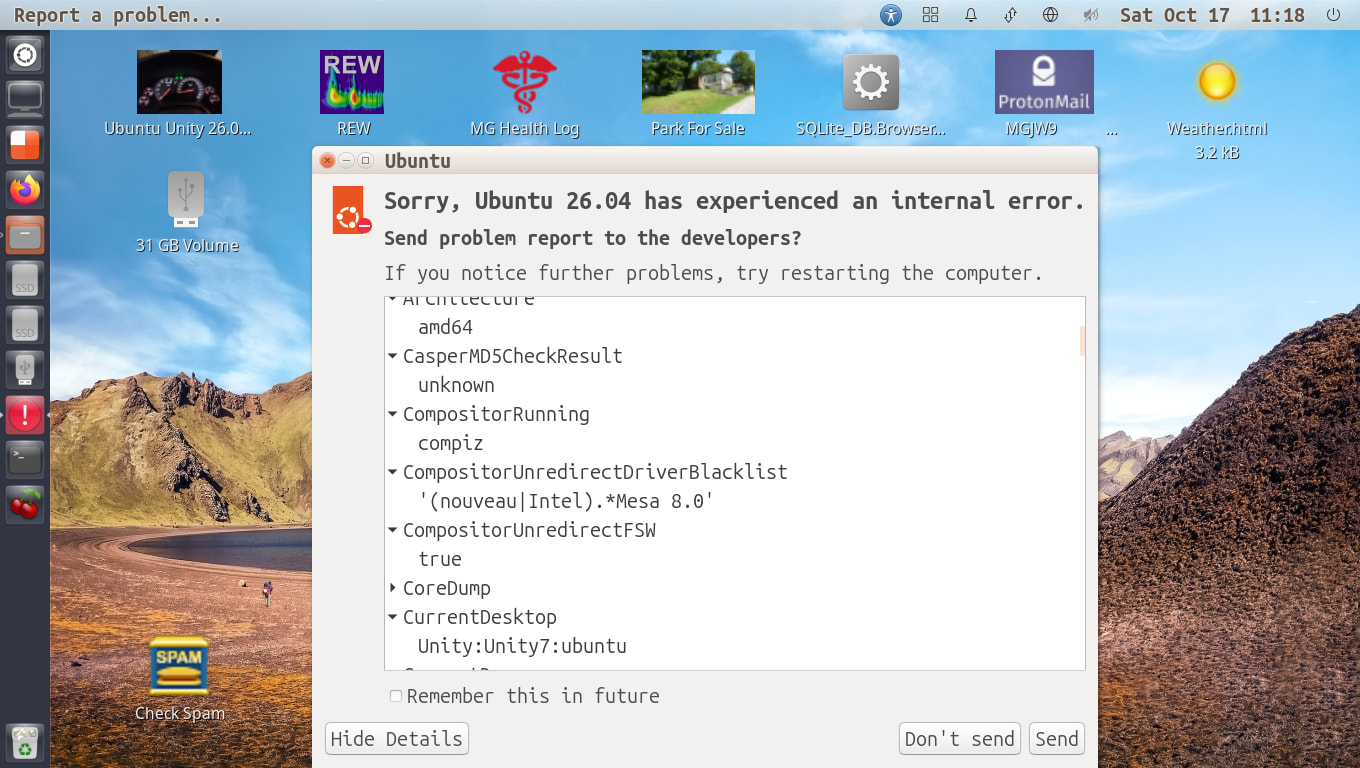
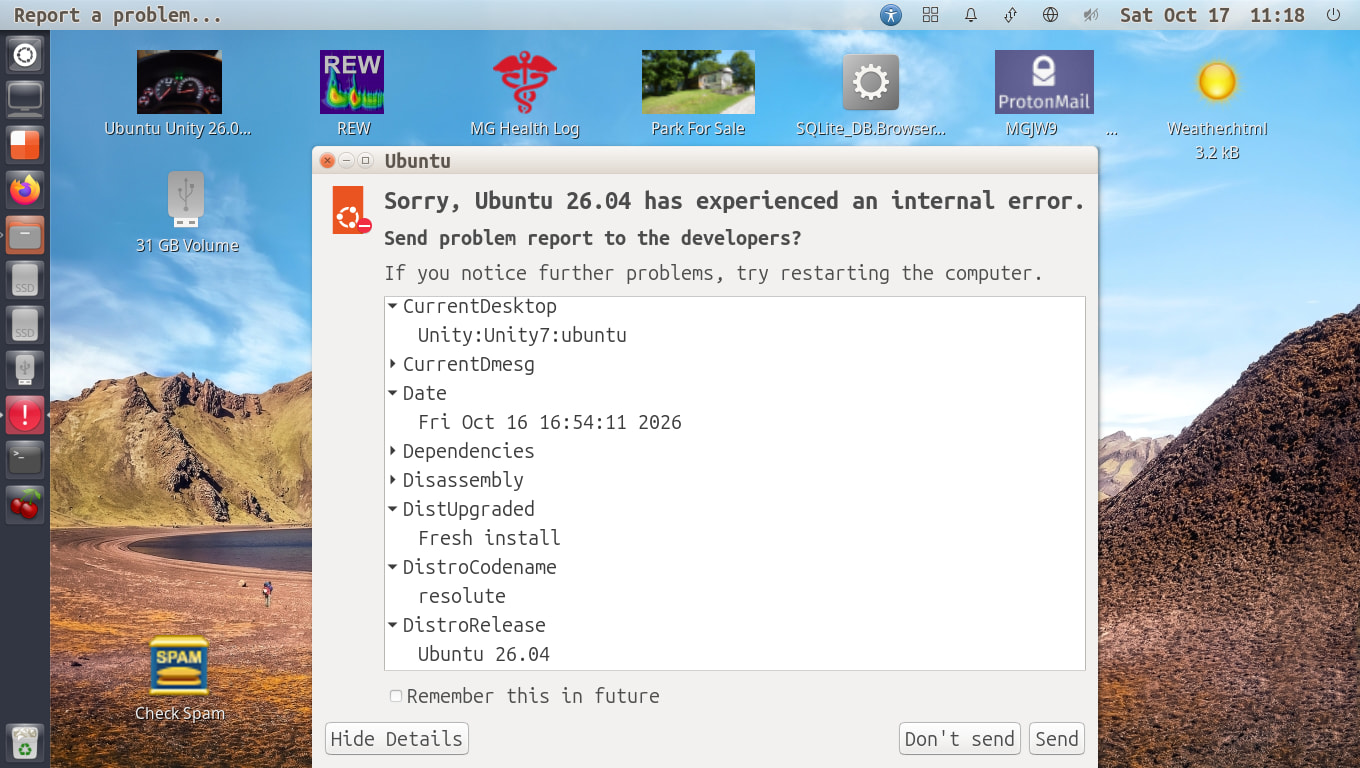
See the 2 .png’s for details.
Thanks,
M…
Installing an OS depends on all the details working seamlessly.
When there is a failure, it is prudent to try alternatives:-
Factors to consider when the installation stalls/fails:-
Try Ubuntu session for a 15/20 minutes before clicking InstallHi.
I don’t use secure boot.
I’ve tried downloading Ubuntu Cinnamon 26/04 ISO with the exact Failed Installation Messages.
I’ve tried using different Target partitions.
I’ve tried installing both ubuntu unity and ubuntu cinnamon to a different Target SATA (different port) on my desktop and got the exact Failed Installation Messages
I’ve run both the ubuntu unity and ubuntu cinnamon for 20+ minutes from the Install USB.
I’ve tried allowing the boot loader to install in ubuntu/sda2 and /.
I used all the default settings on the install.
All of the installations I tried start off fine - unpacking completes in about 10 minutes and then fails with exactly the same 3 messages as I display in my First Post - Intramfs errors - is this related to the system trying to install boot loader ?
Help.
Thanks,
M…
With only one target disk accessible, did you choose Erase and Install and allow the installer to create the partitions?
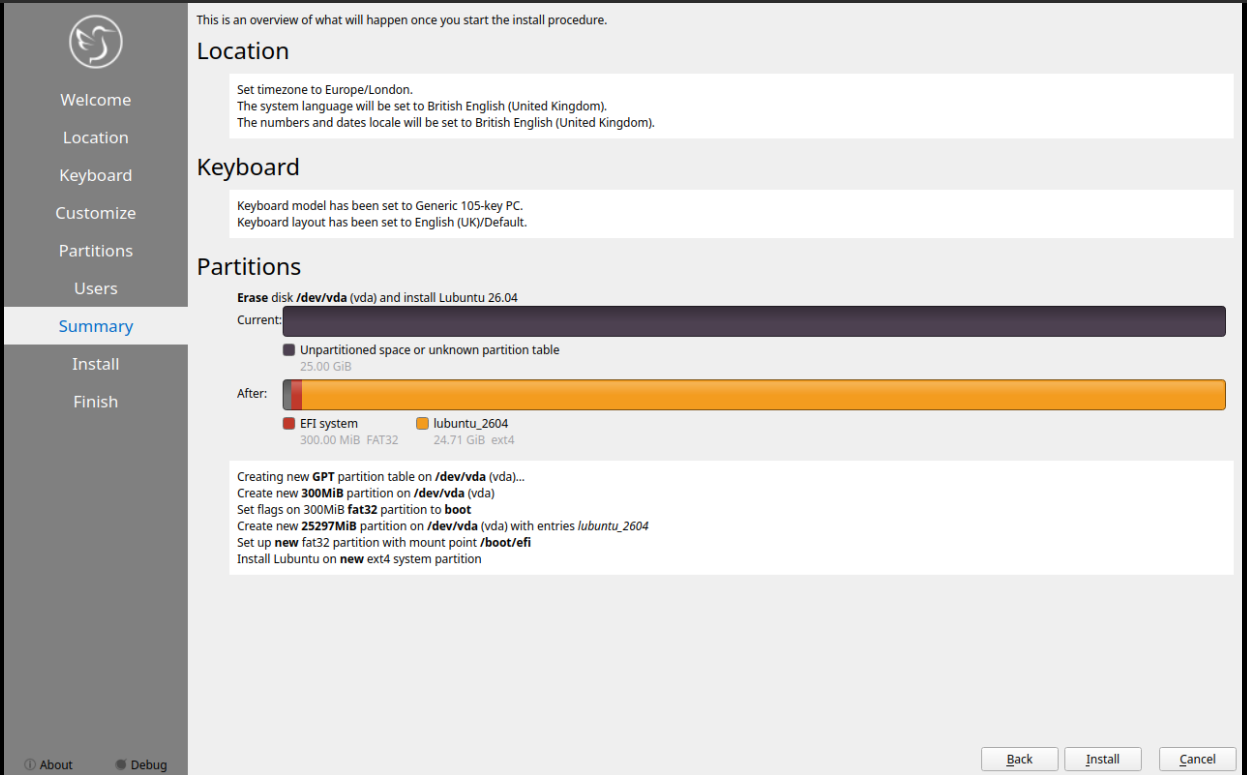
If possible, can you provide a picture of the Summary from calamares?
(similar to below from lubuntu 26.04)
Hi.
FYI: after some research I found that Ventoy may have some installation problems. As a result I will ONLY use Ventoy to “try” various distros.
I had trouble getting calamares to work so I used balena.
I downloaded a fresh ubuntu unity 26.04 iso and a fresh copy of balena.
I then booted off of the balena 26.04 usb with one target SSD, which is a brand new Samsung 1tb SSD. I told balena to create a new 200gb partition on /dev/sda.
I got a failed installation:
26.04 should be a simple install. What am I doing wrong here ?
Thanks,
M…
Yes, it should
I don’t know yet but, I suspect, that it is something fundamental.
If you show the Summary page as previously requested, it may yield an important clue?
Ventoy is fine to store ISO files and then launch a live/install session.
calamares is the software within Ubuntu Unity 26.04 which installs the OS.
You’ll need this application if you want to install Ubuntu Unity.
Perfect - Can I assume that you tested your hardware as much as possible?
Incorrect - You use calamares to create partitions and install the OS.
Back to square one now, followed by small steps.
If this takes a long time due to time zone differences, I don’t mind.
Please boot your USB into a “Try Ubuntu” live session, open a terminal Ctrl Alt t and enter
[ -d /sys/firmware/efi ] && echo "UEFI" || echo "Legacy"
We are expecting
UEFI
Please confirm that you see this output?
Hi.
Yes I tested the new Samsung SSD 1tb EVO quite a bit. That’s a good thing as I paid close to $300 for it.
“Incorrect - You use calamares to create partitions and install the OS.”
I don’t understand this. I use gparted to create partitions.
[ -d /sys/firmware/efi ] && echo “UEFI” || echo “Legacy”
I got Legacy
I tried the Install again, allowing it to Create a new partition on /dev/sda
(Is this the calamares you are referring to ?)
and install Boot loader on /dev/sda
I got this error:
I decided to try booting the target SSD - and it worked!
Ubuntu unity 26.04 kernel 7.0.0.14
I played a bit and it seemed fine.
Then I tried Software Updater and it said “Failed to Load The Package List”
The internet was working as I had been doing searches on Firefox.
At this point, Firefox and libreoffice wouldn’t start.
Then I tried Synaptic and got an error:
E: Error could not creat config directory
/root/.config/synaptic-mkdir
30: Read only filesystem
Yikes!
Thanks for hanging in there.
M…
Is the new expensive 1 TB Samsung drive NVMe of SATA? Most likely it’s NVMe. An internal NVMe drive would not be named /dev/sda but something like /dev/nvme01 for example. sda would refer to an internal SATA drive or any drive connected via usb interface. So, you may be installing to the wrong device. Also, if it’s a new drive, you need to create a partition table on it before creating any partitions.
That’s a bit surprising.
Is your PC not UEFI compatible?
Can you boot into a “Try Ubuntu” live session, open a terminal and enter
lsblk -e 7 -o name,size,pttype,type,fstype,fsuse%,fsavail,mountpoint
Please post the output within code tags </>
Hi.
Yes my PC is UEFI compatible.
I booted the 26.04 ISO with the target SDA2 enabled.
lsblk -e 7 -o name,size,pttype,type,fstype,fsuse%,fsavail,mountpoint
NAME     SIZE PTTYPE TYPE FSTYPE  FSUSE% FSAVAIL MOUNTPOINT
sda    931.5G gpt    disk
├─sda1   350M gpt    part vfat
├─sda2   200G gpt    part ext4
├─sda3   100G gpt    part ext4
├─sda4   125G gpt    part ext4
├─sda5    40G gpt    part ext4
└─sda6     2G gpt    part ext4        9%    1.6G /run/media/ubuntu-unity/Temp Se
sdb     29.3G gpt    disk iso9660
├─sdb1   3.9G gpt    part iso9660   100%       0 /cdrom
├─sdb2     5M gpt    part vfat
├─sdb3   300K gpt    part
└─sdb4  25.4G gpt    part ext4        0%   23.4G /var/crash
sdc     29.3G        disk ntfs       14%   25.2G /run/media/ubuntu-unity/5CCB350
sr0        2K        rom
Thanks,
M…
Thank you for using code tags, it makes terminal output easier to read.
Before installing, you reported that you had booted the live session in Legacy mode.
Booting an USB installer in Legacy mode would then install the OS in Legacy mode, yet your sda partitions indicate UEFI mode. Did you reboot the installer in UEFI mode?
Is sda your new Samsung EVO disk?
As mentioned by @Dennis_N, I also expected it to be nvme?
Before installing, you reported that you had booted the live session in Legacy mode.
Booting an USB installer in Legacy mode would then install the OS in Legacy mode, yet your sda partitions indicate UEFI mode. Did you reboot the installer in UEFI mode?
No, as far as I know, I never booted in Legacy mode. I don’t even know how to boot in Legacy mode. I don’t understand how this command:
[ -d /sys/firmware/efi ] && echo “UEFI” || echo “Legacy”
Came up with Legacy ???
Is sda your new Samsung EVO disk?
Yes the sda is the new Samsung disk.
As mentioned by @Dennis_N, I also expected it to be nvme?
No nvme on my 14 year old computer - only SATA.
Thanks,
M…
How old is the computer? If old enough, it could have an m.2 connector that is on the SATA bus and that’s why we see sda1, sda2, etc. Check your computer specs.
If so, the drive will work, but runs at SATA speed. On such a system, It may not be bootable. One of our computers is like that - its from 2014. To boot from an NVMe drive (and work at its full speed), I needed to install the NVMe drive in a PCIe slot with an adapter card.
OK, understood
The Legacy output was a bit misleading, we’ll put in down to a temporary spanner in the works, further investigation not required 
You previously mentioned that your Ubuntu 26.04 Ubuntu Unity installation now boots but you still have some applications misbehaving.
I think that it would be advisable to start new topic(s) with pertinent title(s) to attract further specialist help.
Plenty of firefox and libreoffice users here with extensive knowledge.
Hi.
For some reason I am having a problem creating a new topic.
Yes the 26.04 boots.
Then I copied my 24.04 Home directory over to 26.04.
The 26.04 desktop screen is looking fine.
libreoffice works, but does not use the 24.04 config file so the menu bar is incorrect.
Then I tried this:
sudo apt install $(cat my_packages.txt)
Package aptitude is not available, but is referred to by another package.
This may mean that the package is missing, has been obsoleted, or
is only available from another source

Package gnome-system-monitor is not available, but is referred to by another package.
This may mean that the package is missing, has been obsoleted, or
is only available from another source

Package dmraid is not available, but is referred to by another package.
This may mean that the package is missing, has been obsoleted, or
is only available from another source

Package kpartx is not available, but is referred to by another package.
This may mean that the package is missing, has been obsoleted, or
is only available from another source
..
..

Then a whole slew of these:
Error: Unable to locate package touchegg
Error: Unable to locate package ubuntu-desktop
Error: Unable to locate package unixodbc-dev
Error: Unable to locate package vino
Error: Unable to locate package virt-manager
Error: Unable to locate package virtualbox-7.2
Error: Couldn't find any package by glob 'virtualbox-7.2'
Error: Unable to locate package virtualbox-guest-utils
Error: Unable to locate package vmg
Error: Unable to locate package wine
Error: Unable to locate package wine-stable
Error: Unable to locate package wine64
Error: Package 'wireless-tools' has no installation candidate
Error: Unable to locate package xfce4-indicator-plugin
Error: Unable to locate package xfce4-terminal
Error: Unable to locate package xpad
Error: Unable to locate package zoxide
What are these errors all about?
Then I tried installing gedit:
sudo apt install gedit
Package gedit is not available, but is referred to by another package.
This may mean that the package is missing, has been obsoleted, or
is only available from another source

Error: Package 'gedit' has no installation candidate
I tried a few other apps and they all failed in a similar fashion.
What to do from here ?
Thanks,
M…
Show
apt policy gedit
cat /etc/apt/sources.list.d/ubuntu.sources
Hi.
from my 26.04 boot:
apt policy gedit
gedit:
  Installed: (none)
  Candidate: (none)
  Version table:
cat /etc/apt/sources.list.d/ubuntu.sources
cat: /etc/apt/sources.list.d/ubuntu.sources: No such file or directory
Clearly this is not right.
AND there is more:
Periodically, not every time, I get variations of this when I boot the 26.04 SATA:
Aren’t you glad that I left out some of the middle screens  .
I think it is pretty safe to assume that the 26.04 USB ISO install was Partially bad! The install was done on a brand new SATA SSD, and I rebuilt the USB with a fresh download of 26.04 ISO, using a fresh copy of Balena. How did it go bad ??? Strange that some things work well, like Nemo, libreoffice, Terminal, Firefox, cherrytree, synaptic, and some other apps.
Unless someone can figure out something else, the only thing I can think of is to ISO build a fresh copy of 26.04 on another SATA SSD using my wife’s laptop. Unfortunately there is no ESATA, so I will have to use a SATA to USB adapter which will be painfully slow.
What say you ?
Thanks,
M…
So. what is the content of /etc/apt/sources.list.d?
ls -l /etc/apt/sources.list.d
Hi To All.
I just read a very interesting article re someone else experiencing the EXACT same problems I have been having:
I checked my BIOS and I had “Launch CSM Enabled”. You guys were close when you asked if I was booting in Legacy mode, but I had no idea that I might be. My bad. I now Disabled this.
I will repeat the 26.04 ISO installation closely following the article word for word. I’m busy over the next day or so, but I will get at it and report back to you.
In fact I’m wondering if I shouldn’t try the Upgrade again - could it have been failing in the same way ???
Thank you for all your patience and support. I’m feeling confident that my 26.04 woes will be resolved.
Speak to you soon. Have a nice day,
M…
I read the link - many details taken from this topic
Have a look at this link and then compare it to this discourse topic
Anyway, if “Launch CSM Enabled” is disabled in your UEFI settings and your installation succeeds, then, I for one, will pour myself an extra glass of Double Ghost IPA