Ubuntu Version:
18.04.2 LTS
GRUB Version:
2.02
Desktop Environment (if applicable):
XFCE
Problem Description:
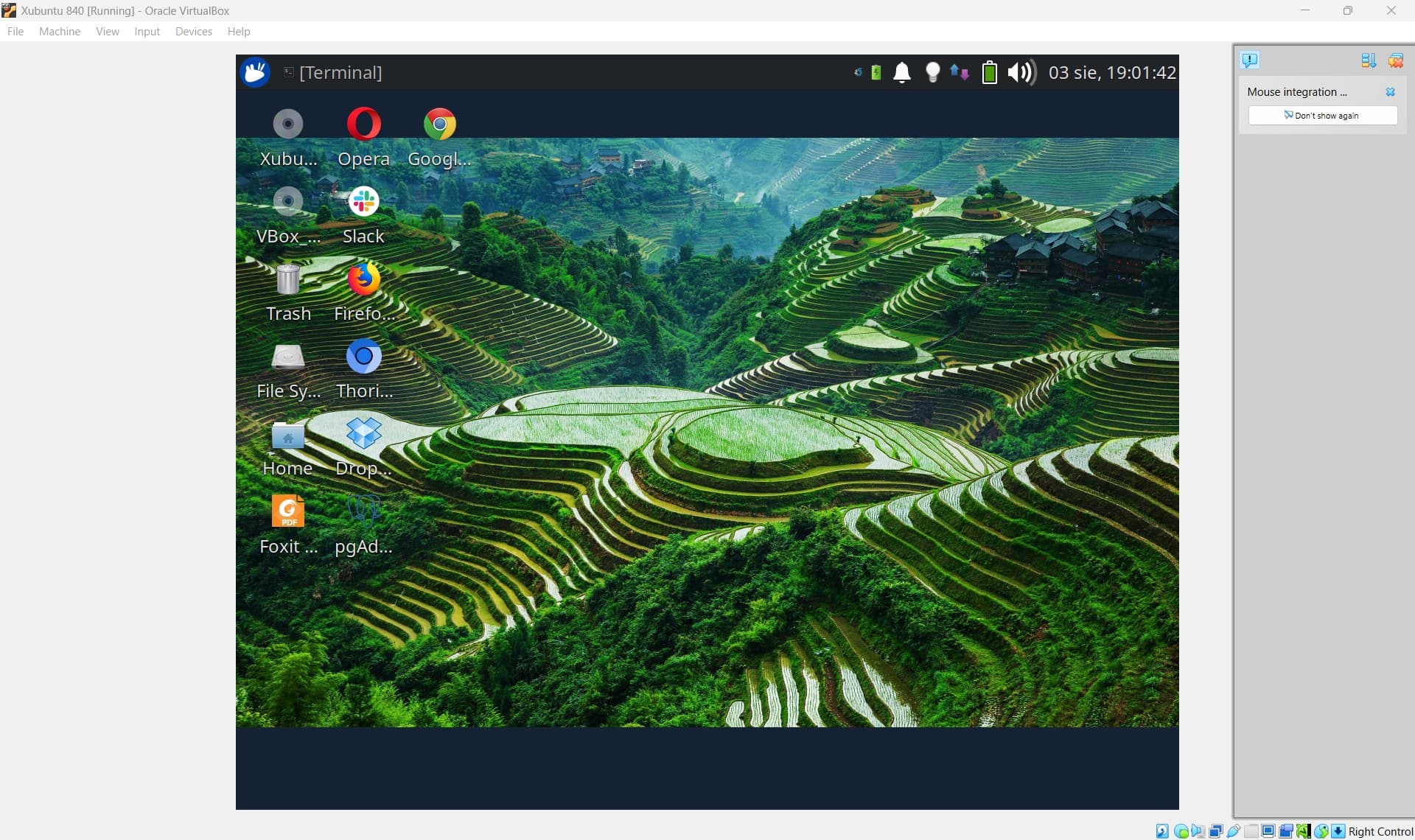
GRUB is not working correctly after converting native xubuntu to virtualbox image.
Basically GRUB does not works. XUbuntu does not start. It fails during startup.
I wanted to convert native OLD xubuntu machine that was used for development some years ago. After SSD died in old macbook I became paranoid and wanted to backup this stuff. Ideally I wanted to access this on my new laptop - lenovo p16 gen1 as virtual machine.
I did quick research and easiest way was to use this guide from virtualbox forums (vCenter was nice on “paper”, but practically doing this via VMware vCenter was hassle/problematic).
Problem is that on OLD PC, I have dual boot, windows 10 + Xubuntu. Boot partition is on windows ssd, xubuntu uses different ssd
I did dd whole image for linux ssd and dd windows boot partition
dd if=/dev/sdb of=/media/EXTERNAL_DRIVE/sdb.img bs=1024
dd if=/dev/sda2 of=/media/EXTERNAL_DRIVE/sda2.img bs=1024
Then converted this via VBoxManage and I have working vbox image.
Here goes lsblk -f from native xubuntu.
NAME   FSTYPE   LABEL         UUID                                 MOUNTPOINT
loop0  squashfs                                                    /snap/core/17210
loop1  squashfs                                                    /snap/core20/2599
loop2  squashfs                                                    /snap/core20/2582
loop3  squashfs                                                    /snap/gnome-3-38-2004/143
loop4  squashfs                                                    /snap/redis-desktop-manager/288
loop5  squashfs                                                    /snap/redis-desktop-manager/286
loop6  squashfs                                                    /snap/core/17212
loop7  squashfs                                                    /snap/gtk-common-themes/1535
loop8  squashfs                                                    /snap/bare/5
loop9  squashfs                                                    /snap/gnome-3-38-2004/140
sda
├─sda1 ntfs                   98D4D9D6D4D9B6AA
├─sda2 vfat                   8436-5F4D                            /boot/efi
├─sda3
└─sda4 ntfs     860 evo win10 8E6C51DD6C51C11F
sdb
├─sdb1 swap                   8628f9bc-3ab9-42ab-baca-1f7a415ab1f0 [SWAP]
├─sdb2 ext4                   ef113af0-24cc-46c9-811b-752419e73e85 /
└─sdb3 vfat                   F85C-1D08
sdc
├─sdc1
└─sdc2 ntfs     WD Red        92E2BE41E2BE28FD
sdd
sr0
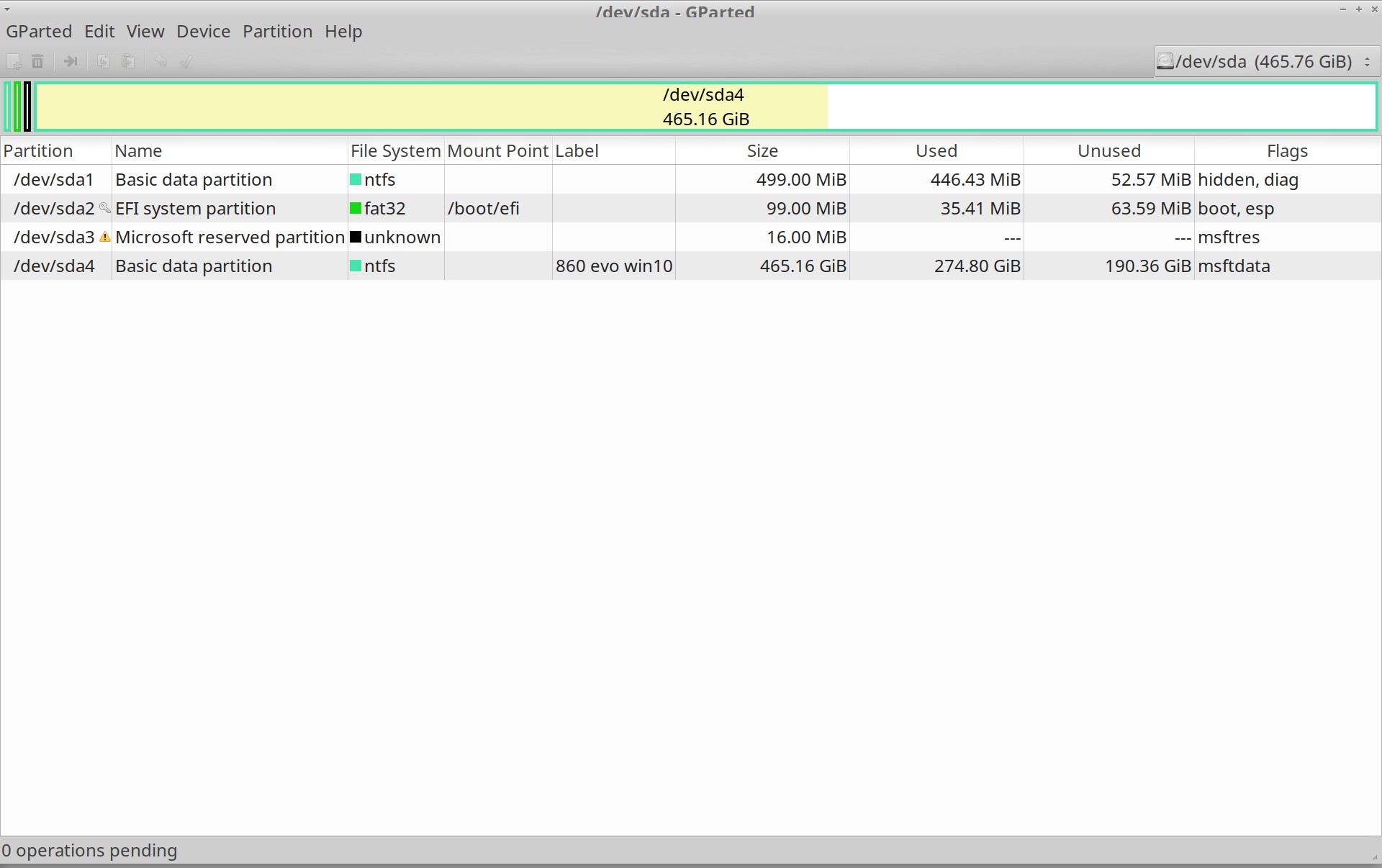
860 evo win10 stands for Samsung 860 evo - here I have installed windows 10.
As we see on sda2 we have /boot/efi.
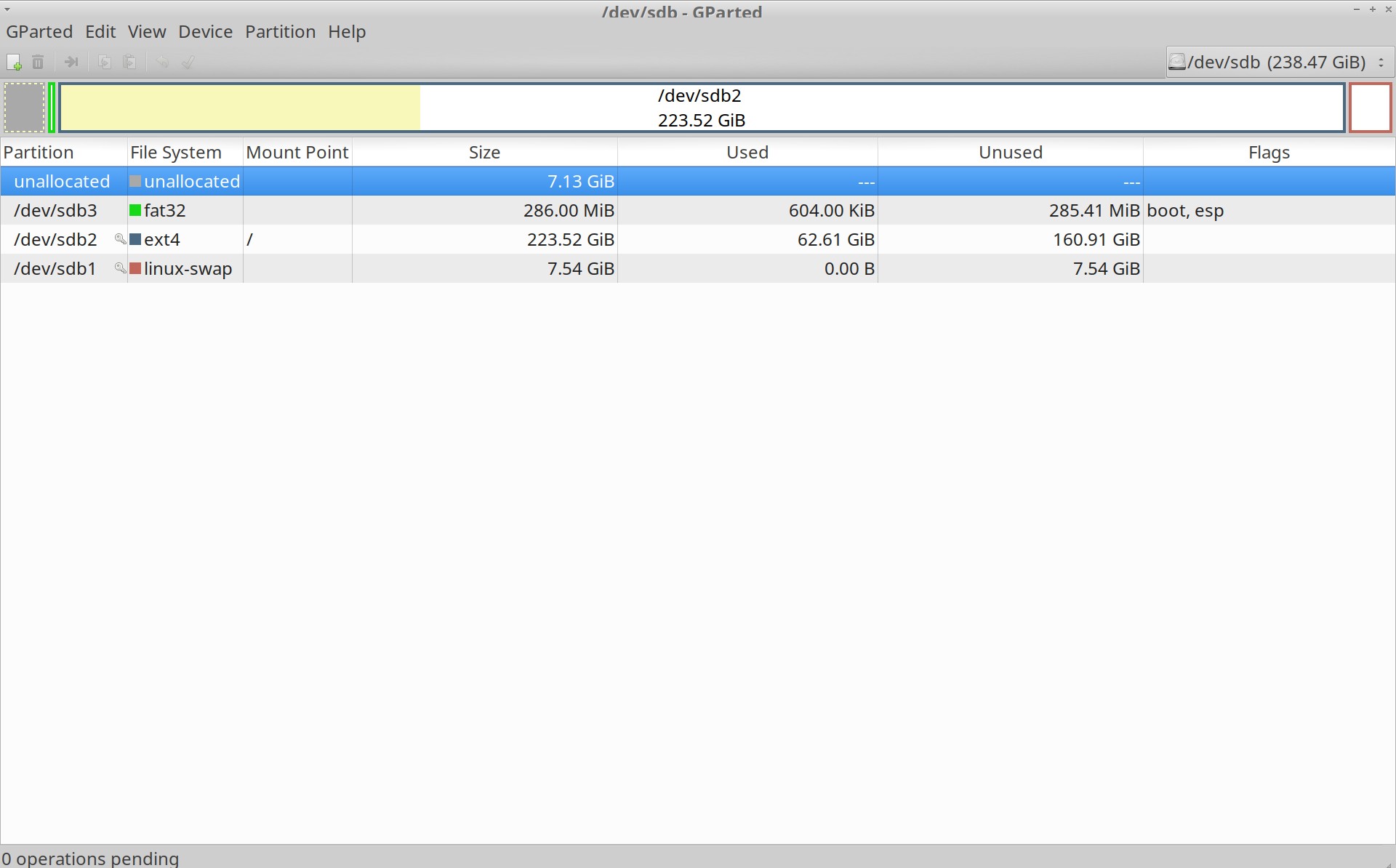
sdb is samsung 850 pro. Here we have 3 partitions: swap, / and empty boot sdb3.
Relevant System Information:
uname -a
Linux maciej-xubuntu 4.15.0-50-generic #54-Ubuntu SMP Mon May 6 18:46:08 UTC 2019 x86_64 x86_64 x86_64 GNU/Linux
Screenshots or Error Messages:
Here goes screenshots from gparted with all flags"
/dev/sda
/dev/sdb
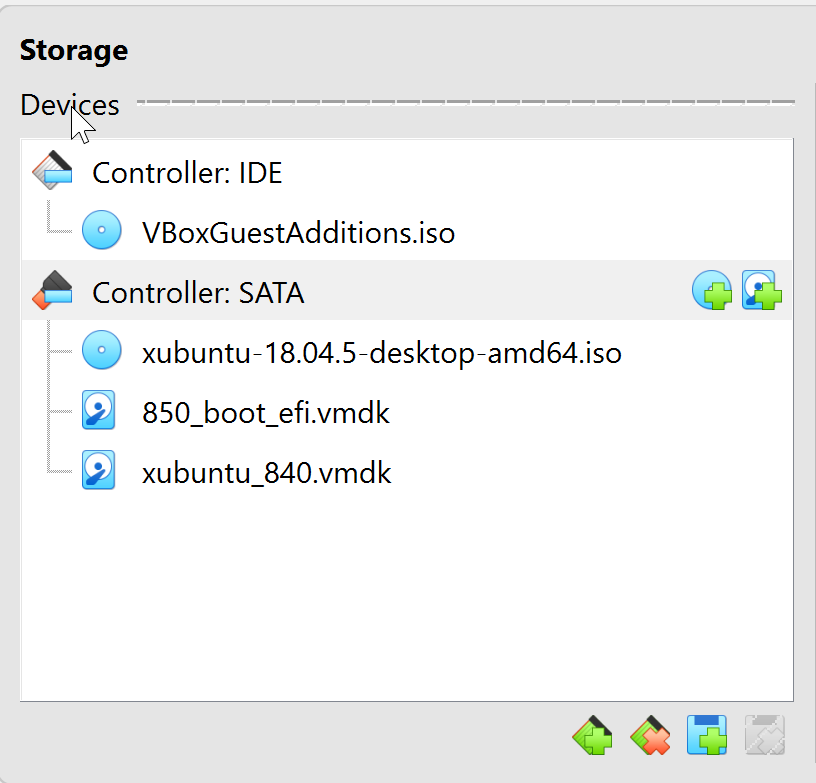
Here goes what it’s mounted in virtualbox
failed Xubuntu start, info about emergency mode and I ran lsblk -f from virtualbox, screenshot, copy-paste not working

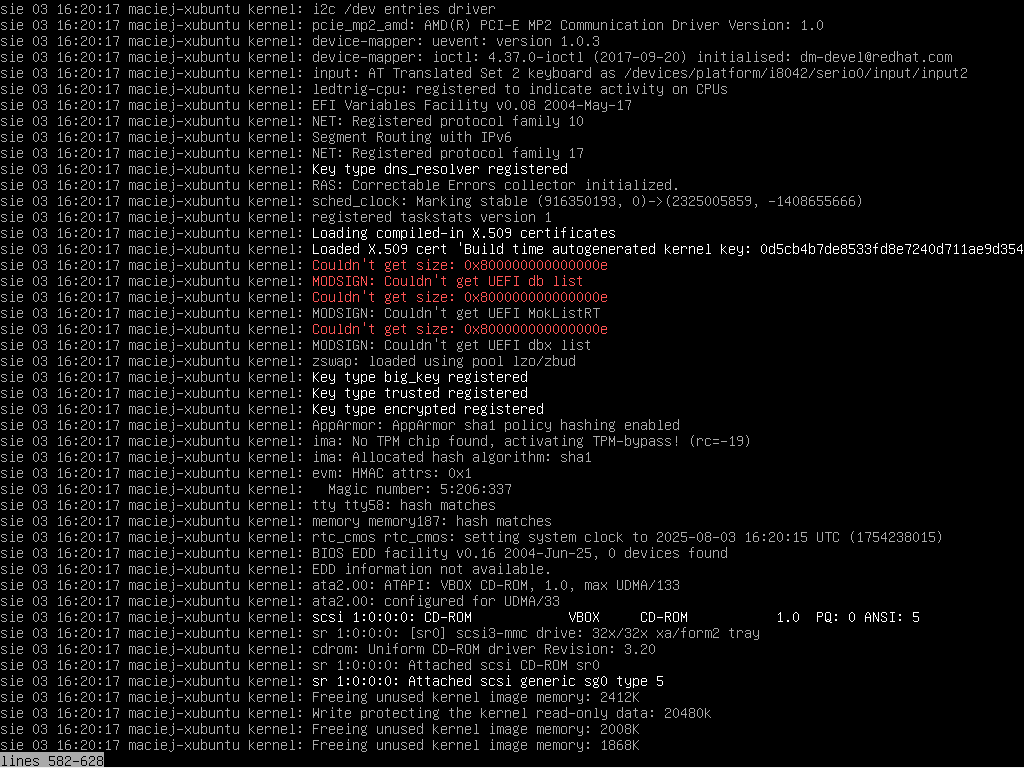
Whole journalctl -xb is about 1607 lines, I decided to post only screenshots with red text. I can post all screenshots if required:
#1
#2

#3

#4

What I’ve Tried:
Actually I did nothing.
Only tried various options with booting in virtualbox, but result is the same.