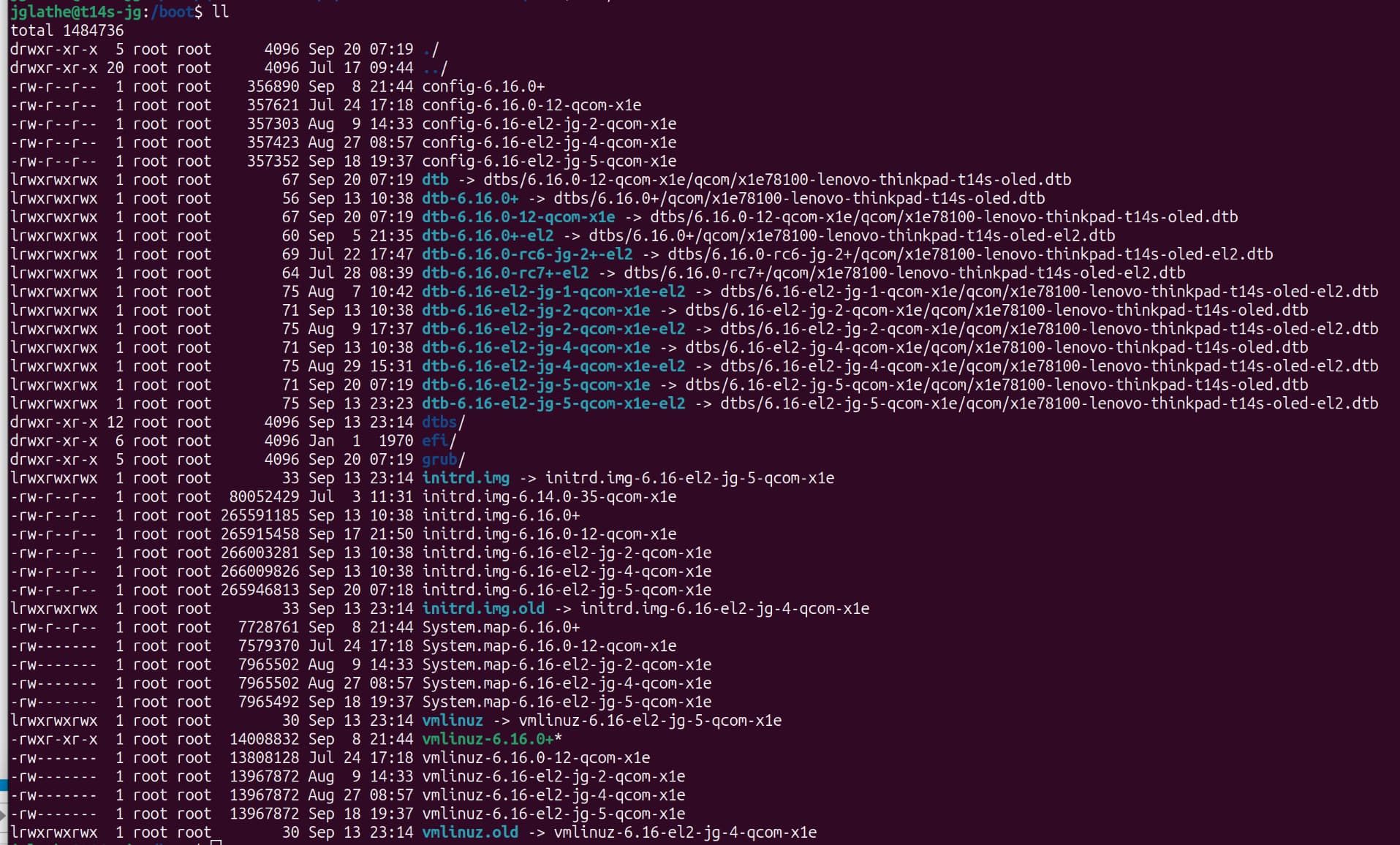
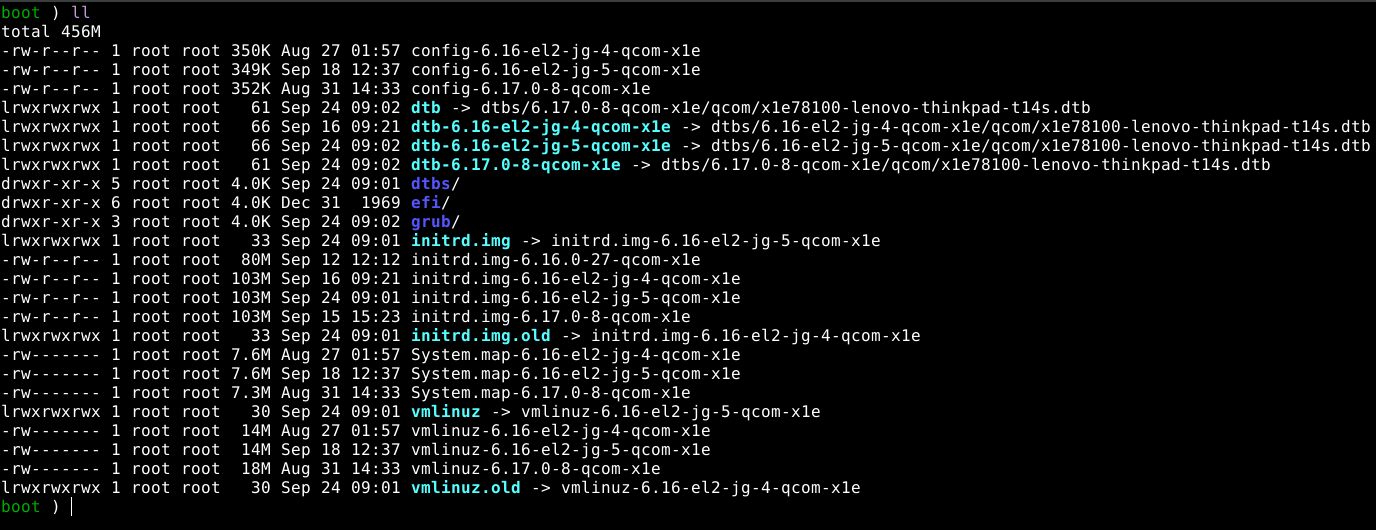
To check if you’re booted to EL2 you can use sudo dmesg|grep EL2, and if kvm is available sudo kvm-ok. Another sure sign should be that sound doesn’t work
Thanks, that did the trick. I notice that battery reporting isn’t working anymore. Is there a compatibility matrix for working features for EL2 versus EL1?
I’m still having issues with cpufreq, it looks like the driver isn’t loaded according to the cpufreq-info command. Any ideas on that or did you get it to run since it was merged in 6.16?
Well. Battery reporting requires the adsp firmware to be loaded. 6.16-el2-2 and up have additional patches to detect being on el2, and attach to the already booted adsp-lite firmware which was loaded at UEFI boot. This gives power management and dp altmode support, but no sound. AFAIK the work on loading the real adsp firmware for use on EL2 is ongoing.
Do I need to do anything extra to load the adsp firmware in EL2? When I tried it last I was using the 6.17rc7 kernel, which you said should already load the correct kernel, right?
Hello everyone ! I just installed Ubuntu 25.04 on my Lenovo Yoga Air 14s Laptop, which is a Yoga Slim 7x sells in China. Almost everything works just fine, except the speaker, built-in microphone and camera. They don’t work. Tried using the firmware and toplogy file from Yoga Slim 7x won’t fix this problem. Is there anything to fix the broken audio? I already opened a bug report for this: Lenovo Yoga Air 14s bug report.
Also I would like to know how to activate KVM in linux. Tried using slbounce but Linux kernel can’t create KVM nodes, Should I need to recompile the kernel ?
The 6.17 kernels don’t have the patches for it IMO. I did a rebase of my tree onto sgerhold’s EL2 patches. I tried to rebase it onto 6.17rc, but I got stuck/distracted.
I need a couple of extra steps;
-0- make those changes to /boot/grub/grub.cfg that @glathe mentions above and keep a copy as grub.cfg gets overwritten when new kernels are generated
-1- copy /Windows/System32/tcblaunch.exe from your Windows 11 partition to /boot/efi
-2- Download Shell.efi for arm64 from
and copy to /boot/efi/slbounce/Shell.efi
(I also put slbounce.efi in that subdirectory just to keep things segregated and edit startup.nsh to match).
-3- I tried to use efibootmgr to have shell.efi become a boot option with
sudo efibootmgr -c -d /dev/sda -p 1 -L “EFI Shell” -l ‘\EFI\slbounce\Shell.efi’
but my ASUS Vivobook S15 x1p42100 just refuses to boot that in
-4- So I boot the system disk and interrupt grub with ESC and “c” for command line and
locate the Shell.efi with grub commands like
set pager=1
ls
ls (hd0,gpt1)/EFI
-5- then I run
chainloader (hd0,gpt1)/EFI/slbounce/Shell.efi
boot
which starts the EFI shell which automatically executes startup.nsh to load the slbounce.efi driver and then runs grub to boot in your EL2 vmlinuz
-6- and after the boot completes
kvm-ok
shows that /dev/kvm is present
Ive been trying to install Ubuntu 25.10 Questing Desktop on my laptop but I cant get past the screen “Try or Install Ubuntu”, after i press Enter it just loops and i can see “_” mark on the left corner, and then it just jumps back to grub menu.
My laptop is Lenovo Ideapad 5x Snapdragon X Plus.
Have anyone had success of installing Ubuntu on this laptop?
Hi, welcome. Actually, I have made an extended ISO with support for this laptop, too. It wraps a layer around the Ubuntu Concept ISO to add boot entries for some Snapdragon X / X Plus machines not yet officially supported. The kernel on the ISO is able to boot them with the provided dtbs, and do an install. Post- install there needs to be some work done:
adding devicetree /boot/x1p42100-lenovo-ideapad-slim5x.dtb to the boot entries in /boot/grub/grub.cfg
Thanks for the write-up! To be honest, this seems super brittle. I don’t mind spending some time trying to make it work; but in the end, it needs to work without me manually doing stuff on every boot and fixing things after every apt upgrade
Well, it is what it is. Using the T14s with slbounce and EL1 and EL2 (both configs) on 25.10 and yes, currently it is required to have a tight grip on grub.cfg. That will be resolved, eventually. Usability is great, though.