Ubuntu Version
Ubuntu 26.04 LTS
Desktop Environment (if applicable)
GNOME
Problem Description
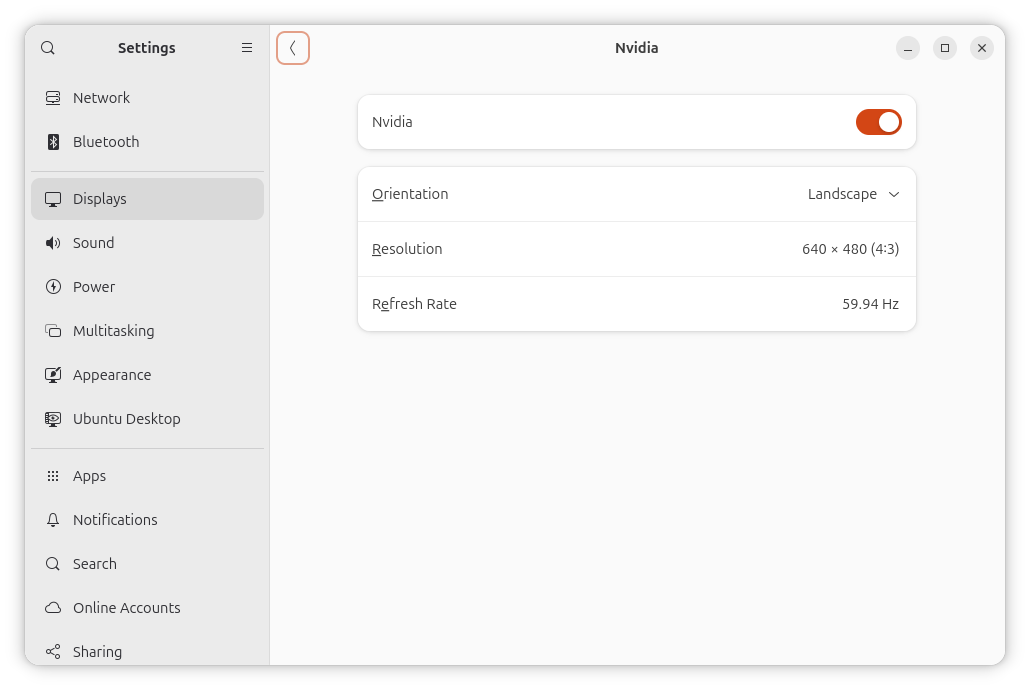
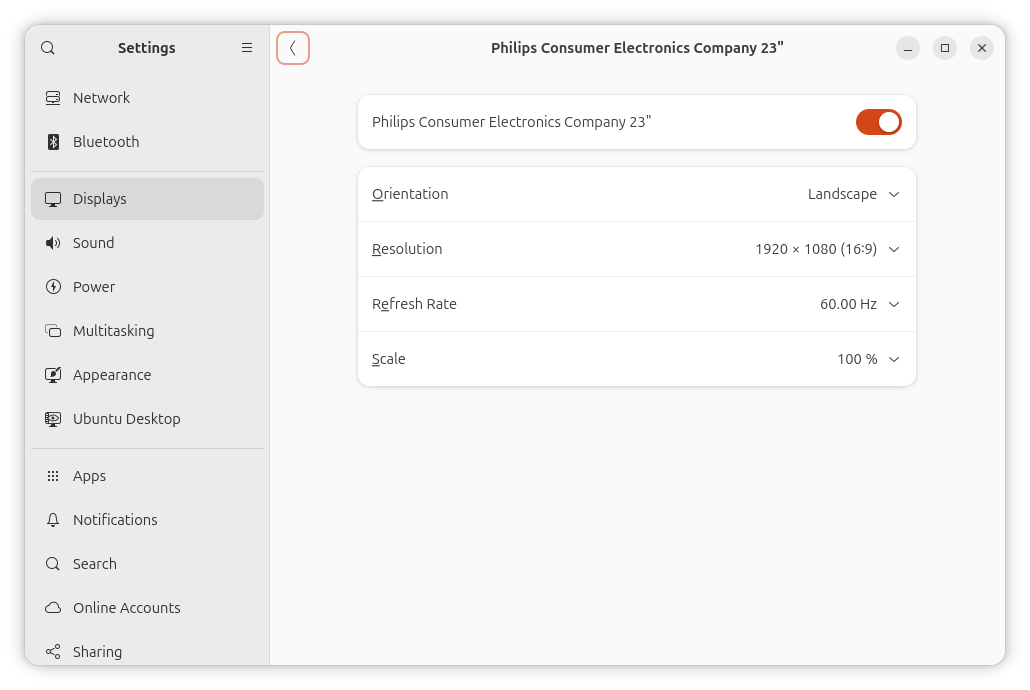
Last week I had a problem with a second monitor not turning on. I solved that by uninstalling the Nvidia drivers, and reinstalling them. The first time it worked perfect, both monitors (Philips) showed. But after that my second monitor has the name Nvidia and has a resolution off 640x480. And I do not see a way to change that. Anyone an inkling?
This might be important:
‘’’
$ nvidia-smi
Sat Oct 24 09:48:24 2026
±----------------------------------------------------------------------------------------+
| NVIDIA-SMI 595.99.02 Driver Version: 595.99.02 CUDA Version: 13.2 |
±----------------------------------------±-----------------------±---------------------+
| GPU Name Persistence-M | Bus-Id Disp.A | Volatile Uncorr. ECC |
| Fan Temp Perf Pwr:Usage/Cap | Memory-Usage | GPU-Util Compute M. |
| | | MIG M. |
|=========================================+========================+======================|
| 0 NVIDIA GeForce RTX 3060 Off | 00000000:2D:00.0 On | N/A |
| 0% 29C P8 14W / 170W | 1280MiB / 12288MiB | 0% Default |
| | | N/A |
±----------------------------------------±-----------------------±---------------------+
±----------------------------------------------------------------------------------------+
| Processes: |
| GPU GI CI PID Type Process name GPU Memory |
| ID ID Usage |
|=========================================================================================|
| 0 N/A N/A 5560 G /usr/bin/gnome-shell 298MiB |
| 0 N/A N/A 5654 G /usr/bin/Xwayland 2MiB |
| 0 N/A N/A 8503 C+G /usr/bin/gnome-control-center 22MiB |
| 0 N/A N/A 8842 C+G /usr/bin/nautilus 46MiB |
| 0 N/A N/A 8952 G …/8863/usr/lib/firefox/firefox 853MiB |
±----------------------------------------------------------------------------------------+
‘’’
(And where are the format features of this post?)