My Wi-Fi network does not detect me when installing Ubuntu 26.04.1 LTS

Ubuntu Version

Ubuntu 26.04 LTS

Desktop Environment (if applicable)

GNOME

Problem Description

Hello, I am new to Ubuntu. I came here so you can help me with my problem that my wifi network does not detect when installing Ubuntu 04.26.01 LTS I am using trial boot windows 11, Ubuntu, Linux Mint, I need help please

Relevant System Information

My Wi-Fi network does not detect me when installing Ubuntu, I don’t know why

Screenshots

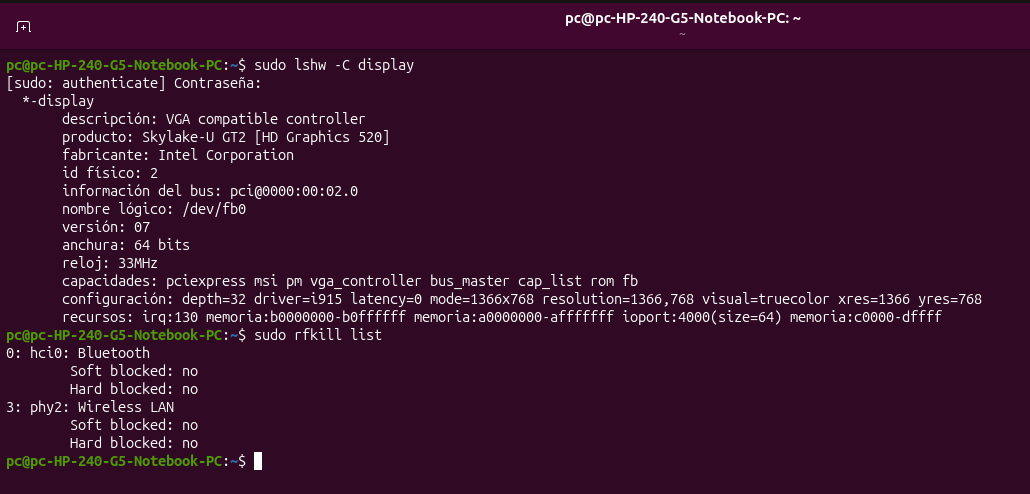
What is the output of:

sudo lshw -C display
sudo rfkill list

Thanks

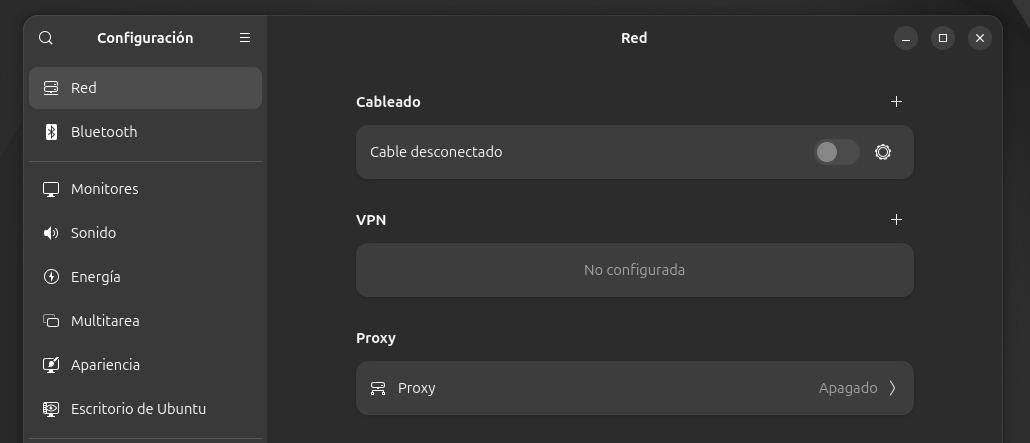
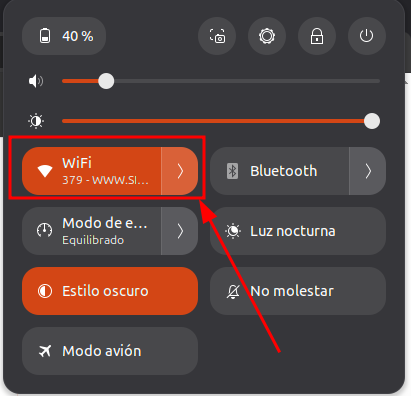
Click on the gear icon (near the padlock) and look for wifi

@Actionparsnip This is what I get.

@corradoventu That’s how the configuration appears for me, and it’s not detecting the Wi-Fi network.

Try this command

lspci -nnk | grep 0280 -A3

It should yield a similar response as below

lspci -nnk | grep 0280 -A3
03:00.0 Network controller [0280]: MEDIATEK Corp. MT7921K (RZ608) Wi-Fi 6E 80MHz [14c3:0608]
	Subsystem: MEDIATEK Corp. MT7921K (RZ608) Wi-Fi 6E 80MHz [14c3:0608]
	Kernel driver in use: mt7921e
	Kernel modules: mt7921e

@tea-for-one This is what shows up in my screenshot.

try:

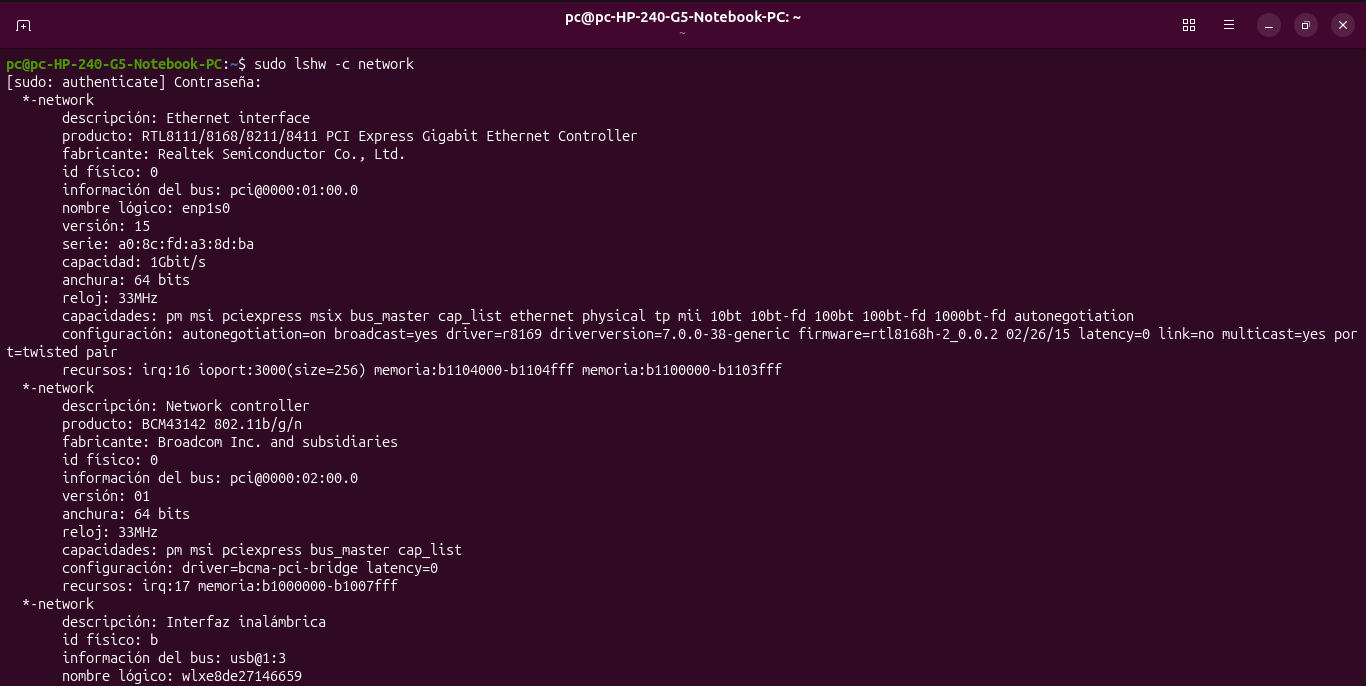
sudo lshw -c network

1 Like

@corradoventu This is what I get in my screenshot

You have a Broadcom device BCM 43142

Can you use a wired connection or tether a smartphone?

Via the terminal

sudo apt update
sudo apt upgrade
sudo apt install broadcom-sta-dkms
4 Likes

Apologies, meant network but typed display. My bad

https://wiki.ubuntu.com/WifiDocs/Driver/bcm43xx

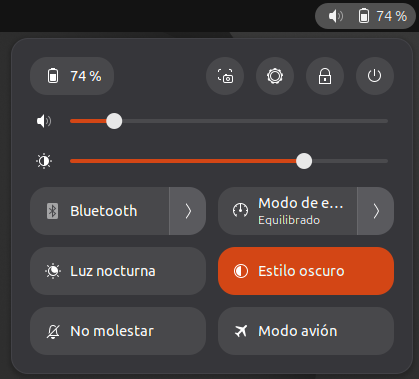
Many thanks, @tea-for-one. After installing the commands one by one and restarting my PC, it finally detected the connection, and my Wi-Fi is working well now. Thanks to everyone.
2 Likes

This topic was automatically closed 18 hours after the last reply. New replies are no longer allowed.