I have a Lenovo Thinkpad t470S laptop, and a Lenovo monitor attached. The attached monitor works okay, it is only at boot up there is a problem.
The laptop screen shows the login, but the attached monitor doesn’t. Not sure where to start looking.
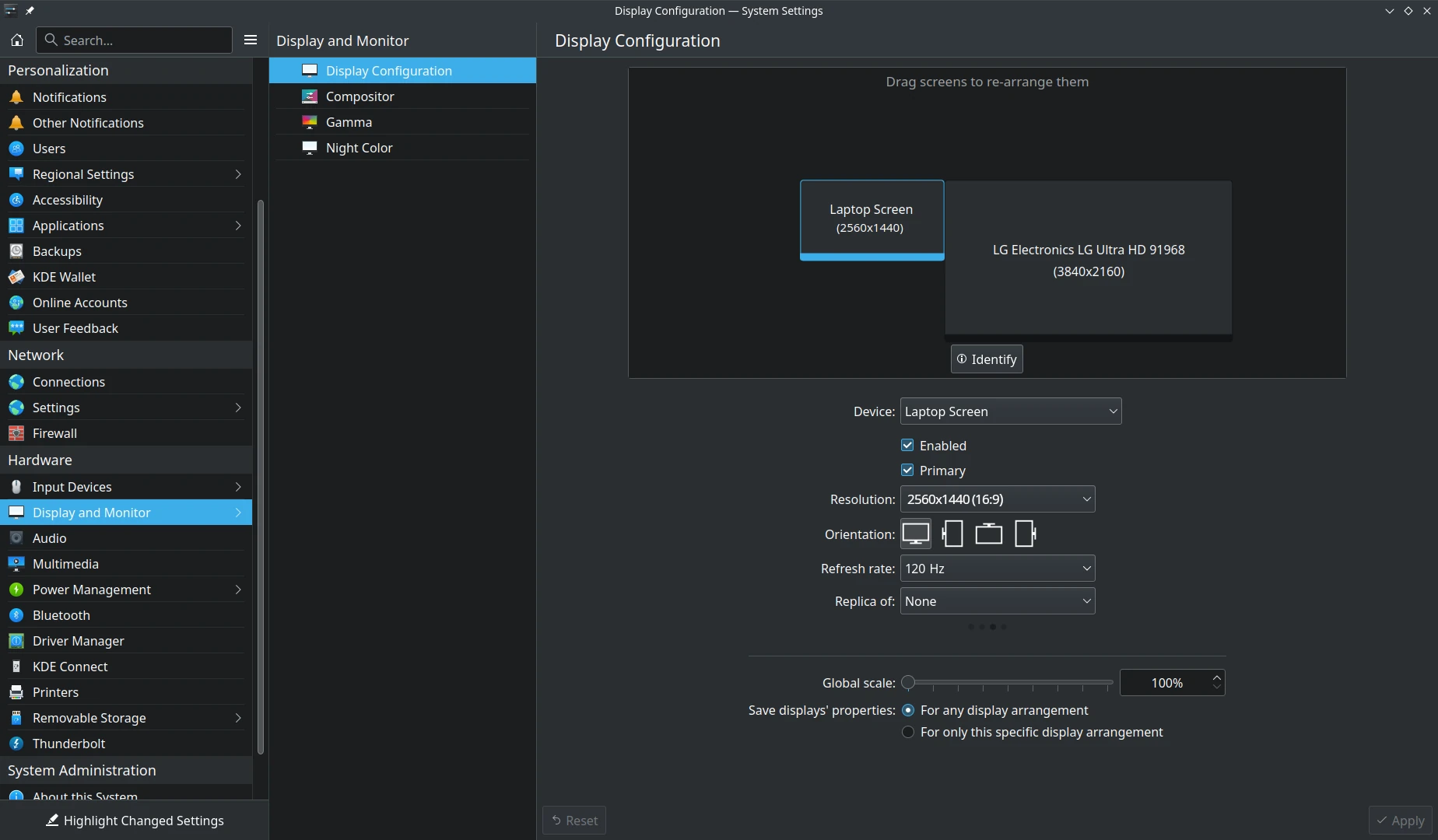
In Kubuntu, the system settings for the display were quite comprehensive. This is all I see under Ubunt | system settings | display - https://i.imgur.com/MIctrFB.png
I have gnome extensions and gnome extension manager. When I search for ‘display’, there are a lot of different tools. Which one do you recommend ?
@ogyle first, you might want to check whether the monitor is detected before and after login:
xrandr --query
But since you are using Wayland, xrandr may not show much. So, you can also try:
gnome-randr
And, last but not least, I would check the laptop BIOS version too, especially since this is a ThinkPad. An outdated BIOS can sometimes cause display issues at boot.
Can you explain what you expected? It is quote normal that login screen is only shown on one monitor. Do you have a (link to the) picture showing how login screen on multiple monitors looks like?
It configures your user session, not the GDM login greeter session.
Previously I used Kubuntu, and both screens, at boot, displayed the login. Possibly there are entries in the journalctl at boot. Whilst it is booting, mostly the laptop screen displays all the output, yet there are a few times, pre boot, where the external display shows the Ubuntu logo.
When the boot process reaches the login, the laptop screen shows the login prompt, whilst the external display is a “grey’ screen, that’s all. Not black, but grey. I can login okay via the external display, just press enter, then key in the password. It’s ‘flying blind’, but it works.
I do have gnome-extensions manager installed, and there are a few extensions to make the configuring of dual monitors easier. Just not sure which one to use.
Kubuntu is using SDDM by default and SDDM indeed shows the greeter screen on every monitor (and this is not configurable). The default display manager in case of GNOME is GDM which (to my best knowledge) does not do it (and this is not configurable either).
Pragmatic question - what is the reason to switch from KDE to GNOME? Cannot you continue to use KDE with SDDM?
You can use SDDM also with GNOME, but some functionality (like lock screen) may not work correctly.
Otherwise the only workaround I can think of is configuring monitor mirroring for GDM greeter session.
I did a fresh install of Kubuntu 26.04.1 , and long story short, never again Kubuntu for me. So many hangs, files corrupt, many days of frustration. I feel it was mostly Plasma that was causing the problems.
So I did a fresh install of the latest Ubuntu. It’s very simple and bare, the desktop, however I’ have gnome-extensions installed, so looking to use that more.
I can no doubt put up with the login issue, but today, after the screen saver came on, the external display failed to display at all. This has been an issue in the past with Kubuntu also. The only resolve is to use the laptop screen to shut down all windows, then restart. That usually fixes it.
The external monitor works fine when I boot to he internal SSD with windows. The connection is via HDMI cable. There may be firmware updates for *nix for that. Windows does all that automatically from Lenovo tools.
>fwupdmgr get-updates
Devices with no available firmware updates:
• KEK CA
• MZVLW256HEHP-000L7
• TPM
• ThinkPad Product CA
• UEFI CA
• UEFI Device Firmware
• Windows Production PCA
Devices with the latest available firmware version:
• Embedded Controller
• Intel Management Engine
• System Firmware
when they say ‘no available firmware updates’, does that indicate not installed/updated on this laptop, or , in a generic sense, ‘not available’ ?
Could you provide some information? Does the external monitor display normally after you log in successfully? Have you configured the “Join” or “Mirror” settings for the window?
Yes, the external monitor displays normally after I log in. That said, yesterday I was away for an hour or so, screen saver came on, and the external was blank/black. It would not respond, so only a restart fixes that.
It is configured as ‘mirror’, however the system settings | display is void of any of the information or tools that Kubuntu had ?? That’s why I’m looking at a gnome extension for dual monitors.