This is heavily outdated, note that Firefox in Ubuntu in all supported releases is currently at version 158 (though this will indeed not be related to your problem, but 144 is long out of security support. you should not go to the web with it) …
This could be related to the Firefox version, @ogra, if they’re on such an old version that some ‘malicious script or plugin’ is on the infrastructure (this sounds a lot like a case of ‘malicious link injection’ via malware). So OP should start by updating to a newer Firefox and completely disuse the ancient one.
Agree with the suggestion above to update firefox and also, open each of these problem desktop icon files with a text editor and look at the Exec= line for each. Seems bizarre to get the same link when clicking on various different icons. Have you made any changes to the .desktop files recently and have you been using that site (ss64.com/bash/)?
My suggestion is to reinstall 26.04 from scratch, but don’t copy over your home directory. Instead, restore your data; but restore your configuration files only where you absolutely have to.
Have you checked the .desktop files in a text editor? You might take a look in your user hidden .local/share/application directory to see what icons you have there. Also look in the /usr/local/share/applications as well as /usr/share/applications directory for anything unusual. Not sure what you would look for here other than duplicates. The link below has a suggestion for a similar situation though I have not used it. If you do, I would suggest you make note of exactly what you do so that you can revert if the change fails. Good luck.
This looks very much like a firefox configuration problem.
One option would be to close the browser, then move (or delete) the firefox config folder out of the way, and launch the browser. See if the problem still occurs. If it does, it’s wider than firefox config.
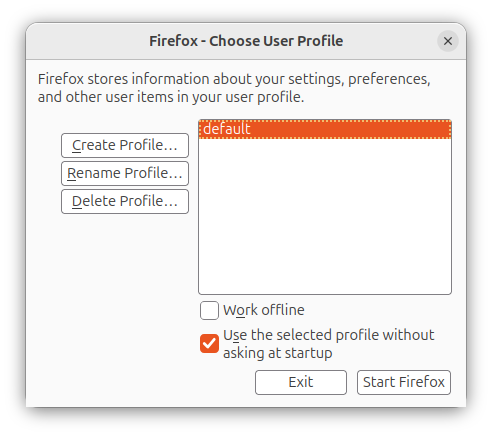
Another simpler option is to launch firefox with the --ProfileManager option to create a brand new profile.
firefox --profileManager
It will open a window like this, in which you can create a brand new fresh profile:
Hi.
I don’t think this is a Firefox problem. The Firefox in 26.04 is a snap install and I created a new profile. This made no difference.
And remember that I can click on any link in a libreoffice document and I end up in that same place.
However, when I click on a link in cherrytree, it works.
None of this makes sense. I have a week old backup and I will see if the problem exists there. If not, than I will use this home dir and copy it over to 26.04.
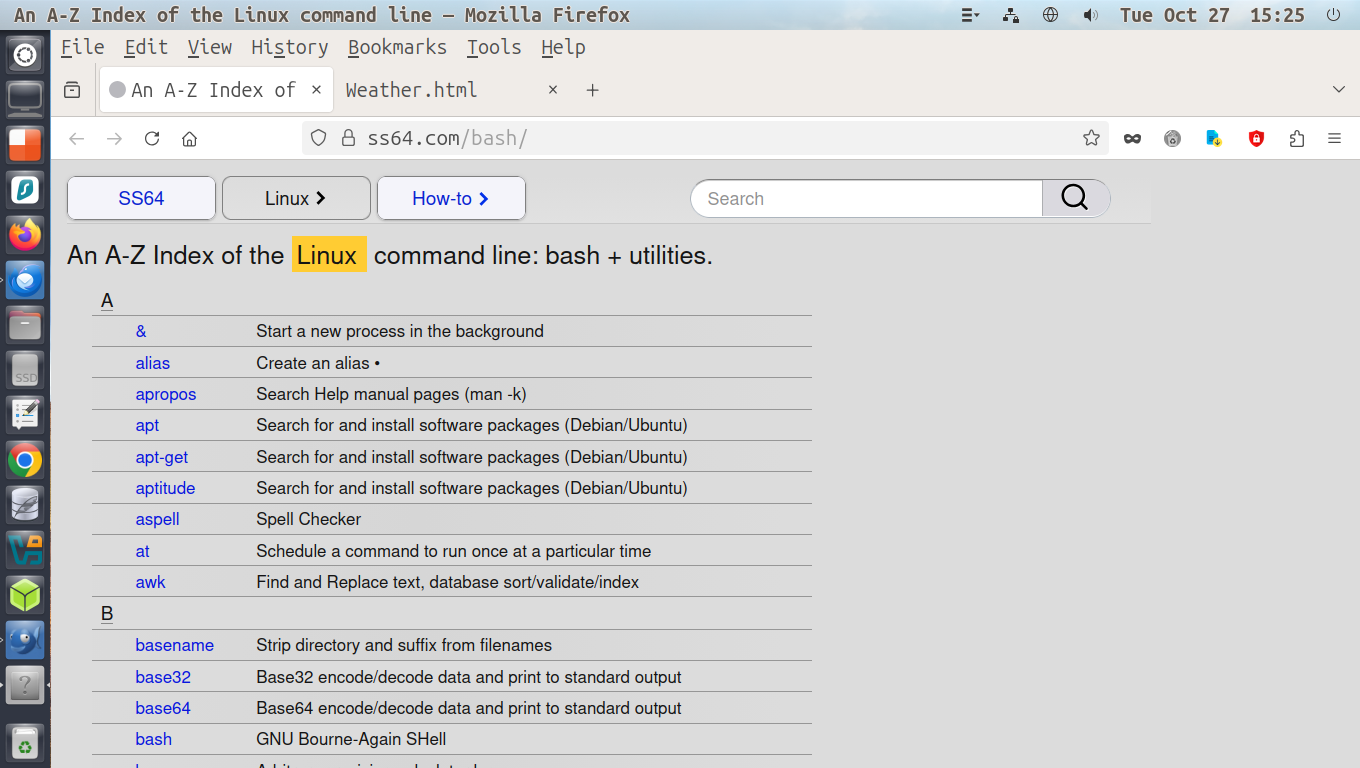
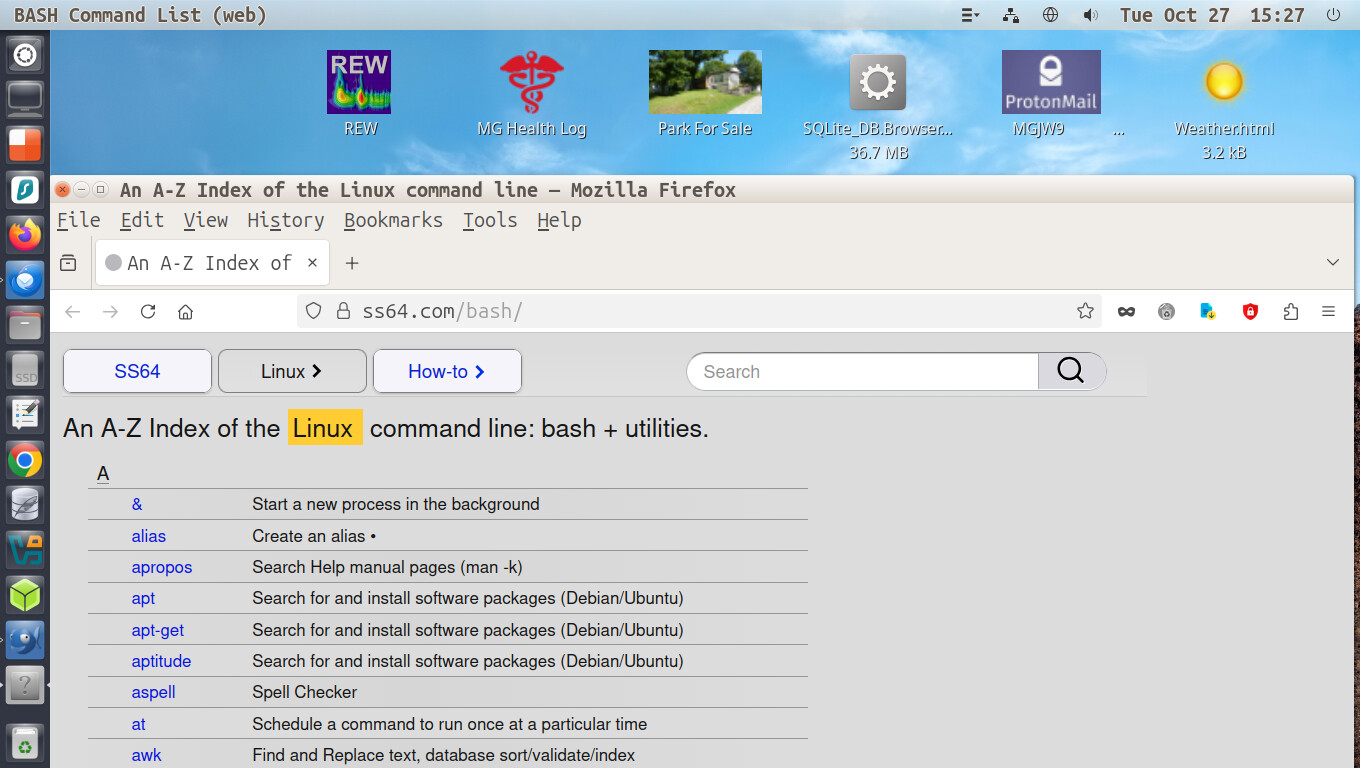
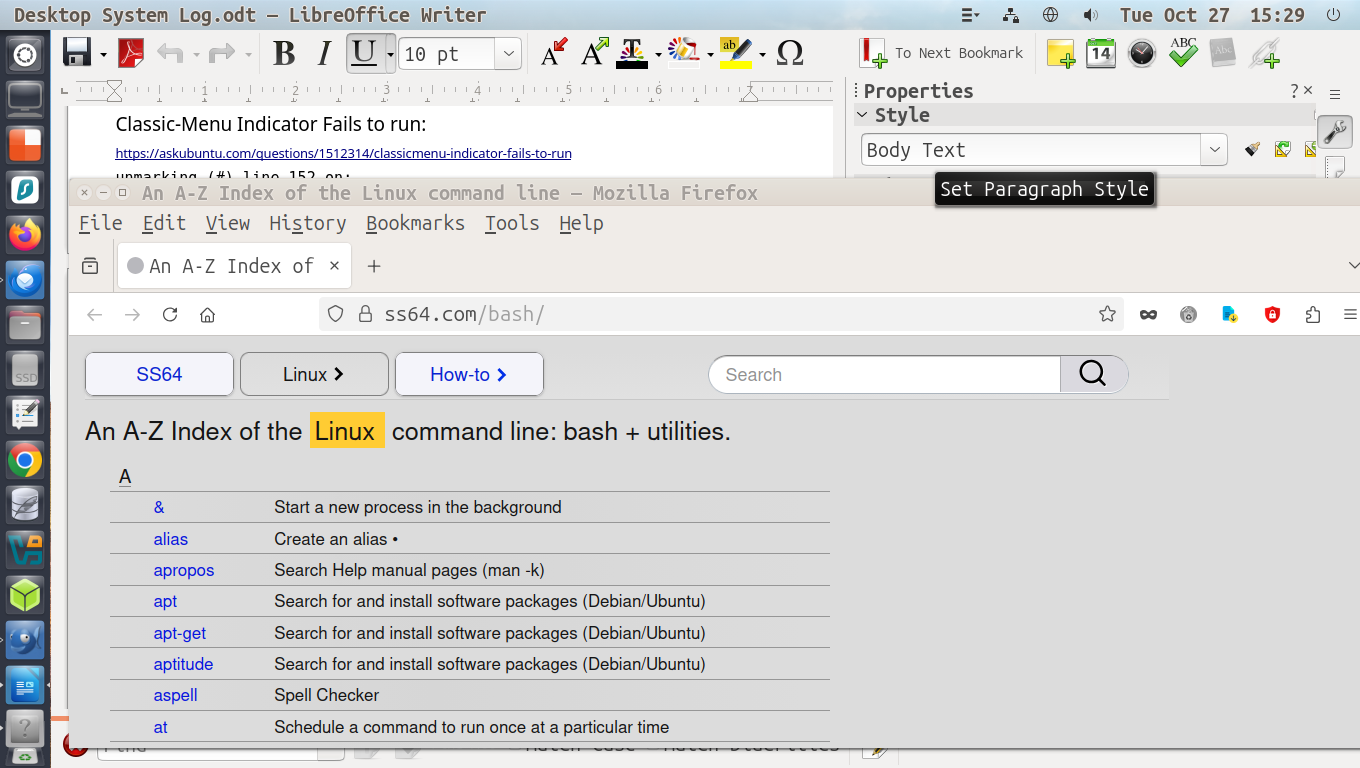
 .