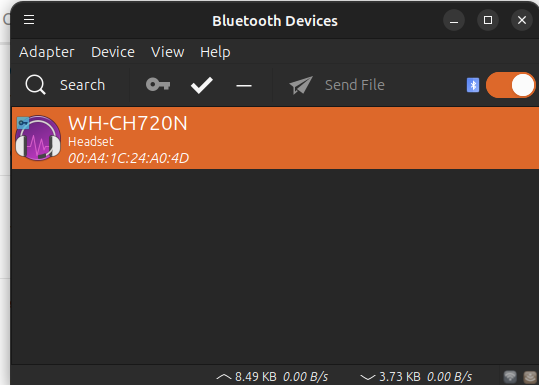
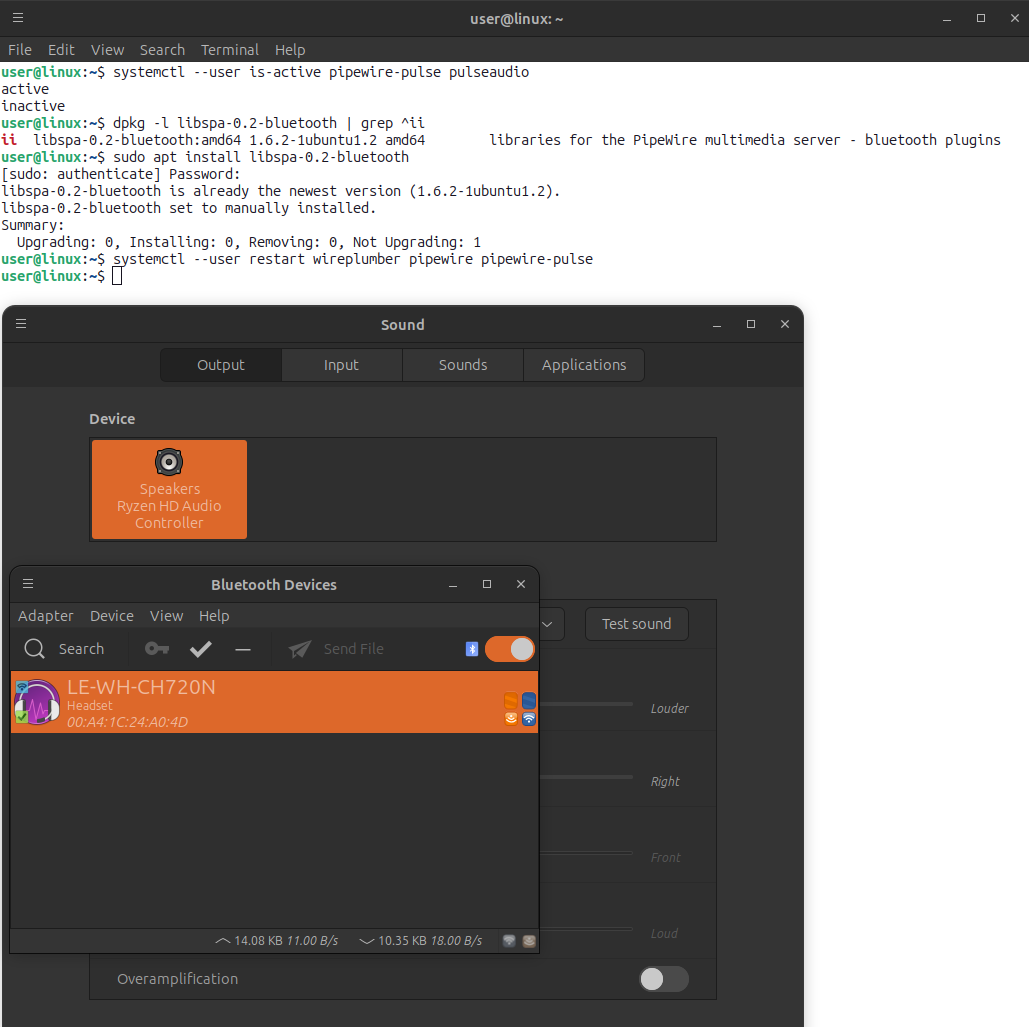
hello, Recent i installed Ubuntu cinnamon in my laptop. when i try to connect wireless bluetooth headphone, getting “pairing failed” error message , sometimes pairing working fine. important problem is after pair, audio not switch to bluetooth headphone. no paired headphone in output"Sound". please see screenshot too.
If the second line of the first command says active instead, install pulseaudio-module-bluetooth and log out and back in.
Then remove the WH-CH720N in Bluetooth Devices, put the headphones in pairing mode, and pair them again. Right-click the headphones and choose Connect if they don’t connect on their own. They should then show up next to the Ryzen HD Audio Controller under Output in Sound.
PipeWire and its Bluetooth module are both in place, so the sound server isn’t what’s missing.
The device that paired is LE-WH-CH720N, which is most likely the headphones’ low-energy control entry and not the one that carries audio. With the headphones in pairing mode, does a scan in Bluetooth Devices also show an entry called just WH-CH720N?