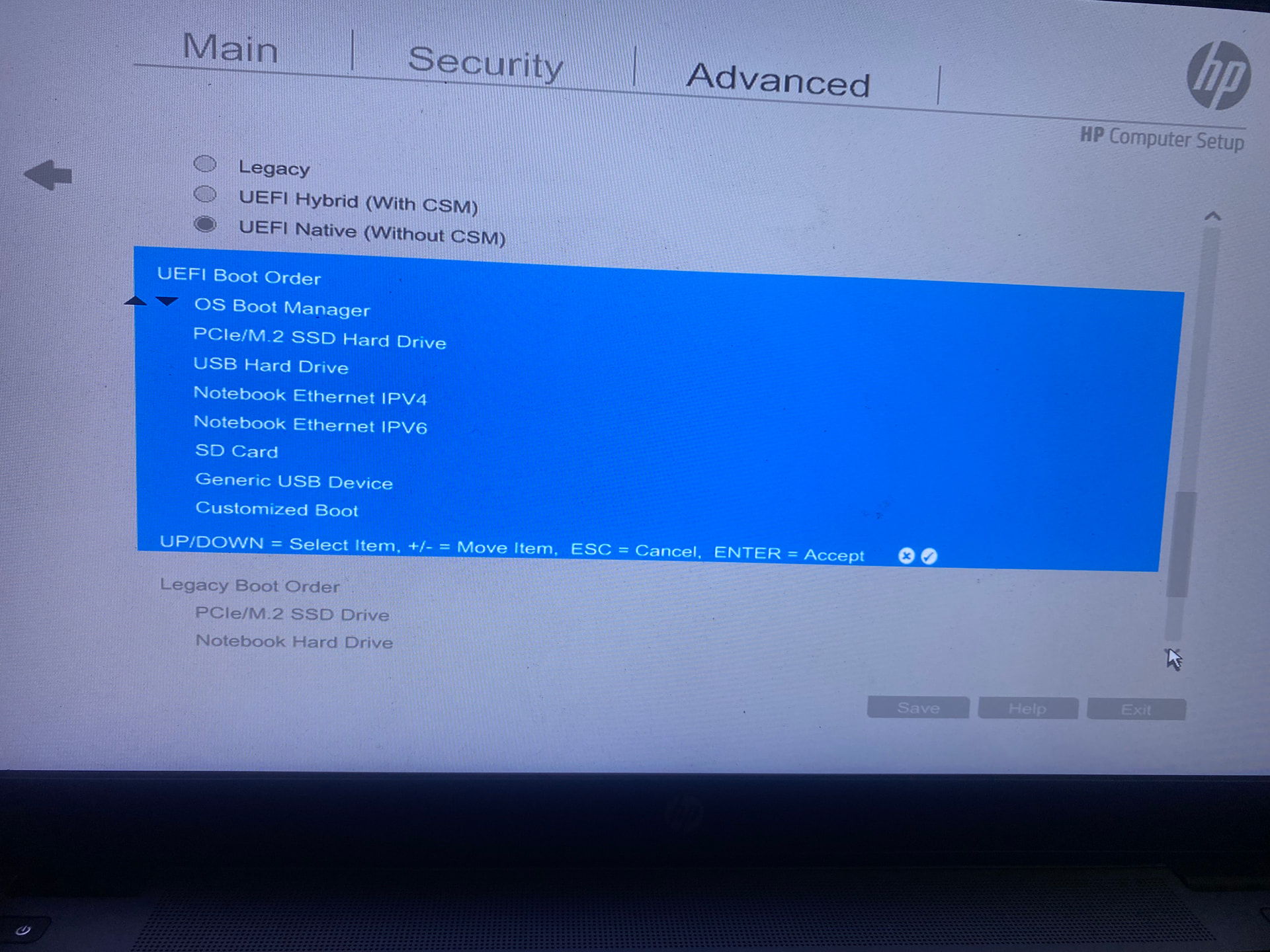
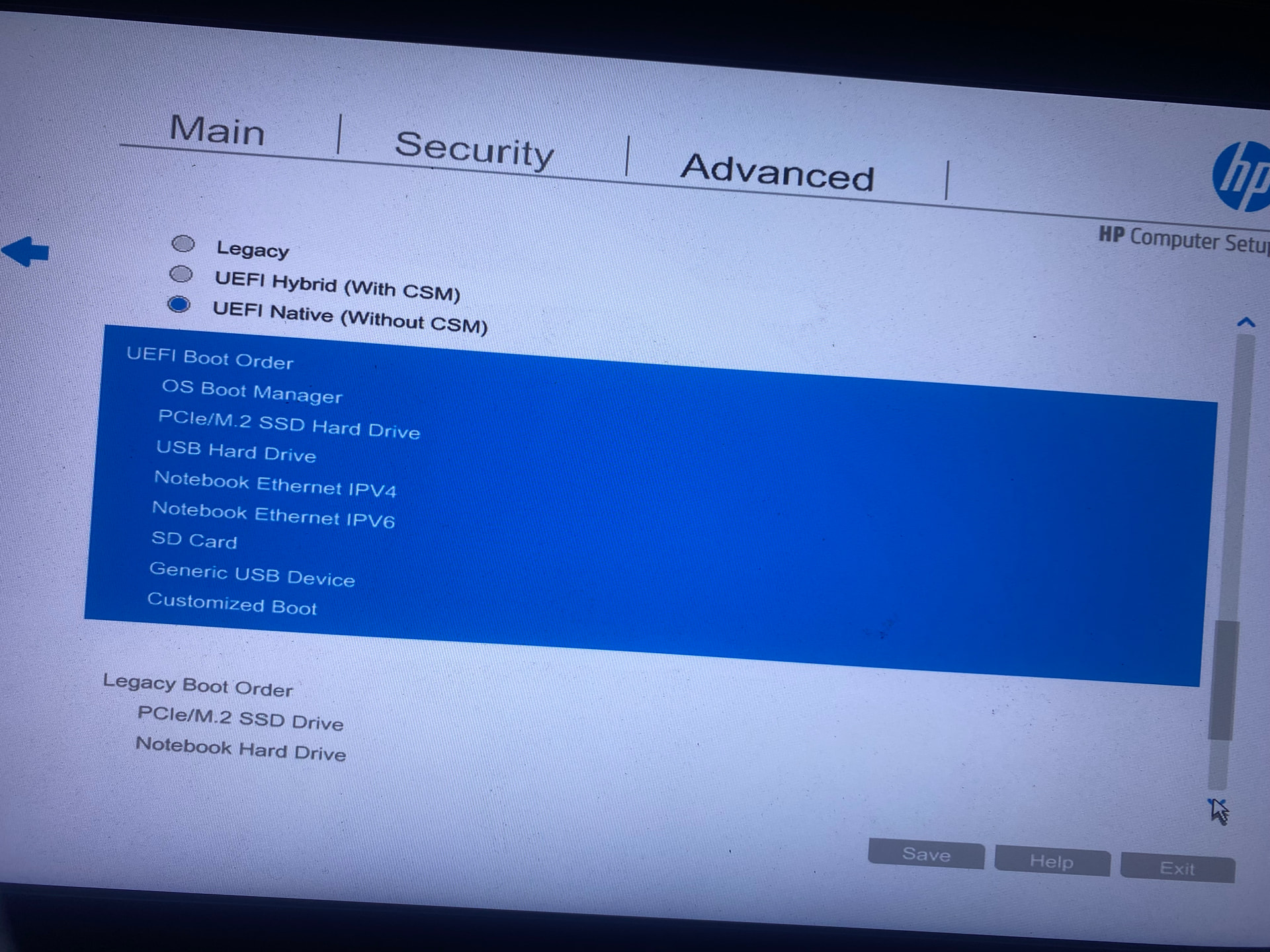
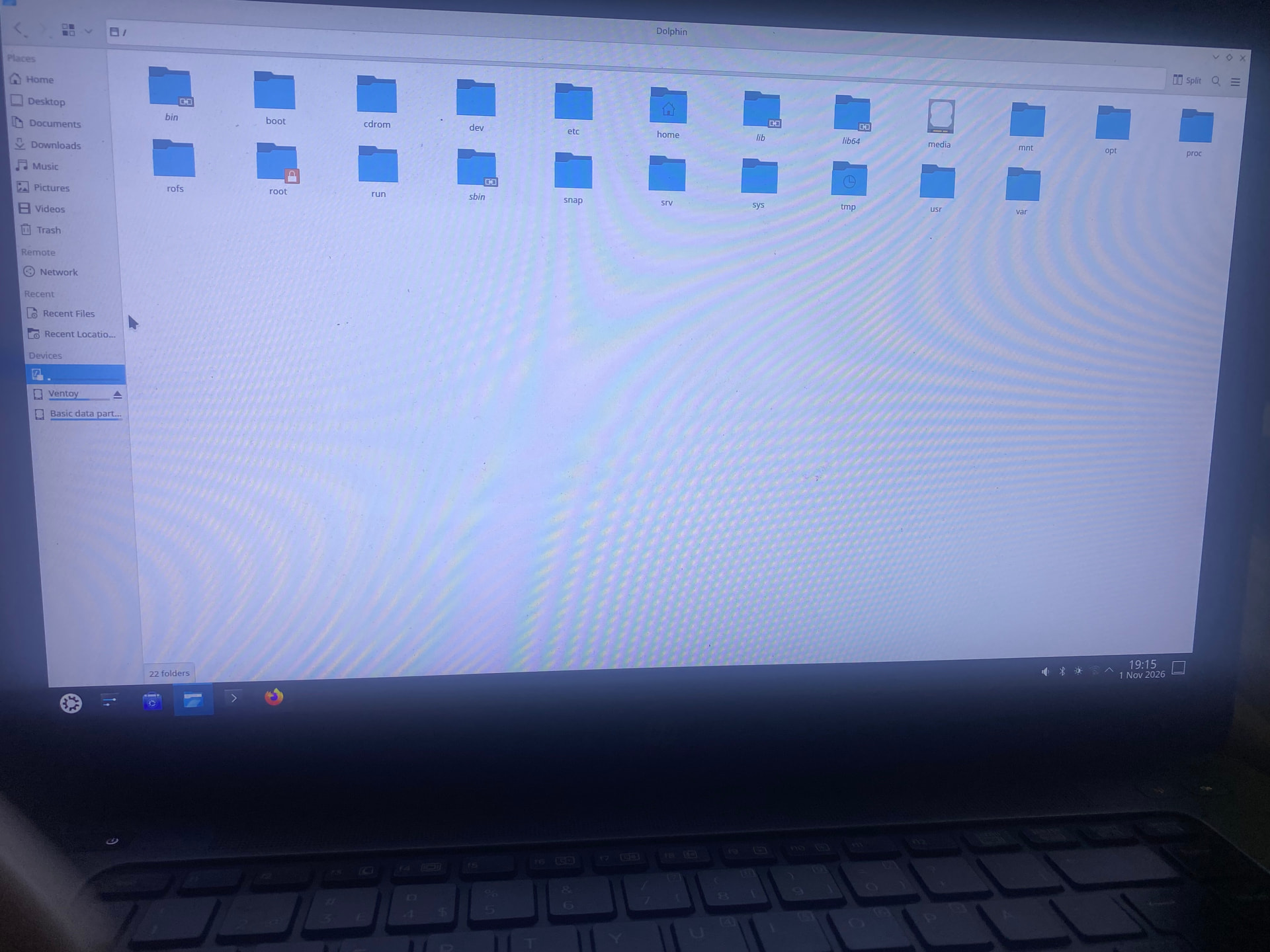
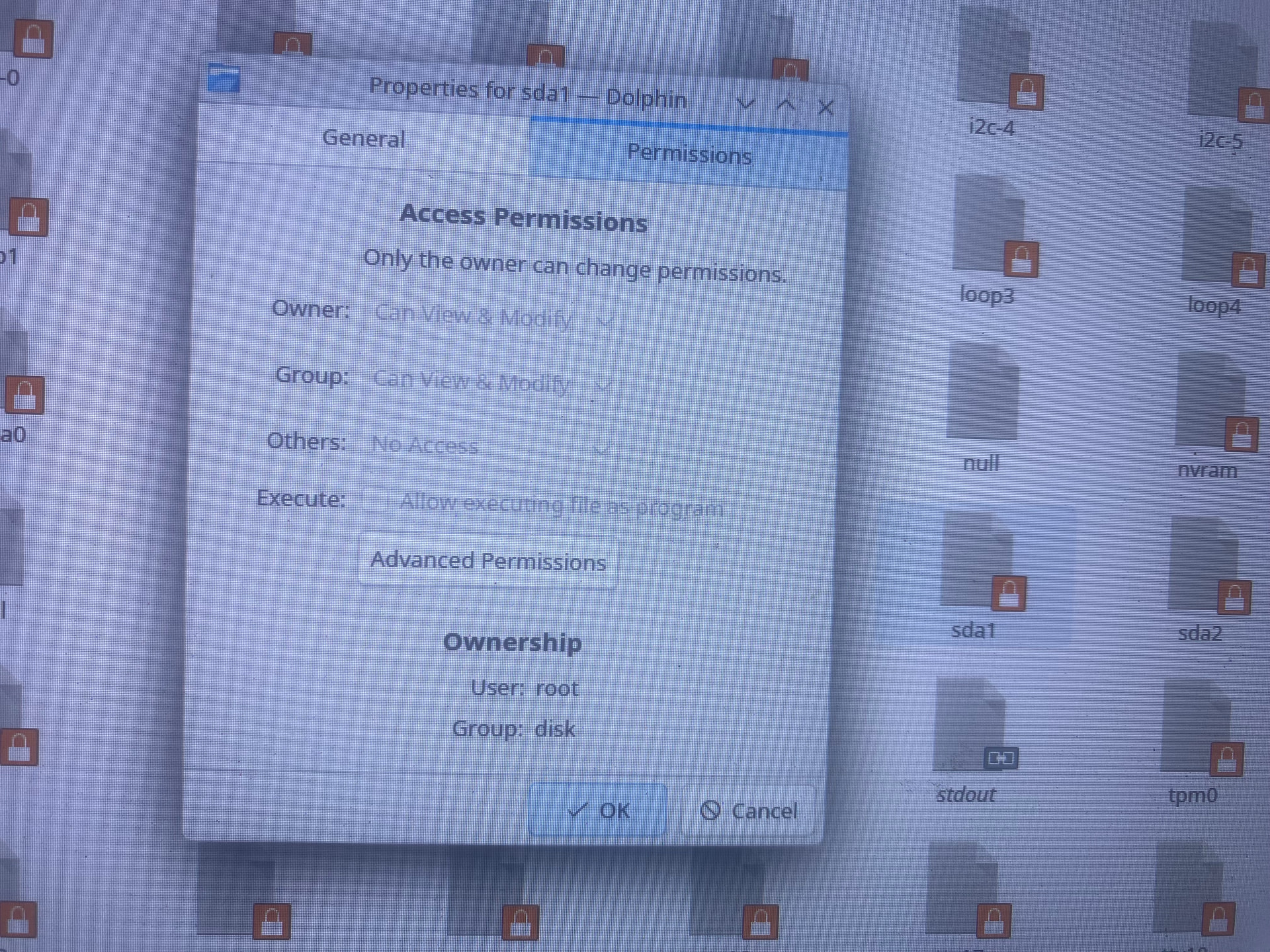
I have installed Kubuntu on my machine aside on Window on my machine (who already had starting problems at i need to plugged my machine and turn on twice to boot it) but after installing i couldn’t boot the Kubuntu so i have changed my boot Mode config to UEFI Hybrid(with CSM) (before it’s was on UEFI native (without CSM)) but after this change i couldn’t boot in my windows system too. so Now i decided to ask help.
i have installed kubuntu on my second disk which have 39Go of free and kubuntu occupied 35Go of it. Hope it’s helpful ask me anything if you don’t understand.
dual-bootkubuntulaptophp
Relevant System Information
My Pc is HP Elitebook 850 G2 (8 RAM).
What I’ve Tried
i have reinstalled Kubuntu on the same partition of 35Go
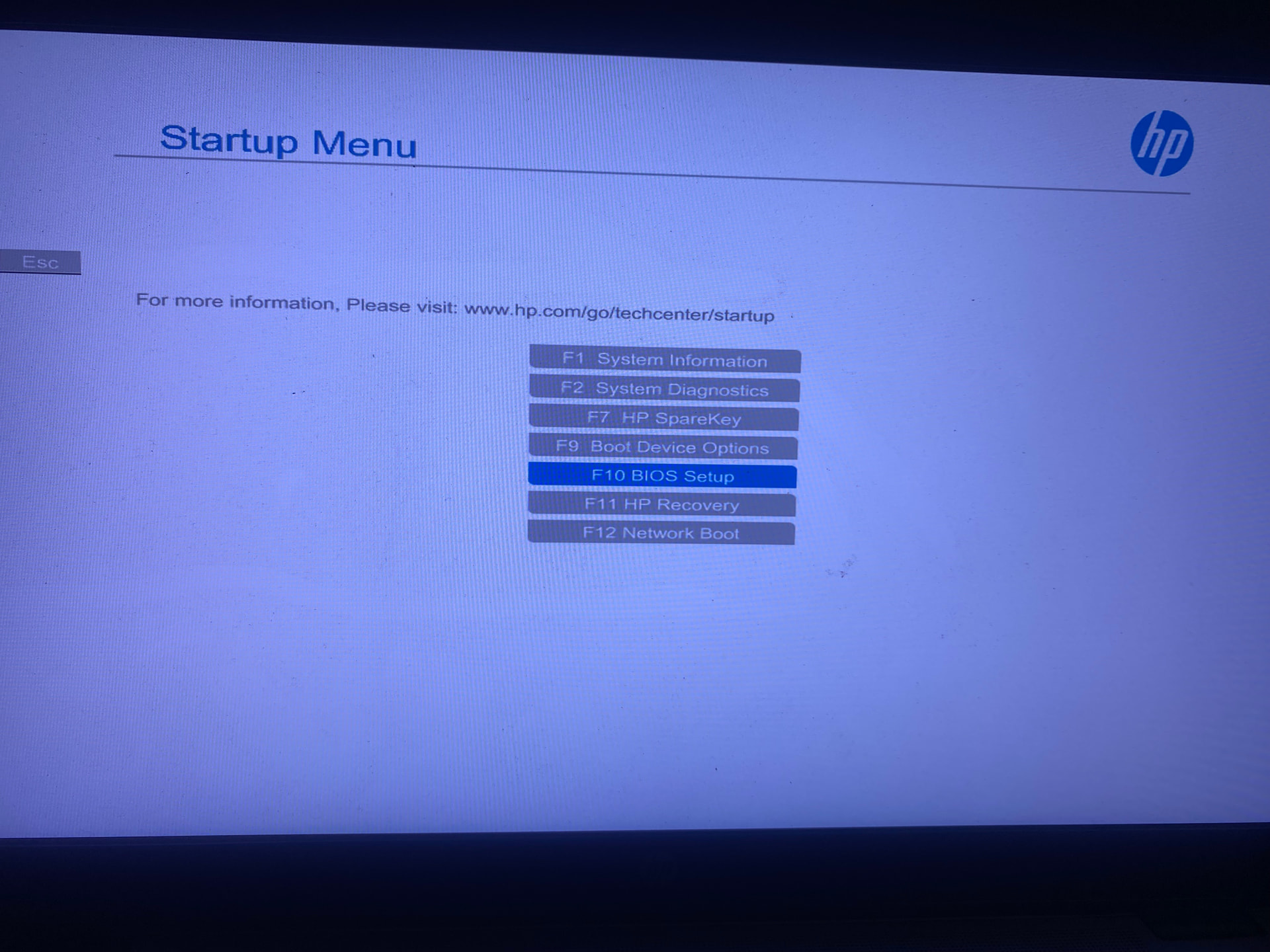
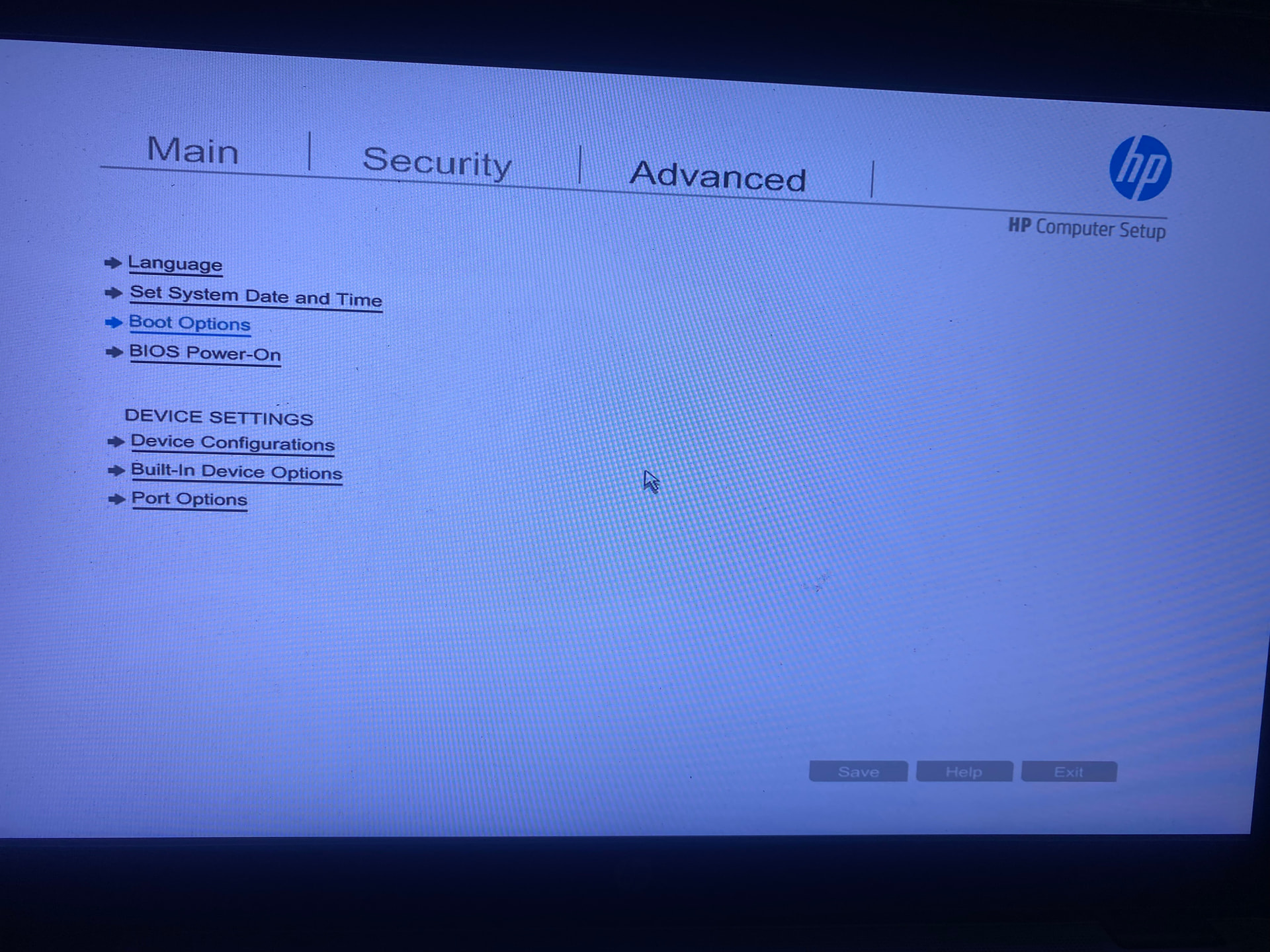
Power on the PC and tap F10 to access UEFI settings
Disable CSM, Hybrid, Legacy etc. and enable UEFI (Windows needs UEFI mode)
Does Windows boot now?
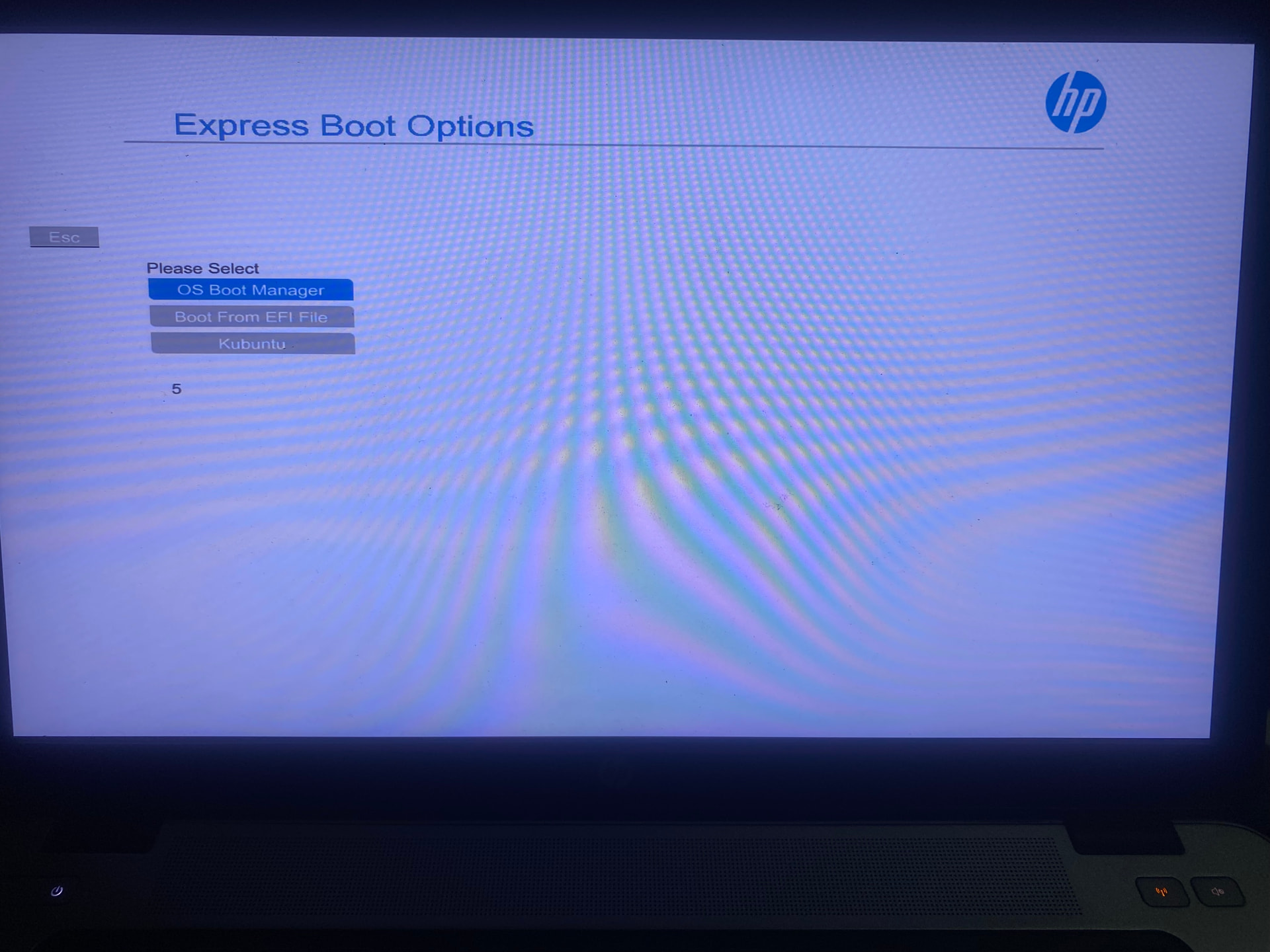
UEFI Settings (in UEFI mode) > System Configuration > Boot Options > UEFI Boot Order > OS Boot Manager
Do you see options for Windows & Ubuntu? F5 and F6 control OS selection
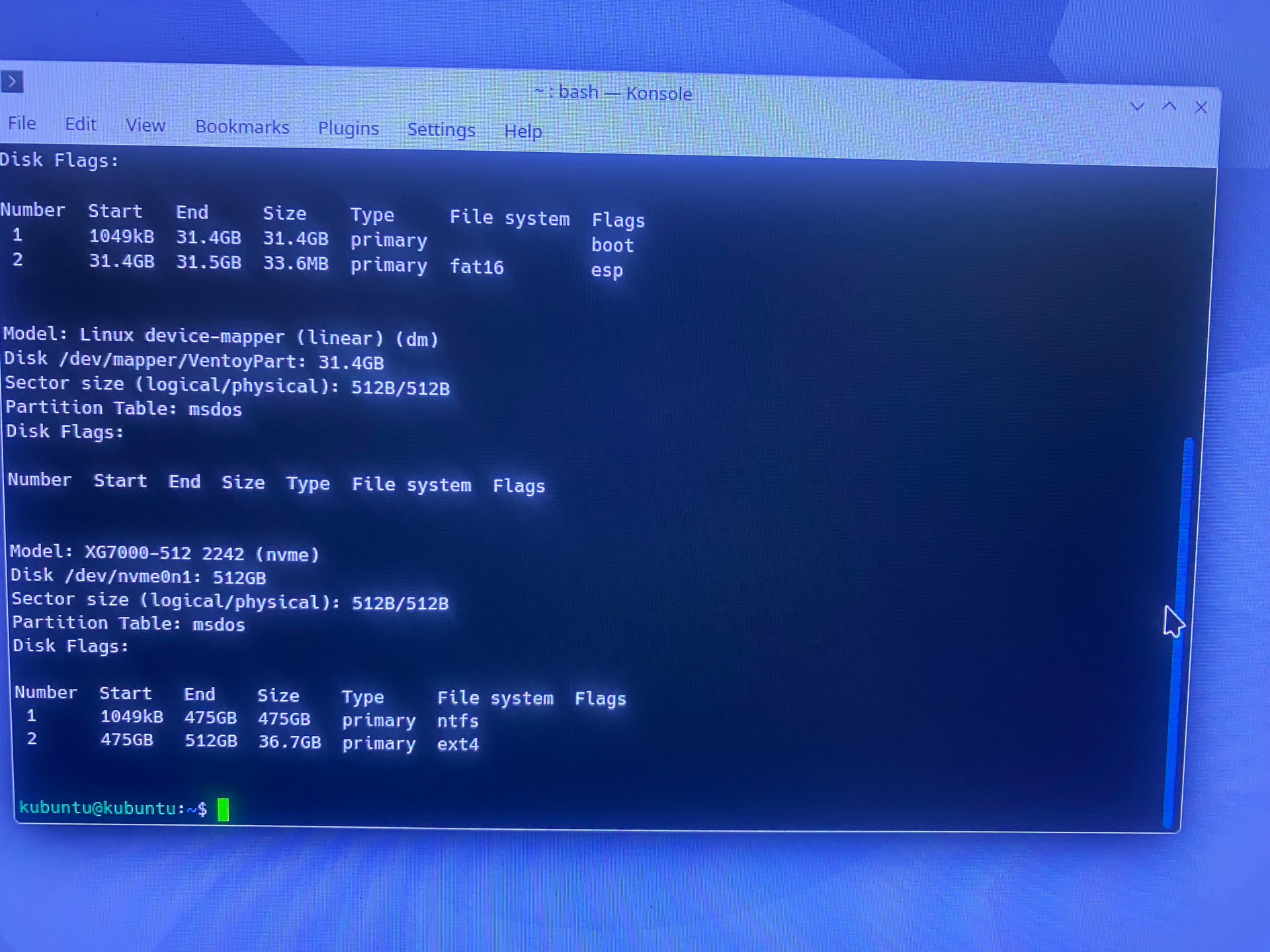
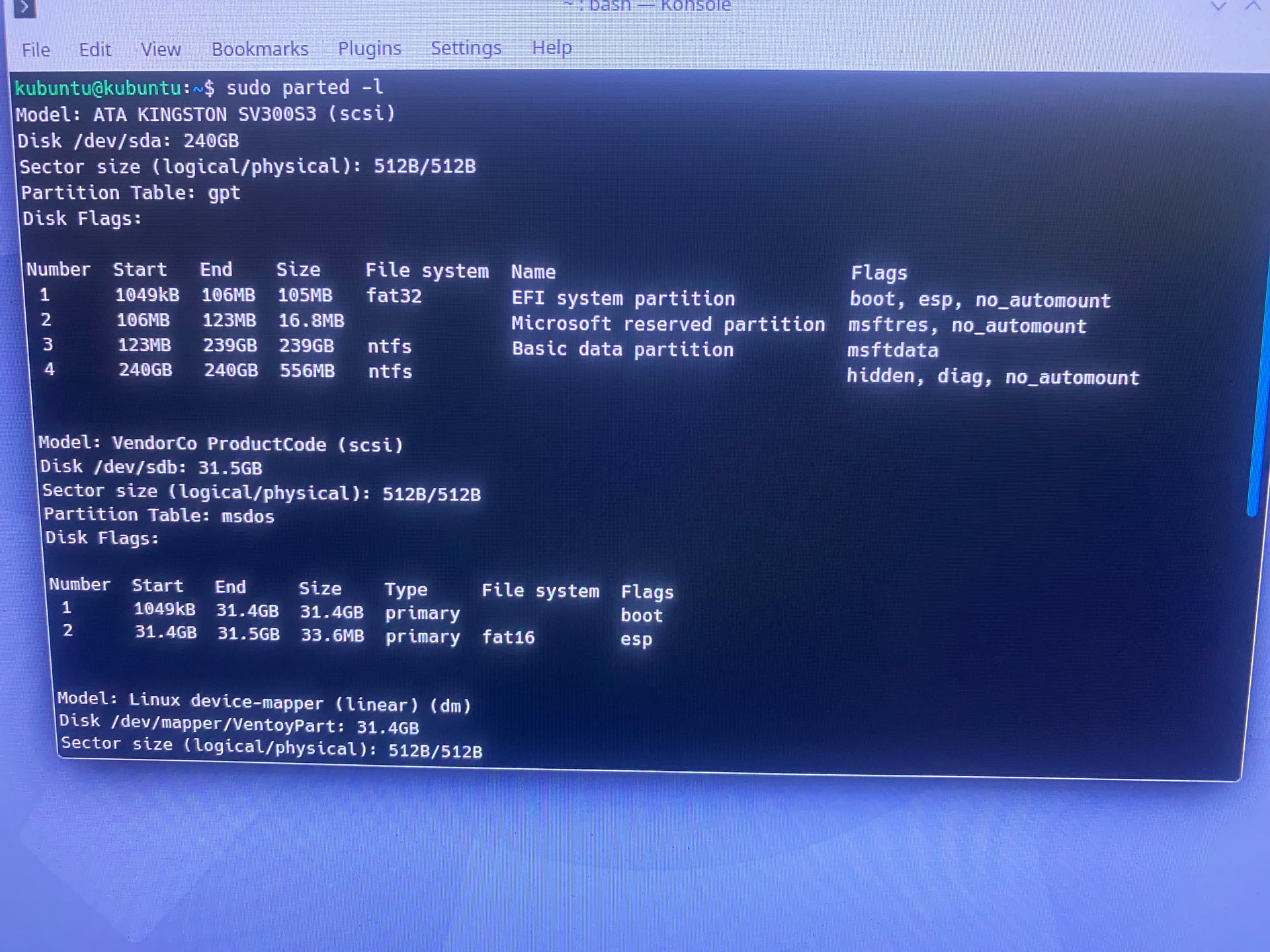
It would help members to help you if you posted ‘which’ windows OS release you are using as well as which Kubuntu. From what you posted, your windows OS was an EFI install. You can get some information on this by following the instructions in post 2 as well as by using the Kubuntu installer/live USB and booting it, opening a terminal and running the command: sudo parted -l and posting the complete output here. This will show whether you have a GPT drive, an EFI partition(s) as well as other partitions and fs types on both drives plugged in.
sorry for late response I make the holiday of 01/11. I tried what you say but i can’t select windows and ubuntu with f5 or f6 when i ´ m one OS Boot Manager.
You should have Microsoft Boot files in the ESP of your Windows disk (240GB Kingston).
Attach your Kubuntu USB, boot into a live session and explore the EFI partition (/dev/sda1 in your screenshot)
I understand now if by « Back up your personal data via a Kubuntu live session » you mean upload my all my windows files in a external disk i don’t have a external disk so go for «You’ll need Windows repair tools to fix the boot problem » directly and pray for none of my data disappears
It’s a difficult situation now.
As far as I see it:-
(a) Windows 10 is out of support since October 2025
(b) You do not have a backup of your personal data
(c) Your Windows 10 does not boot
(d) I do not recommend that you try any Windows repair without backing up your data
There is only one priority before anything else is attempted
Back up your personal data via Kubuntu live session
Is there any free space on your ntfs 475GB partition within the nvme0n1 disk?
I don’t understand what you mean with this information.
In one of your images you show a BIOS image indicating that the F9 key is one time boot options (same as with my HP) so repeatedly tap the F9 key on boot to see the options. You should have a windows and ubuntu (or at least a windows) option.
You show a 32GB drive which I expect is the Kubuntu live/install usb, is that correct?
You show a 240GB drive (sda) which is a GPT drive and has an EFI partition and only windows partitions while the 512GB drive has an msdos partition table and apparently has Kubuntu on the 2nd partition and a windows partition as the first partition.
With this information we can guess that you either did a legacy/CSM install of Kubuntu to that drive or you did an EFI install and your Kubuntu EFI files are on the windows drive (sda).
As suggested, try booting the Kubuntu USB, open a terminal and run sudo parted -l again just to verify that the drive with the EFI partition is sda. If it is run the following command to see if you have any Kubuntu files there:
sudo mkdir /mnt/sda1, sudo mount /dev/sda1 /mnt/sda1 then do ls /mnt/sda1/EFI to see if you have the Microsoft and ubuntu directories with EFI files.
Can you boot windows from the Boot Options in the BIOS with the F9 key?
I also have no idea what your comment about wsl means as it would be completely unrelated to an actual install of Kubuntu or any Linux OS.
In your image above you indicate you cannot access /dev/sda1. You need to be root (use sudo) for that but from what I can see, you are looking in the wrong place, namely the /dev/ directory.
When suggesting you access the ESP it is located in /boot/efi/EFI and in your case if you have a Kubuntu EFI install, it would show and ubuntu directory when searching in dolphin.
thank you for patience after a loot of research of knowing if I most clone my disk or copy-paste the user folder i decided to copy-paste the Users folder like backup of my data. so i’m ready for the next step.
P.S: for the wsl it’s because like a self leaning in web development i use WSL( Windows System for Linux) to make my project, site etc so i wanted know how save this because only them are important.